
A shopper adds a qualifying product, sees the promised gift appear, then removes something from the cart. The basket no longer qualifies, but the gift stays. At checkout, either you give away stock you didn't intend to give away or the shopper encounters a charge they weren't expecting.
That's where a get a free gift campaign becomes an operations problem rather than a merchandising idea. Adding the gift is the easy part. Rechecking eligibility, removing an unearned reward, keeping inventory accurate, and explaining the offer across the cart and checkout require more care.
The right app depends on those mechanics, not the longest feature list. A broad promotions suite makes sense when gifts sit alongside bundles and upsells. A focused automation tool can be better when you need a qualifying product to trigger a gift.
For each option below, distinguish advertised capabilities from behavior you still need to test. Don't assume automatic gift addition also guarantees automatic removal, checkout compatibility, or a warehouse-ready order.
Table of Contents
- 1. BOGOS Free Gift Bundle Upsell
- 2. Monk Free Gift with Purchase
- 3. EG Auto Add to Cart Free Gift
- 4. CartBot Gift with Purchase
- 5. Gift Box • Free Gift Purchase
- 6. Donum Free Gift with Purchase
- 7. Plus FreeGift
- How the seven free gift apps compare on pricing, gift triggers, and best-fit use cases
- Choose the Eligibility Rules Before You Choose the App
1. BOGOS Free Gift Bundle Upsell
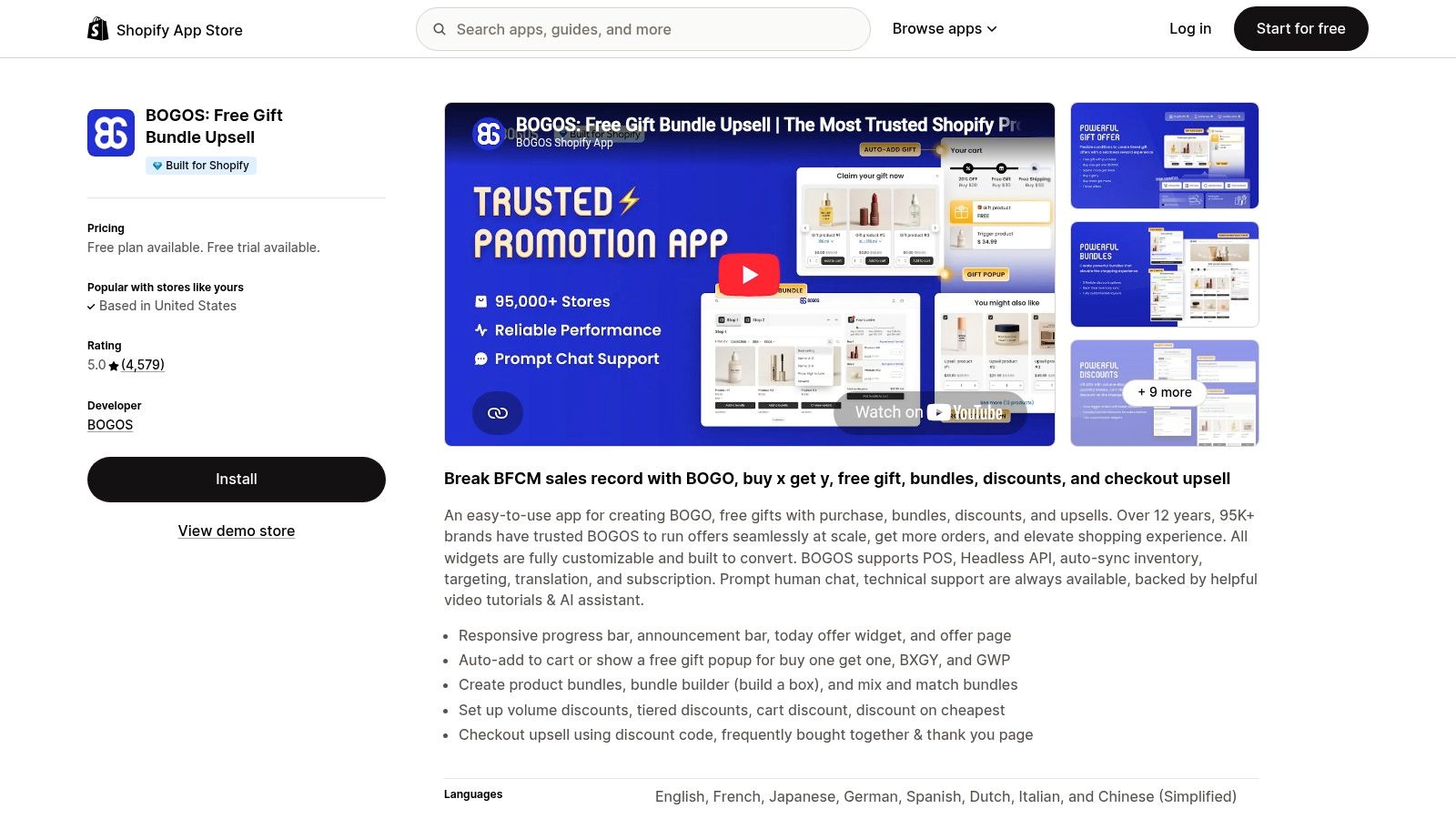
BOGOS suits stores that treat gifts as part of a broader promotion strategy. The BOGOS Shopify listing includes free gifts, buy-one-get-one offers, Buy X Get Y promotions, mix-and-match bundles, volume discounts, and upsells. Progress bars and announcement bars give merchants ways to explain the offer before shoppers qualify.
The trade-off is configuration complexity. When a bundle, discount, and gift can apply to the same basket, you need an explicit rule for whether those benefits stack. Work through your product bundling and pricing examples before building the campaign, particularly if discounted bundle items contribute toward the gift threshold.
Test overlapping promotions first
Start with the basket that creates the most ambiguity, not the easiest qualifying order.
- Eligibility: Establish whether the threshold uses the basket value before or after applicable discounts.
- Removal: Remove a qualifying product, reduce its quantity, and apply a discount that takes the basket below the threshold.
- Fulfillment: Confirm the gift reaches the order as an identifiable item with the intended discount treatment.
- Messaging: Make the progress bar agree with the actual qualifying calculation.
BOGOS offers room to expand beyond a basic gift campaign, but that breadth isn't automatically an advantage. Its limited free tier is better treated as an evaluation environment, while paid-plan allowances and potential extra-order charges deserve attention before a busy launch.
Choose it for promotional breadth. For a store with a single straightforward gift rule, a narrower app may be easier to maintain.
2. Monk Free Gift with Purchase
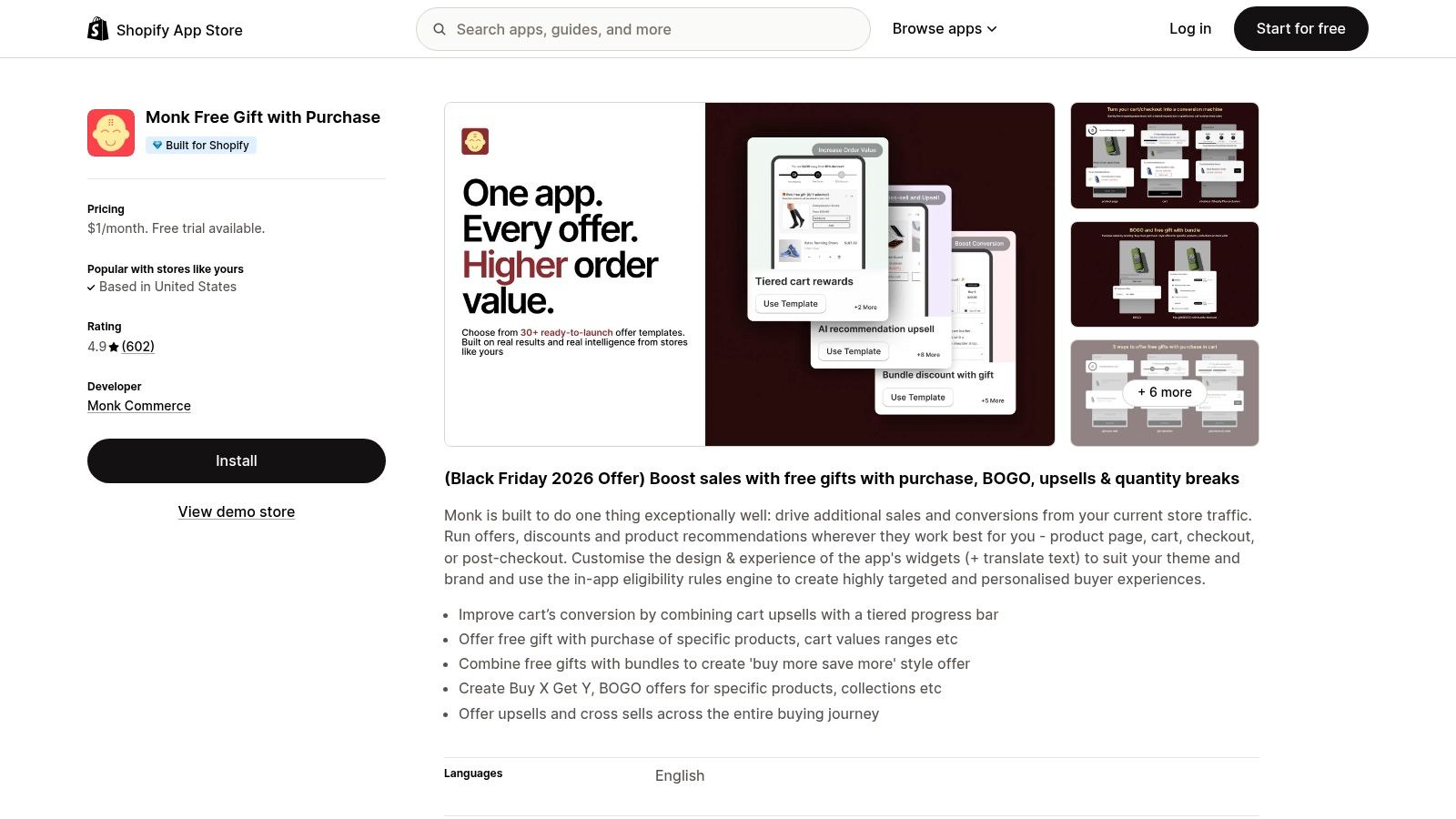
A skincare store might offer a complementary gift while also recommending an upgrade. Monk fits that combined merchandising approach, with product- and cart-value-based gifts, upsells, cross-sells, customizable widgets, and tiered progress bars described in the Monk Shopify listing.
Its appeal is the ability to coordinate offers across the shopping journey. The operational risk is showing shoppers competing prompts, especially when a paid recommendation looks similar to the free reward. Use distinct labels and explain whether adding the recommended product moves the customer toward eligibility.
Practical rule: A shopper should be able to distinguish the free gift from a paid upsell without opening either product page.
Separate persuasion from qualification
Build the eligibility rule first, then add the supporting widgets. If you're trying to increase average order value on Shopify, measure whether shoppers buy additional merchandise, not just whether they interact with the offer.
Test the cart drawer and any available checkout placement separately. Don't assume that an offer displayed on a product page will behave identically after a shopper changes variants, quantities, or discount codes.
Finally, inspect the completed order. The gift should be recognizable to fulfillment staff, and the shopper's confirmation should make its price treatment clear.
The trade-off: Monk can support a coordinated gift-and-upsell strategy, but it may be more functionality than a basic campaign needs. Theme compatibility and ongoing pricing deserve review before committing, particularly when an introductory offer differs from the continuing plan.
3. EG Auto Add to Cart Free Gift
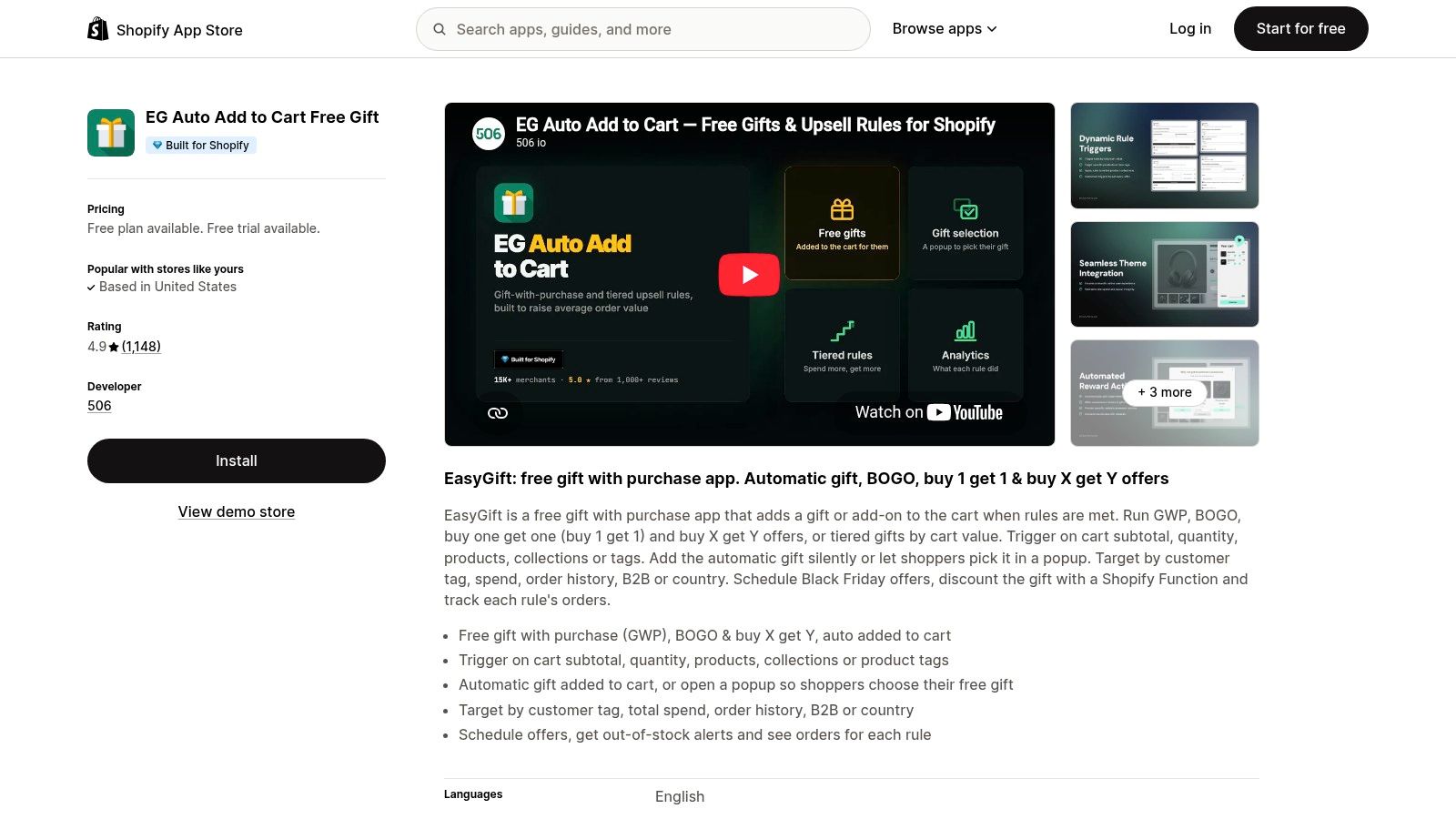
Automatic addition or customer choice? That decision matters more than the appearance of the gift popup. An automatically added sample removes a step; a choice-based offer lets shoppers select something they want.
The EG Auto Add to Cart Free Gift listing describes product, quantity, and cart-subtotal triggers, along with gift-choice popups, scheduling, and out-of-stock alerts. Its free starting plan provides a route to evaluating a simple campaign, while advanced targeting and simultaneous rules require a paid plan.
Follow the gift through the cart
EG is a focused candidate when the main requirement is getting the right gift into the basket. Still, auto-add behavior isn't proof of complete eligibility enforcement.
- Check recalculation: Change quantities and remove qualifying products after the gift appears.
- Check customer control: Remove the gift manually and see whether later cart updates add it again.
- Check availability: Make the gift unavailable and inspect both the offer message and checkout outcome.
- Check fulfillment: Confirm the selected gift variant, not just its parent product, appears correctly on the order.
Pay particular attention to your Shopify cart drawer. Test additions from product pages, collection quick-add buttons, and recommendations because those routes may update the interface differently.
The practical trade-off is speed versus interaction. Automatic gifts work well when the reward needs no explanation or selection. A popup is more appropriate when customers must choose a size, scent, or variant, but it introduces another action before checkout.
4. CartBot Gift with Purchase
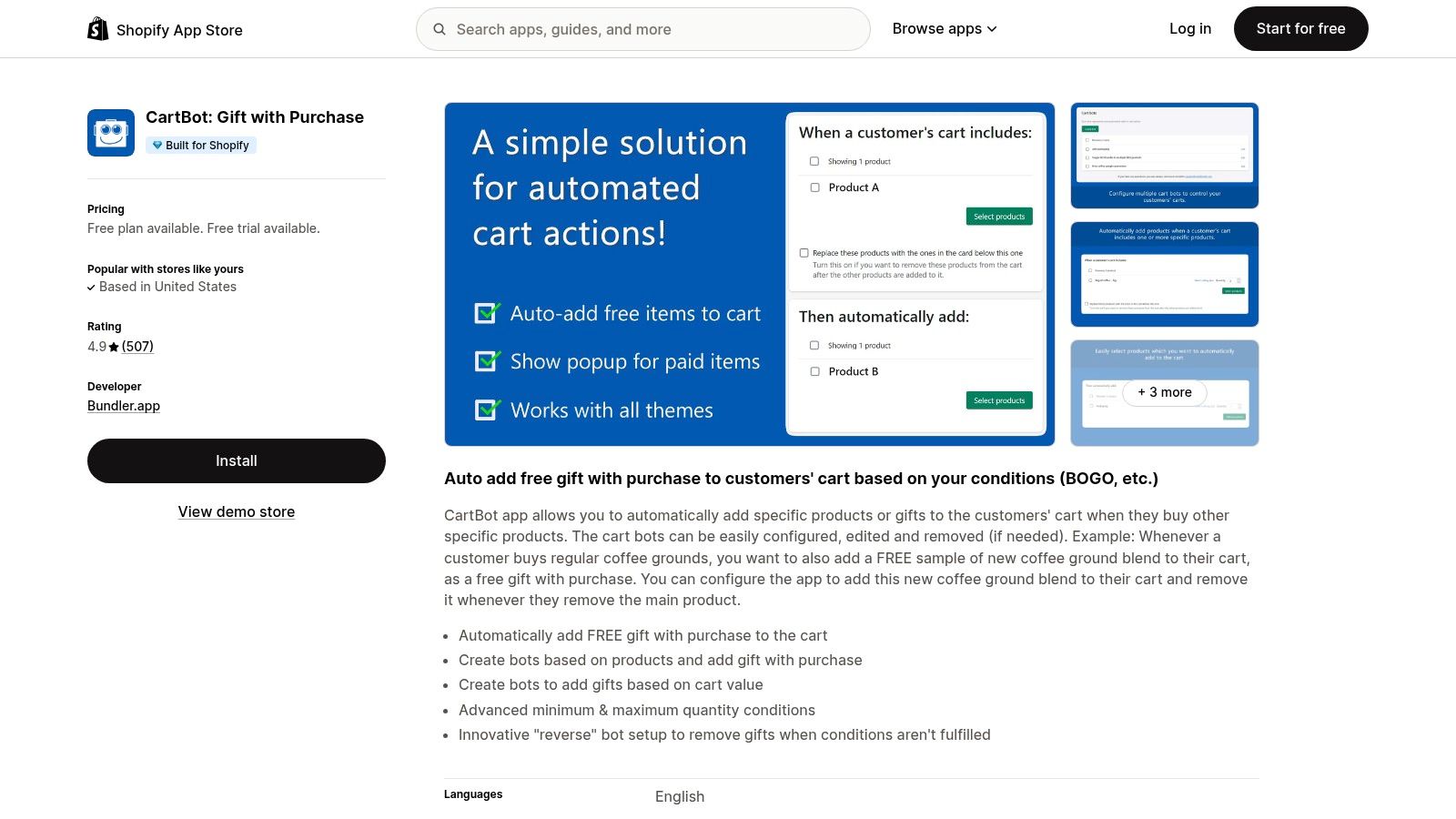
CartBot is the most directly aligned with the opening failure scenario. The CartBot Shopify listing describes product- and cart-value-triggered additions, plus rules that remove gifts when eligibility ends. That explicit removal capability makes it a sensible shortlist candidate for straightforward conditional gifts.
Say a coffee store gives away a scoop with a qualifying bag of beans. The intended behavior is uncomplicated: add the beans, receive the scoop; remove the beans, lose the scoop. CartBot's narrower scope suits that requirement better than a promotion system you'll barely use.
Don't accept a successful gift addition as a passed test. The decisive test is what happens after the shopper stops qualifying.
Define ownership of the gift line
Test what happens if the shopper already has the same gift product in the basket as a paid item. Your intended outcome should preserve legitimate purchases while removing only the promotional entitlement.
Then check quantity changes, repeat additions, and the transition into checkout. Subscription-compatible options are useful only if the campaign's subscription rules match your offer, so verify whether eligibility belongs to the initial purchase or a different order context.
CartBot's trade-off is limited merchandising breadth. It isn't the obvious choice for elaborate gift-selection experiences or coordinated upsells, and advanced conditions and scheduling sit behind the paid plan.
Choose it when rule execution is the priority. You'll still need clear storefront copy, recognizable gift labeling, and a return policy that explains what happens when the qualifying purchase is returned.
5. Gift Box • Free Gift Purchase
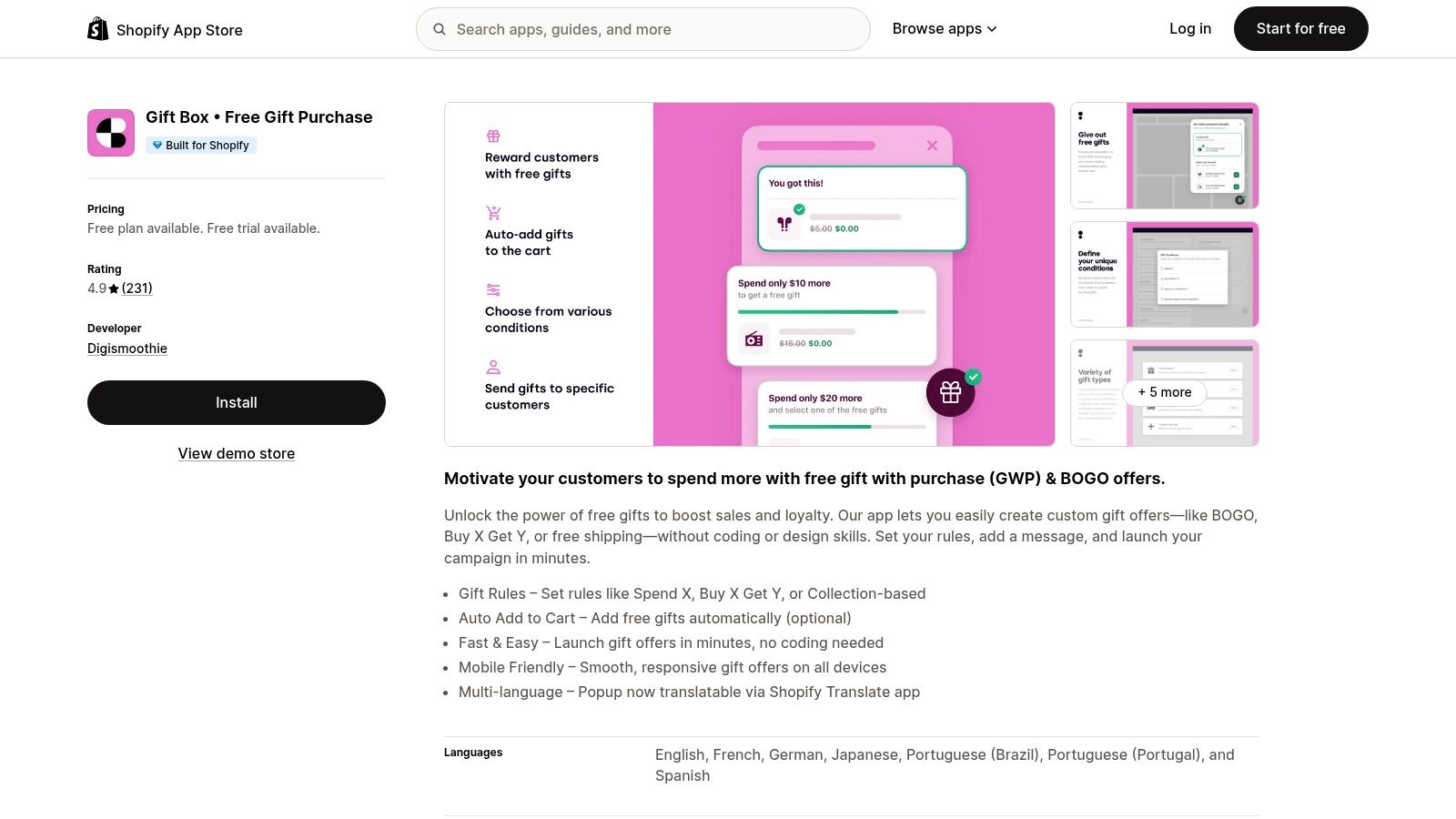
For a multilingual storefront, accurate offer wording is part of the eligibility system. A translated popup doesn't help if the customer sees different conditions in the cart or discovers an unexplained charge at checkout.
The Gift Box Shopify listing describes spend-, product-, and collection-based rules, optional automatic addition, mobile-responsive displays, and multilingual popup text. That makes it relevant when presentation across storefront languages matters alongside the gift trigger.
Translate the conditions, not just the headline
Translate the qualifying requirement, remaining-spend message, stock limitation, and return conditions. If thresholds differ by market, confirm that the displayed currency and eligibility calculation remain consistent.
- At the offer: State which products or collections qualify and whether shoppers must select their gift.
- In the cart: Show the chosen reward and explain any remaining requirement.
- At checkout: Confirm the promised gift is present with the intended price treatment.
- After purchase: Make the gift identifiable in the confirmation and fulfillment workflow.
The surrounding costs matter too. In FedEx's holiday ecommerce report, 82% of consumers buying gifts online identify shipping costs as their top consideration. Don't let a free-gift headline imply free delivery when the order still carries shipping charges.
The trade-off is presentation flexibility versus ongoing cost. Gift Box may justify its paid-plan structure for multilingual campaigns, but a basic domestic offer may not need that breadth. Its free availability is limited to trial and development stores, so budget for the live-store arrangement rather than assuming a permanent free campaign.
6. Donum Free Gift with Purchase
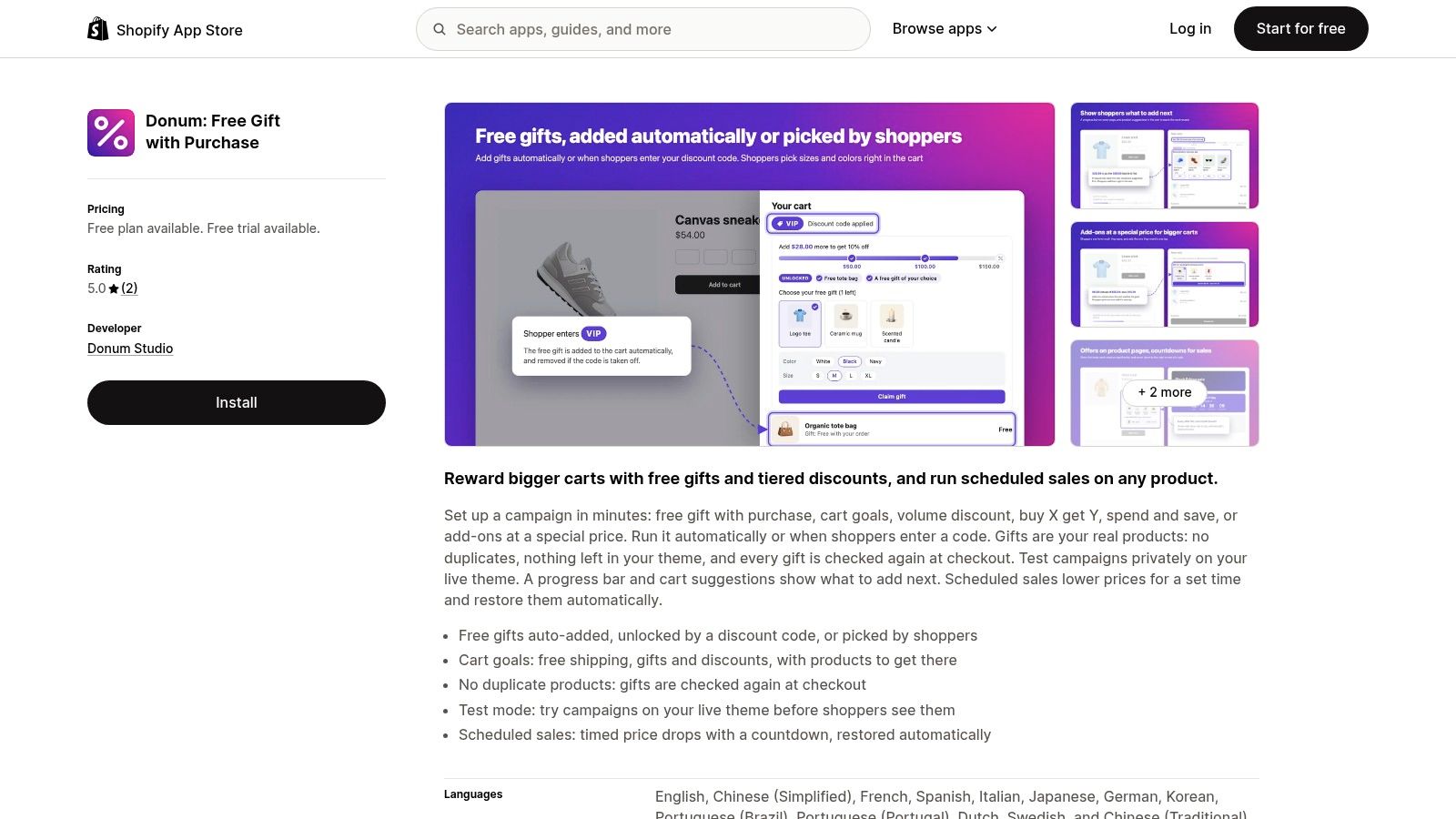
Donum's test mode is a useful reason to evaluate it. The Donum Shopify listing describes automatically added and shopper-selected gifts, cart goals, discount-code-linked campaigns, scheduled sales, and a mode for checking campaigns before exposing them to shoppers.
That combination suits a merchant who wants a spend goal tied to a gift rather than an isolated popup. It also creates dependencies: a discount code might affect the qualifying subtotal, while a shipping goal and gift goal might use different conditions.
Rehearse the whole order
Use test mode to inspect a complete shopping path, then verify the live storefront before promoting the offer. Include a qualifying purchase, a disqualified basket, a changed gift selection, and an unavailable reward.
Don't stop at the browser. Inspect how the resulting order identifies the gift, whether inventory changes as expected, and what fulfillment staff see.
Launch gate: The promotion is ready when the cart message, checkout result, and fulfillment instruction all describe the same entitlement.
Donum's limited public review history means there's less evidence for judging long-term reliability. That doesn't rule it out, but it makes a reversible launch and a narrow initial campaign sensible.
The free plan supports an initial evaluation; broader campaign use and shopper gift selection require a paid plan. Choose Donum for controlled campaign preparation and combined cart goals, provided its tested behavior matches your theme, checkout path, and discount rules.
7. Plus FreeGift
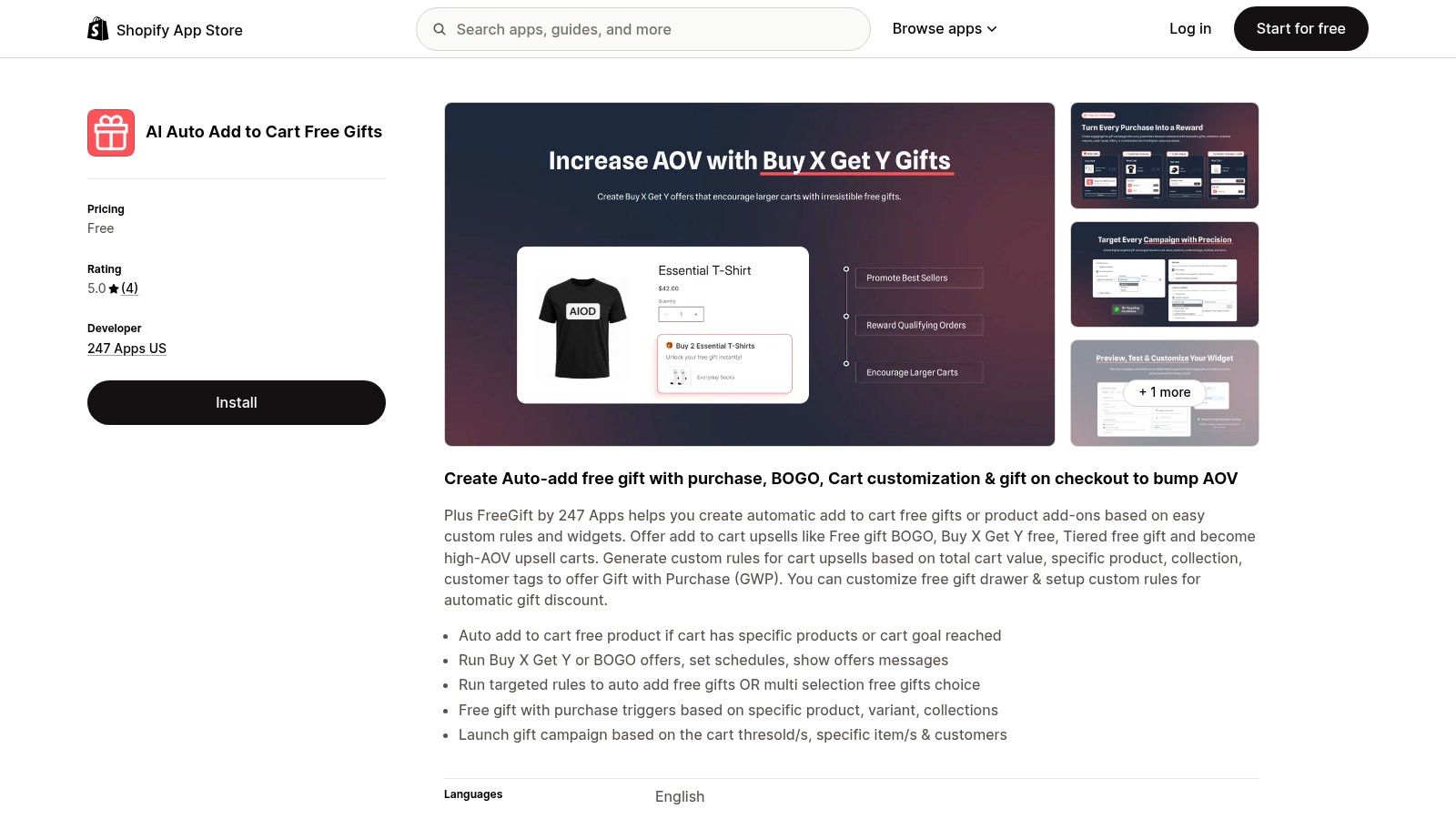
A customer-tag-based gift sounds simple until an eligible shopper browses while logged out. Plus FreeGift deserves attention when audience-specific rules matter, but identity-dependent offers need particularly clear messaging.
The Plus FreeGift Shopify listing describes automatic and customer-selected gifts, customizable gift drawers, tiered offers, and conditions involving cart value, products, collections, and customer tags. Its free listing makes evaluation accessible, although its short review history provides limited reassurance about long-term reliability.
Test identity as well as basket value
For a tagged-customer campaign, test the transition from anonymous browsing to an identified customer. Check when the offer becomes visible and whether eligibility updates without leaving a stale gift in the basket.
- Audience rules: Verify that eligible customers receive the offer and excluded customers don't.
- Gift choice: Confirm that switching gifts replaces the promotional selection rather than adding another entitlement.
- Threshold changes: Reduce the basket below the requirement and inspect the drawer and checkout.
- Order labeling: Ensure the selected reward is clear to the customer and warehouse.
Automatic addition isn't always the better experience. Reporting on corporate giveaway sustainability describes a move away from low-quality freebies toward useful, durable gifts. Give shoppers a way to decline a reward they won't use.
Choose Plus FreeGift as an evaluation candidate for flexible targeting and gift choice. Don't confuse a free install with a risk-free launch: compatibility, removal behavior, inventory handling, and current plan limits still need verification.
How the seven free gift apps compare on pricing, gift triggers, and best-fit use cases
| Item | Free Plan | Gift Triggers | Best For |
|---|---|---|---|
| BOGOS: Free Gift Bundle Upsell | Testing with 30 lifetime orders | Free gifts, BOGO, Buy X Get Y, bundles, and volume offers | Merchants running a broad promotion strategy |
| Monk Free Gift with Purchase | Check current plan details | Products, cart-value ranges, BOGO, and Buy X Get Y | Stores combining gifts with upsells and cross-sells |
| EG Auto Add to Cart Free Gift | One live rule and one auto-added gift | Product, quantity, or cart subtotal | Stores seeking a free, focused gift app |
| CartBot: Gift with Purchase | Free plan available | Qualifying products or cart value | Straightforward automatic gift rules |
| Gift Box • Free Gift Purchase | Limited to trial and development stores | Spend, products, or collections; BOGO | Merchants needing multilingual gift offers |
| Donum: Free Gift with Purchase | One active campaign | Cart goals, gifts, discounts, and discount codes | Stores testing gifts alongside cart goals and scheduled sales |
| Plus FreeGift | Listed as free; check plan limits | Cart value, products, collections, customer tags, and BOGO | Merchants evaluating flexible gift rules at no cost |
Choose the Eligibility Rules Before You Choose the App
Write the offer in plain language before installing anything: which merchandise qualifies, how the spend threshold is calculated, which customers and markets are eligible, and whether discounts change the requirement. If your team can't explain the entitlement consistently, the app configuration isn't ready.
Next, decide between automatic addition and shopper selection. Auto-add suits a simple reward that needs no variant choice. Selection makes more sense when fit, preference, or usefulness determines whether the shopper wants the gift.
Make removal a launch requirement
Test a qualifying cart, then deliberately break eligibility. Remove a qualifying item, reduce quantities, apply an eligible discount, and change the gift's availability. Confirm the result after refreshing the page and entering checkout, not just immediately after the cart updates.
Check that the gift remains visible and correctly labeled in the cart drawer. At ServeApps, our CartServe rewards bar includes free-shipping and spend-tier goals to show progress toward a gift threshold; CartServe and UpServe have fully free plans with no trial clock or card required, and you can book a demo to walk through setup. Treat progress messaging as the explanation of eligibility, not a substitute for the gift app enforcing it.
Before launch, assign responsibility for the operational details:
- Merchandising: Choose the reward, qualifying merchandise, exclusions, and stock fallback.
- Development: Verify cart updates, removal behavior, checkout paths, and app interactions.
- Operations: Confirm gift identification, picking instructions, cancellations, and partial returns.
- Marketing: Keep campaign copy consistent and choose topics using Search Console evidence when building supporting content.
Finally, judge the campaign by incremental contribution, not gift redemptions alone. Compare additional merchandise revenue with gift cost, fulfillment expense, discounts, and returns. A get a free gift offer is worth keeping when it produces profitable orders without leaving customers or staff to resolve contradictory rules.
ServeApps offers configurable Shopify cart experiences, contextual upsell popups, and self-service order editing. Visit ServeApps to explore the free CartServe plan or book a demo to walk through gift-progress messaging alongside your chosen promotion app.
Shopify Store Credits: Issuing, Redeeming and Accounting
Learn what Shopify store credits are, how they differ from gift cards and refunds, and how to issue, redeem and account for them.
Read more →
Can You Have Multiple Stores on Shopify? Plans and Limits
Can you have multiple stores on Shopify? Yes, through organizations or Plus expansion stores. Compare plan limits, eligibility and setup tips.
Read more →
Product Customizer App Shopify: Choosing the Right Tool
Compare native and third-party product customizer app shopify options on speed, theme support, variant mapping and SKUs before you install one.
Read more →