
A shopper adds your best seller to the cart. You've paired it with the perfect add-on. Then nothing happens. The offer sits on the product page she already left, or pops up after checkout when she's already closed the tab, or gets buried inside a cart drawer your theme replaced months ago. The product fit wasn't the problem. The placement was.
That's the gap most stores don't notice until they've paid for two or three apps. The best upsell apps for Shopify aren't separated by star count. They're separated by where the offer appears, whether that moment matches how your shoppers buy, how the app bills you as orders grow, and whether you're on Shopify Plus, which gates checkout placement. Context matters because friction kills orders. The Baymard Institute cart abandonment benchmark places the average documented ecommerce cart-abandonment rate at approximately 70.22%, and 40% of surveyed US online shoppers abandoned checkout because additional costs such as shipping, taxes, or fees were too high.
I've grouped the ten apps below by placement and merchant situation instead of pretending one ranking fits every store. If your storefront itself needs work before you layer offers on top, fix that foundation first with proper Shopify ecommerce design and development, then pick the placement your traffic can support.
Table of Contents
- 1. Upserve
- 2. Rebuy Personalization Engine
- 3. Upsell.com (formerly ReConvert)
- 4. Aftersell Post Purchase Upsell
- 5. Upsell and Cross Sell Selleasy
- 6. Frequently Bought Together CBB
- 7. One Click Upsell Zipify OCU
- 8. Monk Free Gift BOGO and Upsell
- 9. Upcart Cart Drawer Cart Upsell
- 10. AW Upsell Cross Sell and FBT
- How the 10 Shopify upsell apps compare on free plans, upsell placements, checkout access, and best-fit merchants
- Matching Your Upsell App to Your Store's Real Bottleneck
1. Upserve
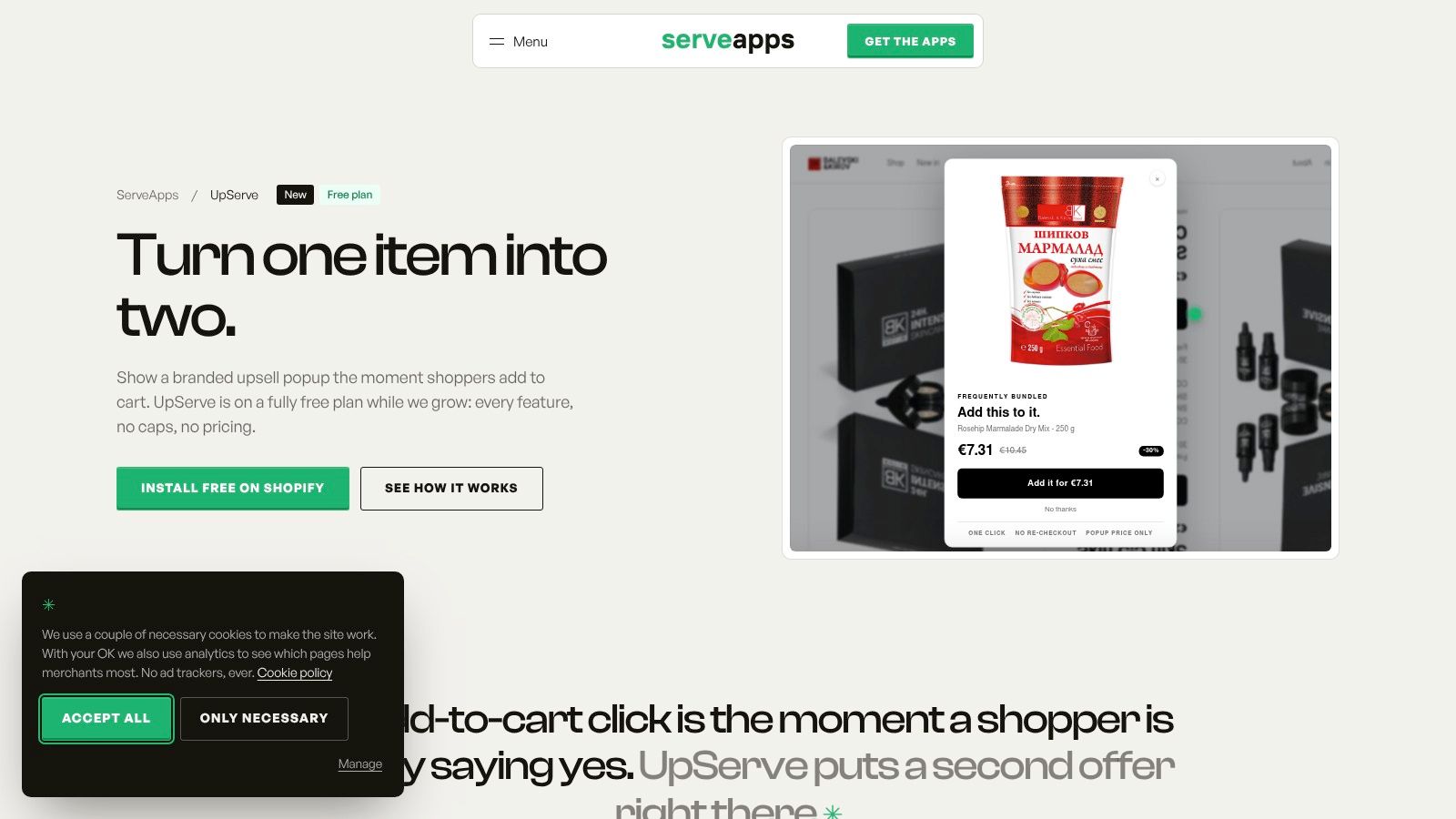
Upserve is our Shopify-native app at ServeApps, built for one specific moment. It presents a relevant offer right when a shopper adds an item to the cart, while intent is fresh and the original product is still in mind. That timing is the whole argument for an add-to-cart popup over a buried product-page widget.
You build popups around frequently bundled products, set a percentage or fixed-amount discount per upsold item, and shoppers see that discount applied automatically when they add it. Design control goes down to the pixel for colors, corners, shadows and spacing, or you can start from a template if you don't want to style from scratch. On Shopify Plus, upsells can also appear in the checkout.
What you can actually measure
Each popup reports its own impressions, add-to-carts, conversions, conversion rate and revenue over time. That per-popup view matters more than a storewide revenue number, because it tells you which pairing earns its place and which one you're discounting for no reason. A reviewer said the first upsells came in within days of installing the app.
- Pros: Timely add-to-cart offers for complementary purchases, bundled-product offers with discounts you control, detailed styling and templates, per-popup analytics, Shopify theme app extensions, and it's currently on a free plan.
- Cons: Checkout upsells are limited to Shopify Plus, and results still depend on product fit, traffic volume, and whether shoppers want the pairing at all.
I recommend it when your catalog has obvious companions and you want proof per offer before paying for a full funnel suite.
2. Rebuy Personalization Engine
Rebuy isn't really an upsell widget. It's a personalization and merchandising platform that happens to include upsells across product pages, the cart, checkout, and post-purchase. That breadth makes sense for an established brand with enough traffic and catalog data to feed it, and it's overkill for a twenty-product store.
The case for paying for algorithmic recommendations over hand-picked rules is real but conditional. A large-scale Shopify upsell benchmark found AI-generated recommendations converted at 3.2% versus 1.9% for hand-picked offers, though that dataset came from one app ecosystem, so treat it as directional. You still need the order history to make the algorithm smarter than your own merchandising instinct.
- Pros: Smart Cart upsells, bundles, cross-sells, and search and merchandising tools in one system, with no-code, low-code, and custom-code paths. Merchants praise the testing flexibility and hands-on support.
- Cons: It requires more setup and ongoing optimization than a single-purpose widget, and pricing and plan eligibility vary, so check the current listing before budgeting.
Buy Rebuy when you'd otherwise stack three merchandising apps and you have someone on the team who'll run the tests. Otherwise, you're paying for capacity you'll never configure.
3. Upsell.com (formerly ReConvert)
Some stores don't have a placement problem. They have a coverage problem. Upsell.com addresses that by running offers on product, cart, checkout, post-purchase, and thank-you pages from one app, with one-click post-purchase upsells and downsells at the center.
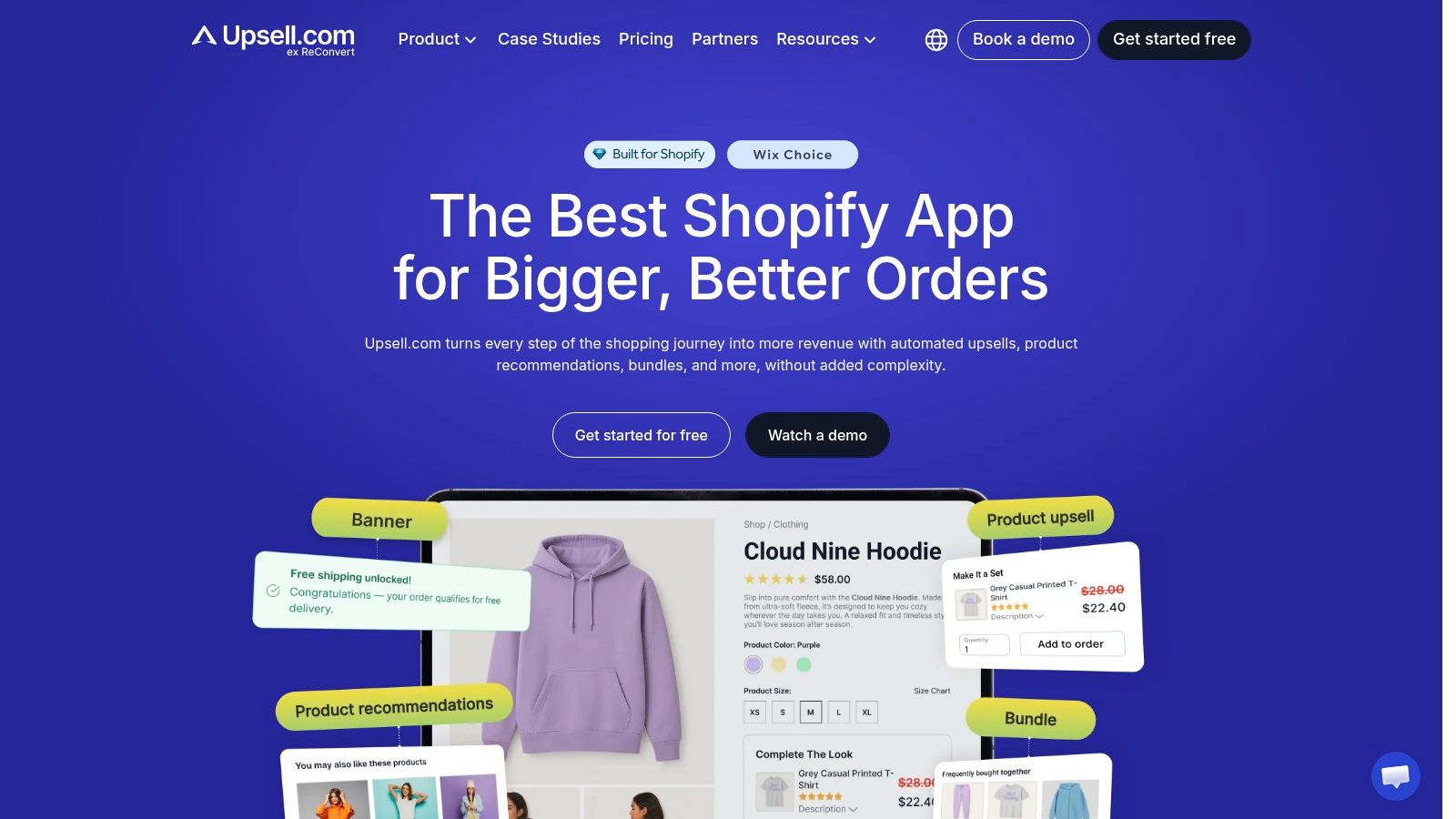
You get AI recommendations, bundles, quantity breaks, and pop-ups, plus A/B testing, segmentation, and funnel analytics to compare placements against each other. That comparison is the point. If you can't tell whether your cart offer or your thank-you page offer is doing the work, you can't fix either one.
Don't turn on every placement on day one. Start with one, get a clean baseline, then add the next surface.
At research time it carried about 4.8 stars from 3,100 reviews, and merchants commonly praise the offer flexibility and testing tools. The trade-offs are configuration time, checkout upsells requiring Shopify Plus, and costs that can rise with order volume or upsell revenue. For a merchant who wants to test the full funnel and will read the analytics weekly, it's a sensible single purchase. For a merchant who wants one offer live by lunch, the option count works against you.
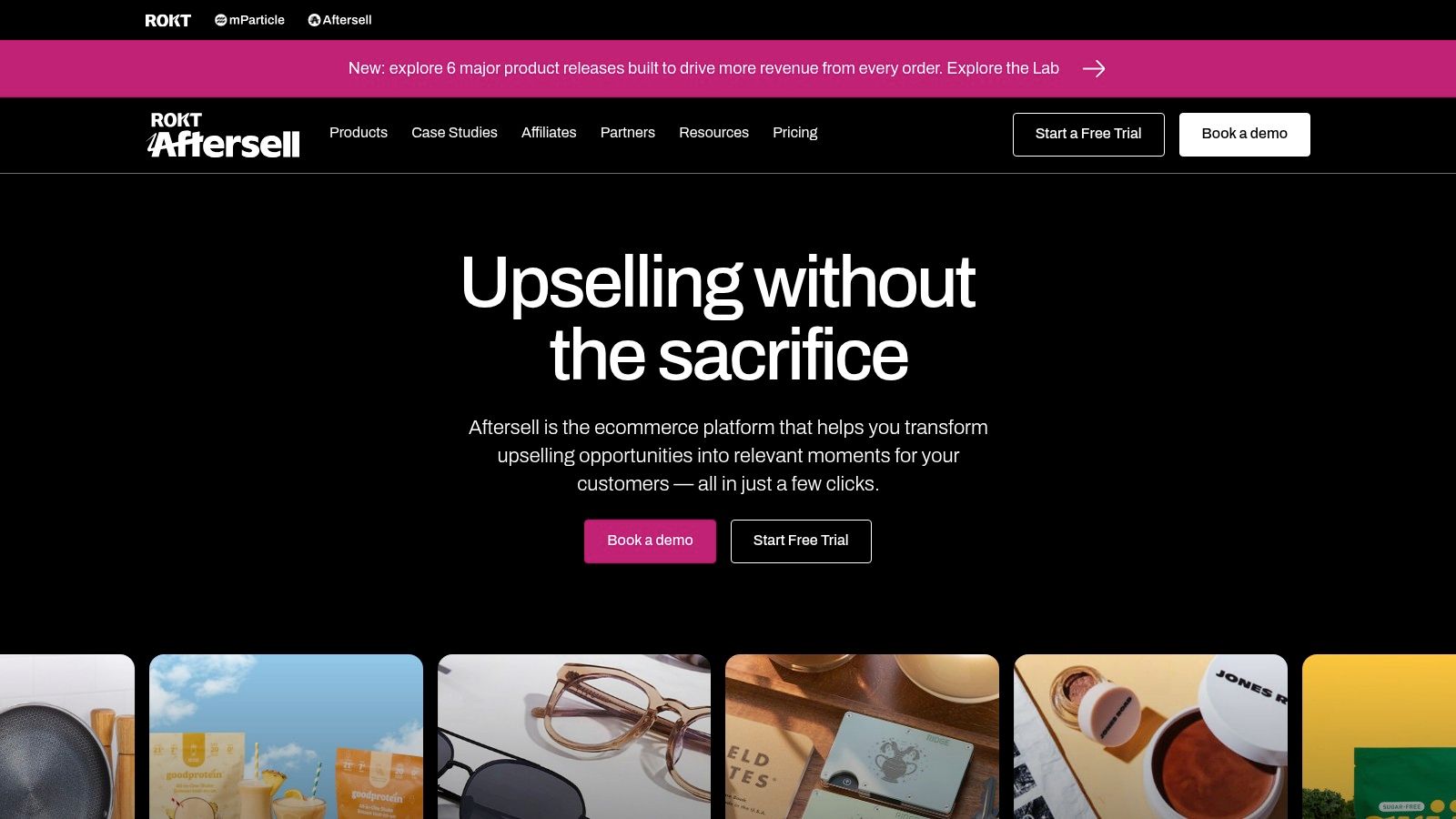
4. Aftersell Post Purchase Upsell
Post-purchase is the one placement where a declined offer costs you nothing. The order is already paid. Aftersell, from Rokt, builds around that logic with one-click post-purchase upsell and downsell funnels and thank-you-page offers, then layers on a cart builder with rewards and testing.
Targeting runs by product, cart value, customer tags, and language, which is where post-purchase either gets sharp or becomes noise. If you're learning how to sequence these offers, our guide to building a post-purchase upsell that doesn't annoy buyers covers the funnel logic in detail.
Frequency discipline matters here. One vendor analysis cited in an Oxify comparison of Shopify upsell apps reported acceptance fell to 1% by the fourth offer in a session. Those figures aren't independent benchmarks, but the direction is right. Cap your sequence.
Plans reach $79.99 per month for Complete, checkout widgets need Shopify Plus, and the cart features can overlap with apps you've already installed. It held roughly 4.8 to 4.9 stars from over 1,000 reviews at research time. Pick it when post-purchase is the priority and you'll test funnel length.
5. Upsell and Cross Sell Selleasy
Selleasy groups a broad set of upsell and cross-sell formats in one app, including frequently bought together offers, product add-ons, cart-drawer offers, pop-ups, and post-purchase offers. That range can suit a store still deciding where recommendations work best, but a wide menu also means more placement and theme testing.
Where the variety helps and where it doesn't
- Recommendation options: Manual and Shopify recommendations are available, with AI recommendations on paid plans. Multilingual and multi-currency support can help stores selling across markets.
- Support: Chat, email, and Zoom assistance are available for setup issues, including getting a widget to fit a theme.
- Social proof: Selleasy has a strong reviewer standing and a free entry tier for stores that want to start without committing to a paid plan.
The trade-off is operational: you may use only a few formats, while still needing to test how each one fits your theme and existing app stack. Advanced AI, targeting, and checkout features depend on paid plans or Shopify Plus. Checkout access is relevant only to Plus merchants, and cart, bundle, or promotion features may overlap with apps already installed.
Selleasy fits stores that want to compare several upsell placements from one app. Start with the formats that match your current bottleneck, then check for overlap before adding more.
6. Frequently Bought Together CBB
Not every store needs a funnel. Some just need shoppers to add the second item that obviously belongs with the first. Frequently Bought Together by Code Black Belt does that one job on product and cart pages, and the narrow scope is its strength.
You can run AI-driven, manual, or global-rule bundle recommendations, apply bundle discounts, and let shoppers add the whole set in one click. The choice between automated and manual pairing matters. Manual rules win when compatibility is essential, such as parts that only fit one model. Automated rules win when your catalog is too large to curate. Our breakdown of how related products in Shopify should be selected walks through that logic.
Practical rule: If a wrong pairing creates a return, hand-pick it. If a wrong pairing just gets ignored, let the algorithm work.
It held about 4.9 stars from around 1,200 reviews at research time, has Built for Shopify status, and reviewers praise setup and widget customization. Against that, there's no full post-purchase or checkout funnel, the free tier limits you to three manual bundles, and paid pricing scales with order volume. Buy it for items per order, not for funnel building.
7. One Click Upsell Zipify OCU
Pricing model is the decision here, not features. Zipify OCU covers product pages, the cart, pre- and post-purchase, and thank-you pages, with a product-page widget, cart-drawer offers, AI-assisted recommendations, and Shopify Plus checkout upsells. Competent coverage. But it bills on attributed upsell revenue.
Revenue-based billing sounds fair because you pay when it works. The trap is attribution. If the app credits itself for a purchase the shopper would've made anyway, you're paying a cut on revenue that isn't incremental, and your bill climbs into higher tiers during the exact months your ad spend also climbs. Run a holdout before you accept the app's own numbers.
Reviewers often praise the templates, A/B testing, and support, and the listed starting plan includes a 30-day trial, which is enough time to test incrementality properly if you set up the control group on day one. Checkout upsells require Shopify Plus.
Choose OCU if you prefer costs that track attributed revenue and you'll verify that attribution yourself. Choose a flat fee if forecasting a monthly app bill matters more than theoretical fairness.
8. Monk Free Gift BOGO and Upsell
Monk isn't selling relevance. It's selling incentive mechanics. Free gifts, BOGO offers, quantity breaks, volume discounts, and rewards give shoppers a reason to add one more unit, which is a different lever than showing a complementary product and hoping.
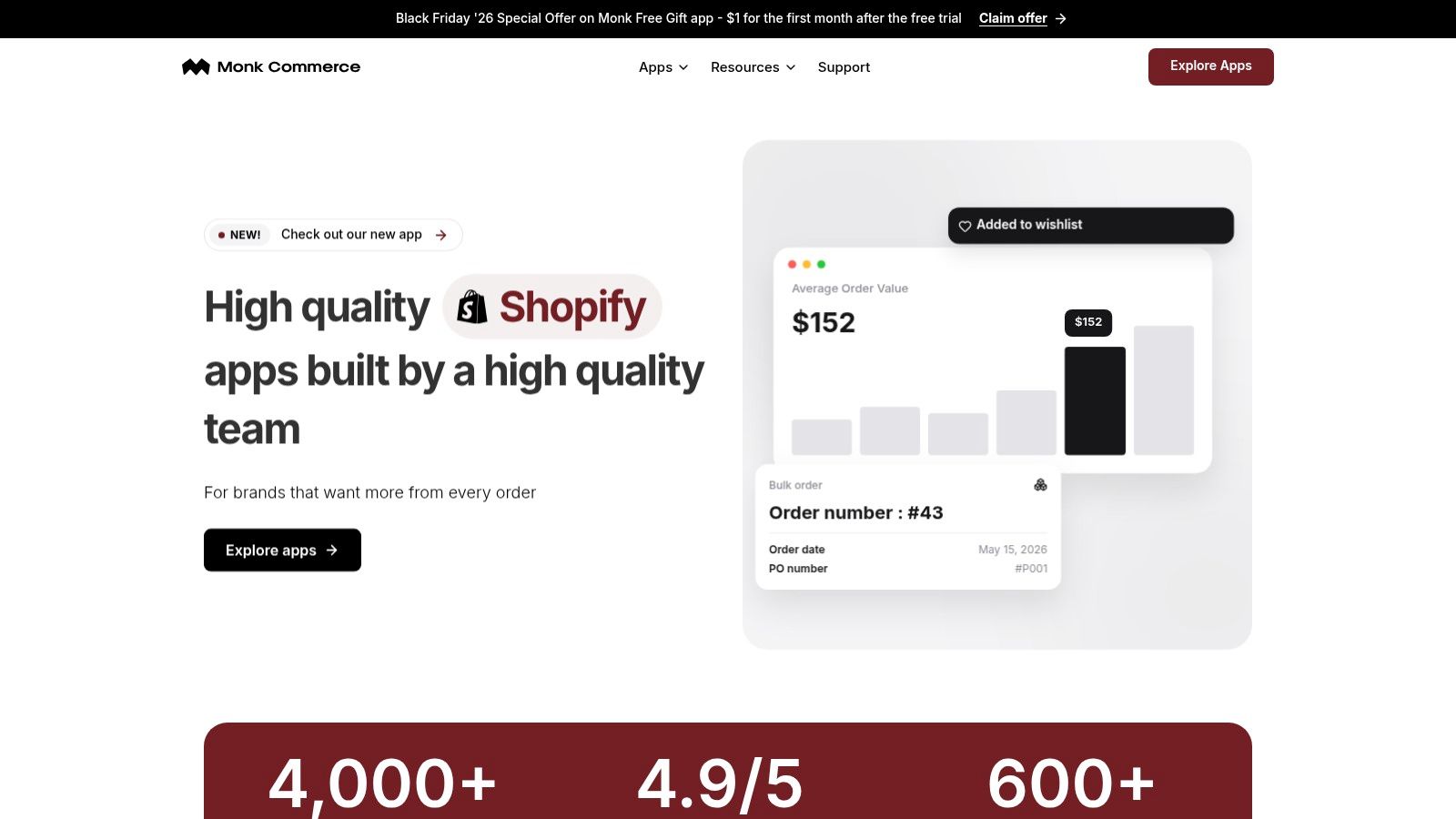
The rules engine handles offer eligibility and targeting across product, cart, checkout, and post-purchase placements, with widget styling and translation options. If a threshold gift is your main tactic, our guide on how to get a free gift offer working in Shopify explains the setup and the margin math behind it.
That margin math is where promotion apps get stores in trouble. A free gift that lifts conversion can still lose money once you add product cost, picking, and shipping weight. Test contribution margin per order, not just acceptance rate.
It held about 4.9 stars from roughly 600 reviews at research time, merchants praise the promotion range and ease of setup, and reviewers value that it doesn't charge a percentage of sales. The advertised $1 first-month offer is promotional, so check ongoing pricing. Discounts also need testing alongside other promotion and checkout apps to avoid stacking conflicts.
9. Upcart Cart Drawer Cart Upsell
A shopper on a non-Plus store never sees an upsell inside checkout. The cart drawer is the last merchandising surface you still control. Upcart is built for that slot: a customizable slide cart with in-cart upsells, add-ons, announcements, and a free-shipping progress bar.
The progress bar only works when the remaining amount looks reachable. If free shipping sits far above what people already spend, they close the drawer. Set the goal near your typical order, watch whether carts stretch, then move the threshold.
Replacing the drawer also replaces a script that runs on every page view. Google's Core Web Vitals, LCP, CLS, and INP, are the right speed checks before you go live. Measure the storefront before install and again after, and only then judge whether the new cart is worth keeping.
It's Built for Shopify. Reviewers point to the cart modules and design control, including custom HTML and CSS. It will not run a post-purchase funnel. If another cart drawer, bundle block, or in-cart upsell is already live, confirm they do not occupy the same surface before you pay for both.
10. AW Upsell Cross Sell and FBT
AW Upsell, Cross Sell & FBT combines AI recommendations, related products, frequently bought together bundles, and add-ons across product, cart, checkout, and post-purchase placements. That range suits merchants who want recommendations in several parts of the shopping journey, though configuring and measuring each placement takes work.

Measure placements separately. The Bluecore customer movement benchmark reports that product recommendations can account for up to 31% of ecommerce revenue, but attributed revenue does not establish incremental lift. Compare impressions, acceptance, and revenue by placement rather than relying on a blended total.
- Pros: Broad placement coverage in one app, one-click add-ons, a free tier, and merchant feedback praising support and continued use.
- Cons: Paid plans are based on recommendation clicks, so estimate expected usage before a busy month. Each placement needs configuration and testing, and the app may offer less depth than a tool focused on one funnel stage.
Check whether your Shopify plan and configuration allow checkout upsells before relying on that placement. AW is a fit when you want recommendations across the store; merchants focused on a single step may prefer a specialized tool.
How the 10 Shopify upsell apps compare on free plans, upsell placements, checkout access, and best-fit merchants
| Item | Free Plan | Upsell Placements | Checkout Upsells | Best For |
|---|---|---|---|---|
| Upserve | Available | Add-to-cart popups | Available for Shopify Plus stores | Shopify stores seeking styled add-to-cart offers and popup analytics |
| Rebuy Personalization Engine | Not specified | Recommendations across the shopping journey, Smart Cart, and post-purchase | Available depending on setup and plan | Established stores seeking broad personalization and merchandising tools |
| Upsell.com (formerly ReConvert) | Not specified | Product, cart, checkout, post-purchase, and thank-you pages | Requires Shopify Plus | Merchants seeking a full-funnel upsell app with testing and analytics |
| Aftersell Post Purchase Upsell | Not specified | Post-purchase, thank-you page, and cart | Checkout widgets available to Shopify Plus stores | Merchants prioritizing post-purchase funnels and cart features |
| Upsell & Cross Sell, Selleasy | Free entry tier | Product pages, cart drawers, popups, and post-purchase | Advanced checkout features depend on plan or Shopify Plus | Merchants seeking varied upsell formats at an accessible starting price |
| Frequently Bought Together CBB | Limited to three manual bundles | Product and cart pages | No checkout funnel toolkit specified | Stores focused on product bundles and increasing items per order |
| One Click Upsell, Zipify OCU | Not specified | Product pages, carts, pre- and post-purchase, and thank-you pages | Requires Shopify Plus | Merchants seeking multiple offer placements and funnel testing |
| Monk Free Gift BOGO & Upsell | Not specified | Product, cart, checkout, and post-purchase | Checkout promotions available; eligibility details not specified | Stores using gifts, BOGO offers, quantity breaks, and discounts |
| Upcart, Cart Drawer Cart Upsell | Not specified | Cart drawer | No checkout upsells specified | Merchants seeking a customizable cart drawer with upsells and rewards |
| AW, Upsell, Cross Sell & FBT | Free tier with limited monthly recommendation clicks | Product, cart, checkout, and post-purchase | Available; confirm eligibility for your plan and setup | Stores seeking recommendations and cross-sells across multiple placements |
Matching Your Upsell App to Your Store's Real Bottleneck
Start with your plan, because it removes options immediately. If you're on Shopify Plus, test checkout placements first, since you're already paying for access most merchants don't have and checkout is the one surface where the shopper has committed money but hasn't finished. Upserve, Upsell.com, Aftersell, Zipify OCU, and Rebuy all reach checkout on Plus. If you're not on Plus, stop evaluating checkout features entirely and compare what's left.
Next, look at where your traffic concentrates. Stores with heavy cart activity, lots of drawer opens, and shoppers comparing items should start with cart-drawer or add-to-cart offers, which points you to Upserve, Upcart, or Selleasy. Stores with strong post-purchase demand, replenishable products, or a loyal repeat base should prioritize funnel tools like Aftersell, Upsell.com, or Zipify OCU. Stores whose problem is single-item orders with obvious pairings should start narrow with Frequently Bought Together and skip the funnel entirely.
The scale justifies testing rather than guessing. Shopify's 2024 annual results reported $292.3 billion in platform-facilitated gross merchandise volume, up 24% year over year, in its SEC-filed fourth-quarter press release. Small order-value gains compound fast at any slice of that volume, including yours.
Before you commit, check three things that app listings make easy to skip. First, revenue-based pricing thresholds, and what your bill looks like in your best month rather than your average one. Second, overlap with existing apps, especially cart drawers, bundle builders, and discount tools that can double up offers or stack codes. Third, whether the free tier covers your real order volume, or whether you'll hit a paid wall in week two. And when a promotion lifts order value, confirm it lifts profit too. It helps to compare Shopify profit margin tools so you're judging offers on contribution margin, not on gross upsell revenue the app reports.
Here's the concrete first step. This week, record your current conversion rate, average order value, and revenue per visitor as a baseline. Install one app, not two. Run exactly one offer, on one placement, with your single strongest product pairing, for two weeks. Then compare against the baseline, segmented by device, and check whether checkout completion slipped while order value rose. If profit per visitor improved, add a second placement. If it didn't, change the pairing before you change the app, because relevance fails more often than software does.
If your bottleneck is the add-to-cart moment, we built UpServe for that, with branded popups, per-item discounts, and per-popup analytics so you can see which offers pay. It sits alongside our CartServe cart drawer and SelfServe order editing apps, and each installs independently or works together under one account. Visit ServeApps to pick the placement your store needs and put your first offer live this week.
What Is Upsell? Examples and How Shopify Stores Use It
What is upsell? Learn the definition, how it differs from cross-selling, and how Shopify stores use upsells to raise order value.
Read more →
Increase Conversion Rate on Website: 9 Proven Cart Tactics
Increase conversion rate on website with cart, upsell, and testing tactics. See what lifts AOV, cuts abandonment, and how to apply each one today.
Read more →
8 Self Service Store Examples: Benefits and Tactics
Explore 8 self service store examples, from cashierless checkout to post-purchase portals, with benefits, trade-offs, and tactics you can copy.
Read more →