
Self-service is a default retail operating model, not a novelty, and it began long before touchscreens. Clarence Saunders opened the first Piggly Wiggly in Memphis in 1916, letting customers select their own packaged groceries instead of handing a list to a clerk, according to Anglera's retailer history. The important innovation wasn't a machine. It was a decision about which tasks customers could complete themselves and which responsibilities employees should retain.
That distinction makes self-service useful far beyond grocery aisles. Customers can select merchandise, scan purchases, collect parcels, customize food, or change an online order. Operators automate different parts of each transaction, but they still need accurate inventory, clear permissions, payment controls, and someone responsible when the process fails.
The eight self service store examples below span cashierless shops, checkout kiosks, unattended markets, pickup lockers, refill stores, restaurant ordering, post-purchase portals, and customizable food bars. Each deserves the same practical test:
- Customer benefit: What effort or uncertainty does the customer avoid?
- Operational gain: Which task can employees stop repeating, and what work remains?
- Transferable tactic: What can a physical retailer or Shopify merchant copy without adopting the entire format?
For unattended formats, it also helps to compare vending and open-shelf micro markets before choosing equipment. The strongest opportunity isn't necessarily the most automated store. It's the workflow where customer independence and operational control fit together.
Table of Contents
- 1. Cashierless Stores (Computer Vision and Sensor-Based Checkout)
- 2. Self-Checkout Kiosks and Scan-as-You-Shop Systems
- 3. Unattended Vending and Micro-Markets
- 4. Click-and-Collect and Self-Service Pickup Lockers
- 5. Self-Serve Bulk and Refill Stores
- 6. Self-Ordering Kiosks in Quick-Service Restaurants
- 7. Self-Service Post-Purchase Portals for Order Changes and Returns
- 8. Self-Serve Beverage, Dessert, and Condiment Bars
- Compare Self-Service Store Examples by Format, Benefit, and Constraint
- Turn These 8 Examples Into a Self-Service Playbook
1. Cashierless Stores (Computer Vision and Sensor-Based Checkout)
Amazon Go illustrates the most visible version of self-service: shoppers identify themselves, take products, and leave without scanning a basket at a conventional register. The operator automates basket recognition and billing rather than asking customers to perform checkout labor.
The customer-facing promise is a simple exit.
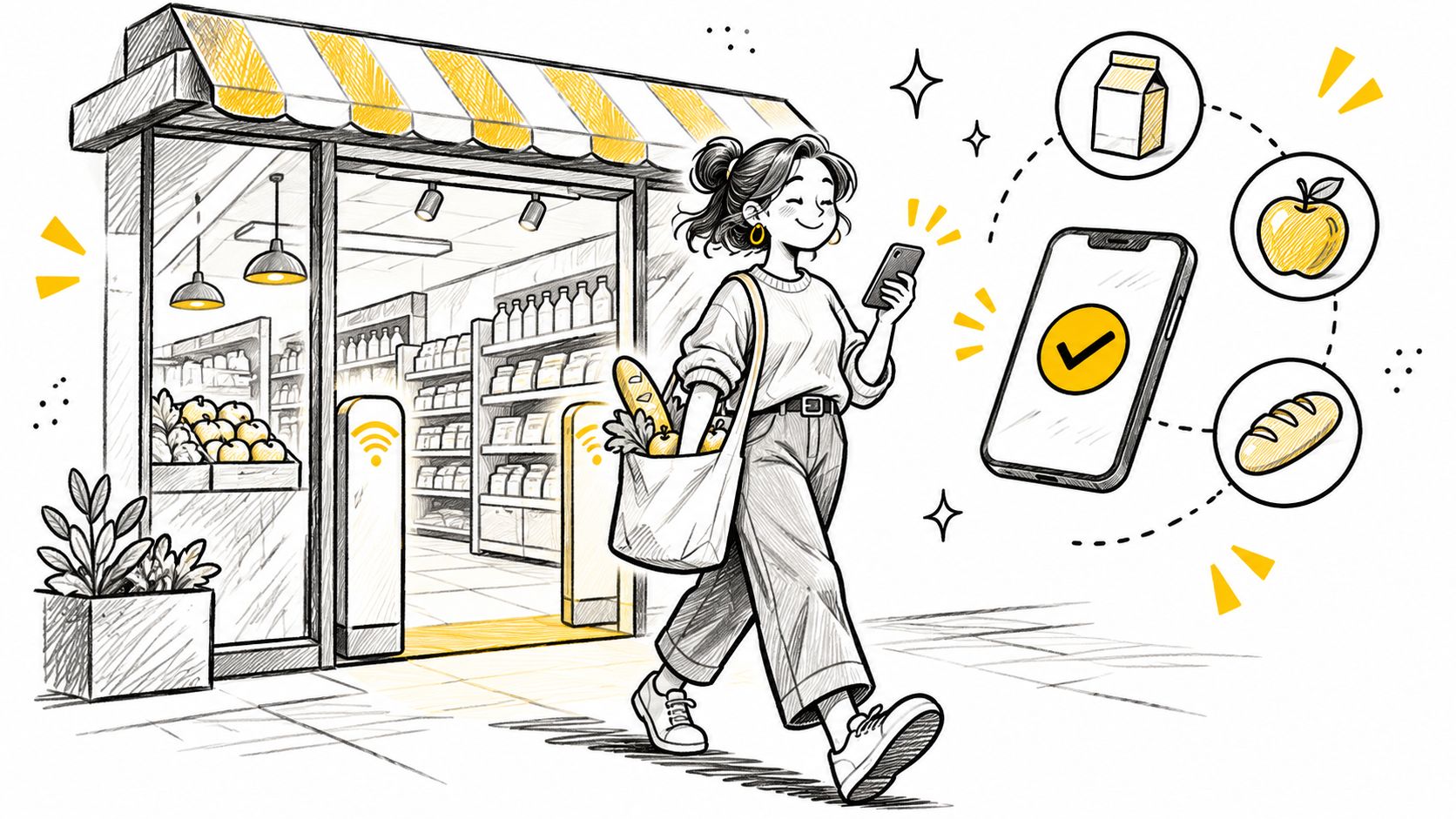
An analysis published through Harvard's Digital Data Design Institute estimated approximately $2,700 in annual sales per square foot at Amazon Go's flagship store. That's an external case-study estimate, not a forecast for another location. Its strategic value is the measurement choice: evaluate checkout automation through space productivity and inventory movement, not just the absence of queues.
Automate the transaction, preserve the recovery path
Consider a compact lunch shop serving customers with short breaks. A narrow assortment of packaged sandwiches and drinks gives the operator a manageable environment for testing item recognition, returns to shelves, and disputed charges.
The trade-off is that invisible checkout requires visible accountability. Shoppers need to understand how they're identified, when they'll receive a receipt, and how to correct a mistaken charge.
This demonstration shows the intended shopping flow.
Start with clearly labeled products, an assisted exit, and an audit trail connecting shelf events to completed transactions. Employees still need to handle authentication failures, disputed baskets, and replenishment.
Copy the principle online: remove unnecessary customer actions only when the system can verify the result. These checkout examples provide a useful comparison point for deciding which steps support confidence and which merely add friction.
2. Self-Checkout Kiosks and Scan-as-You-Shop Systems
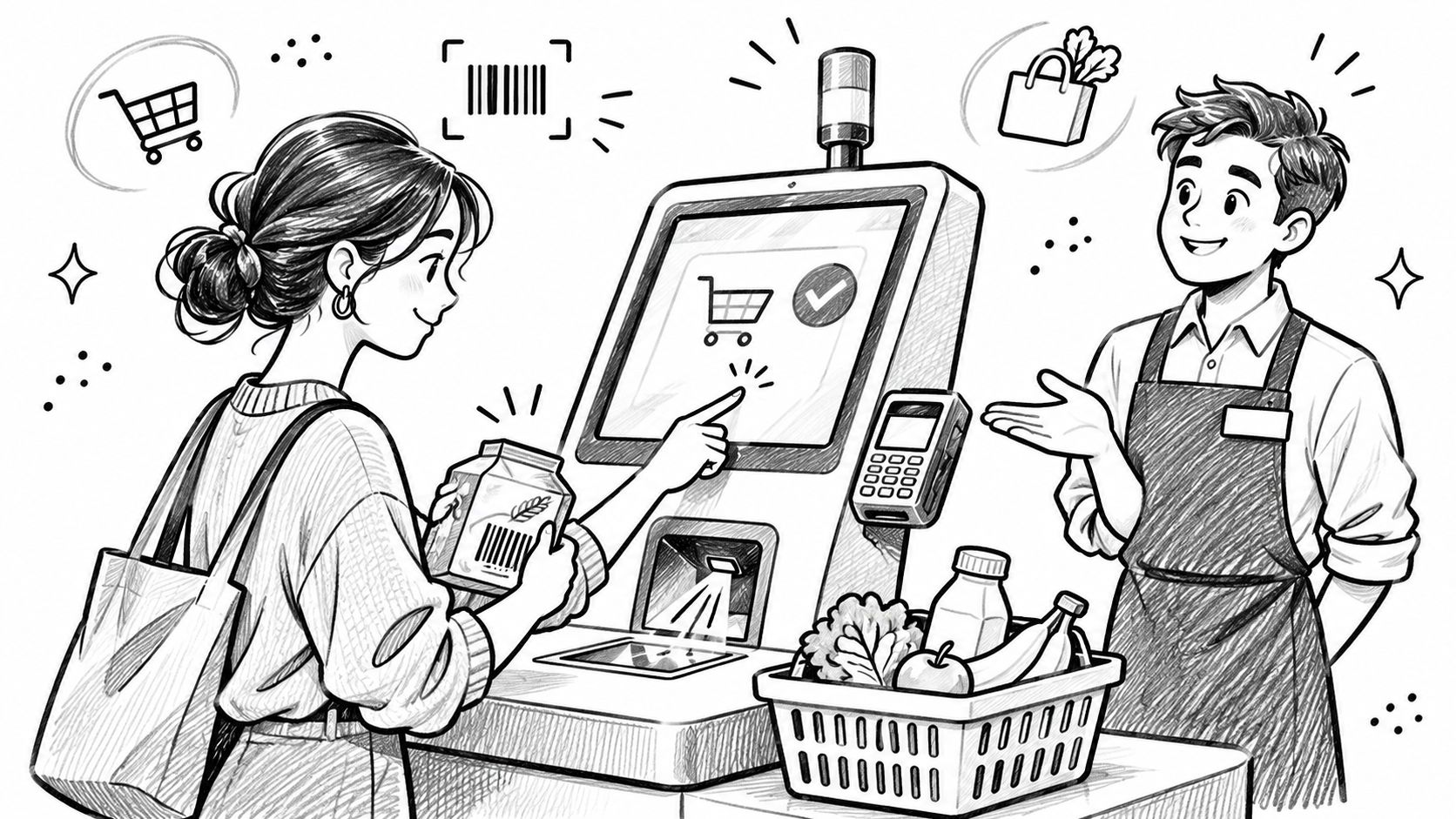
Self-checkout doesn't eliminate checkout. It transfers scanning, bagging, and payment to the customer, while an attendant handles exceptions. Scan-as-you-shop moves product scanning into the shopping trip rather than leaving it all until the end.
Walmart's redesigned checkout model makes the labor distinction concrete: its checkout announcement said conventional cashier training required about 40 hours, compared with less than a day for checkout Hosts. The operational opportunity is a different employee role, not a store without employees.
Assisted self-checkout keeps help close to the transaction.
Design around intervention, not just scanning
Say a grocery shopper has packaged food, loose produce, and a product requiring approval. The kiosk can handle straightforward scans, but the attendant needs an unobstructed view and a clear alert when the transaction requires help.
- Customer benefit: Shoppers can control the pace of scanning and bagging when the interface is understandable.
- Operational payoff: Employees can move between assistance requests instead of remaining attached to a register.
- Trade-off: Mis-scans, payment problems, weighing errors, and approval requests can interrupt the apparent efficiency.
Track assistance events per transaction, waiting time for intervention, and inventory discrepancies alongside completed sales. A busy kiosk isn't automatically a productive kiosk if customers repeatedly stop to seek help.
Practical rule: Put assistance where customers encounter the problem, not behind a separate service desk.
For Shopify merchants, the equivalent is contextual help beside a failed payment or unavailable shipping option. Apply checkout process optimization to the full completion path, including recovery, rather than removing fields.
3. Unattended Vending and Micro-Markets
A vending machine controls access to merchandise until payment. An open-shelf micro-market lets shoppers handle products before paying. That difference determines much of the operating model: vending relies on dispensing reliability, while a micro-market requires stronger attention to checkout compliance and stock reconciliation.
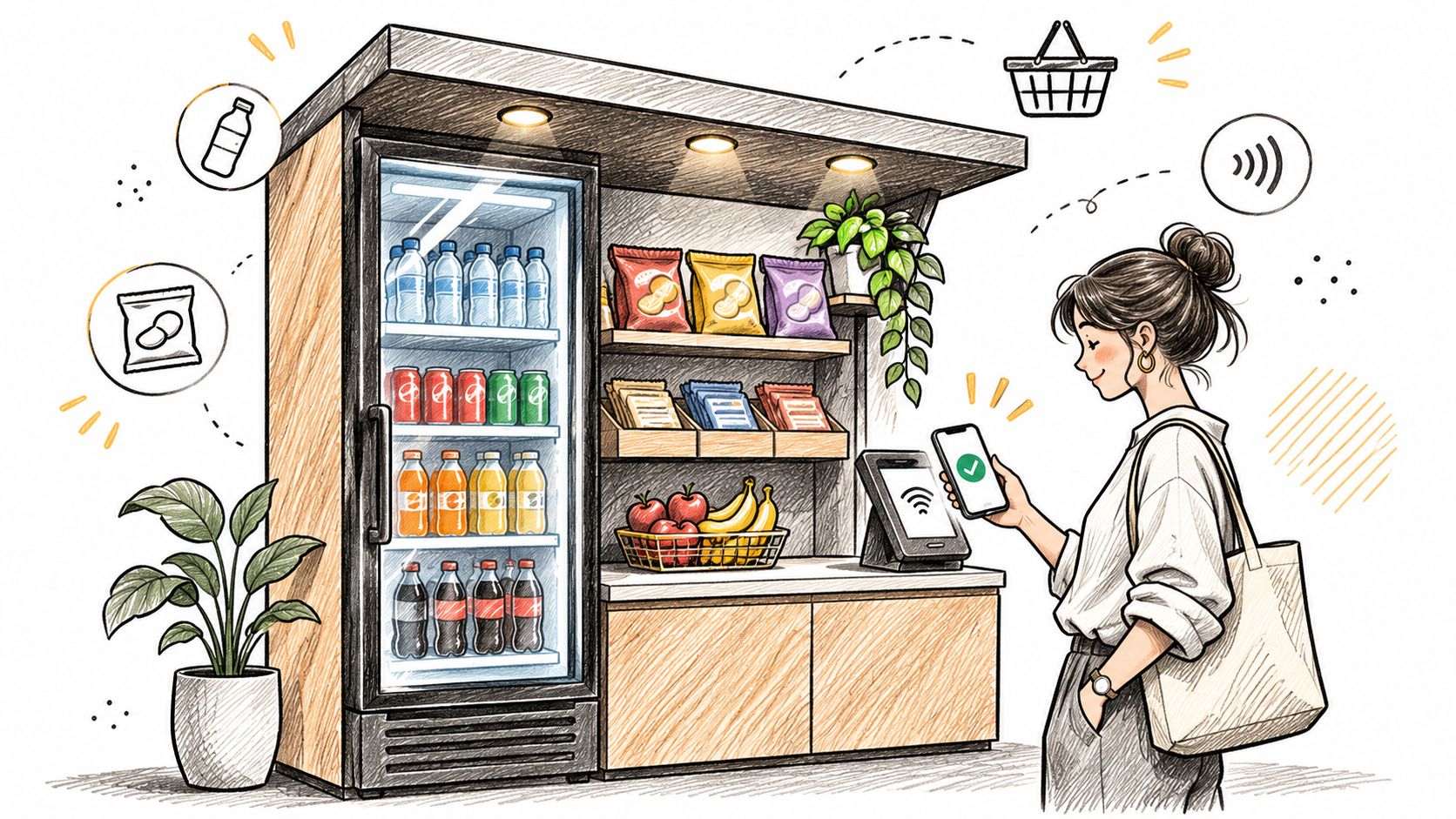
An office convenience area is a useful scenario. Employees want drinks, snacks, and lunch options without leaving the building, while the operator needs a replenishment route that makes the location worth serving.
The purchase interface is only the visible part of the operation.
The route matters as much as the machine
The customer benefit is access without waiting for a staffed counter. The operator can serve a compact location, but must still arrange replenishment, equipment maintenance, refunds, and product removal when freshness becomes an issue.
Before expanding an assortment, connect sales records with stock checks. A product that appears unpopular may be unavailable, difficult to find in the payment menu, or repeatedly failing to dispense.
- Monitor availability: Use remote inventory or equipment alerts where supported, then verify them during replenishment.
- Separate failure types: Record payment failures, dispensing failures, and genuine stockouts differently.
- Make recovery obvious: Display a support route and identify the machine or location so customers can report the right transaction.
The transferable tactic is dependable availability. An unattended store can't rely on an employee explaining that the desired product is missing.
An online merchant faces the same challenge when selling bundles or subscriptions. Show what's purchasable, explain substitutions before payment, and make a failed transaction recoverable without asking the customer to reconstruct their entire basket.
4. Click-and-Collect and Self-Service Pickup Lockers
A pickup locker automates the handover, not the fulfillment process. Employees or fulfillment partners must still pick the correct items, assign storage, and confirm that the order is ready before customers receive access instructions.
Amazon Lockers provide a recognizable example of code-based collection. For a Shopify merchant, a comparable use case is a local apparel store offering collection from secure compartments near its entrance.
Customer control begins after a reliable readiness signal. Sending a collection message before the parcel is physically available turns a convenient option into an unnecessary trip.
Treat collection as an order state
Separate the order's operational stages: accepted, being prepared, ready, collected, and expired or returned to stock. Customers should see language that matches the actual stage, while employees should have a record of who moved the order forward.
A locker can reduce repetitive handover work, but it introduces capacity limits and access problems. Oversized parcels, missing codes, incorrect compartments, and uncollected orders all need an assigned recovery process.
Don't automate the pickup notification until the physical handover is ready to succeed.
For a practical pilot, use a restricted assortment that fits the available compartments. Define what happens when a shopper requests a change after packing, and decide who can reopen the order.
- Before readiness: Allow eligible changes only if the picking workflow can absorb them.
- After readiness: Explain whether changes require staff intervention or a new collection arrangement.
- After collection: Route problems into the appropriate return or support process.
Copy the state-based permissions online. An address change before fulfillment is operationally different from an address change after dispatch. The customer-facing option should depend on the order's status, not on whether an edit button exists.
5. Self-Serve Bulk and Refill Stores
Bulk and refill formats give shoppers control over quantity. Instead of choosing only between prepacked sizes, customers dispense what they want and pay according to the store's weight or volume process.
Bulk Barn is a recognizable bulk-retail example; independent refill shops apply a similar principle to products such as cleaning liquids and personal care items. For an operator planning this format, the defining question is whether customers can measure and identify their purchase correctly without repeated assistance.
The container becomes part of the transaction.
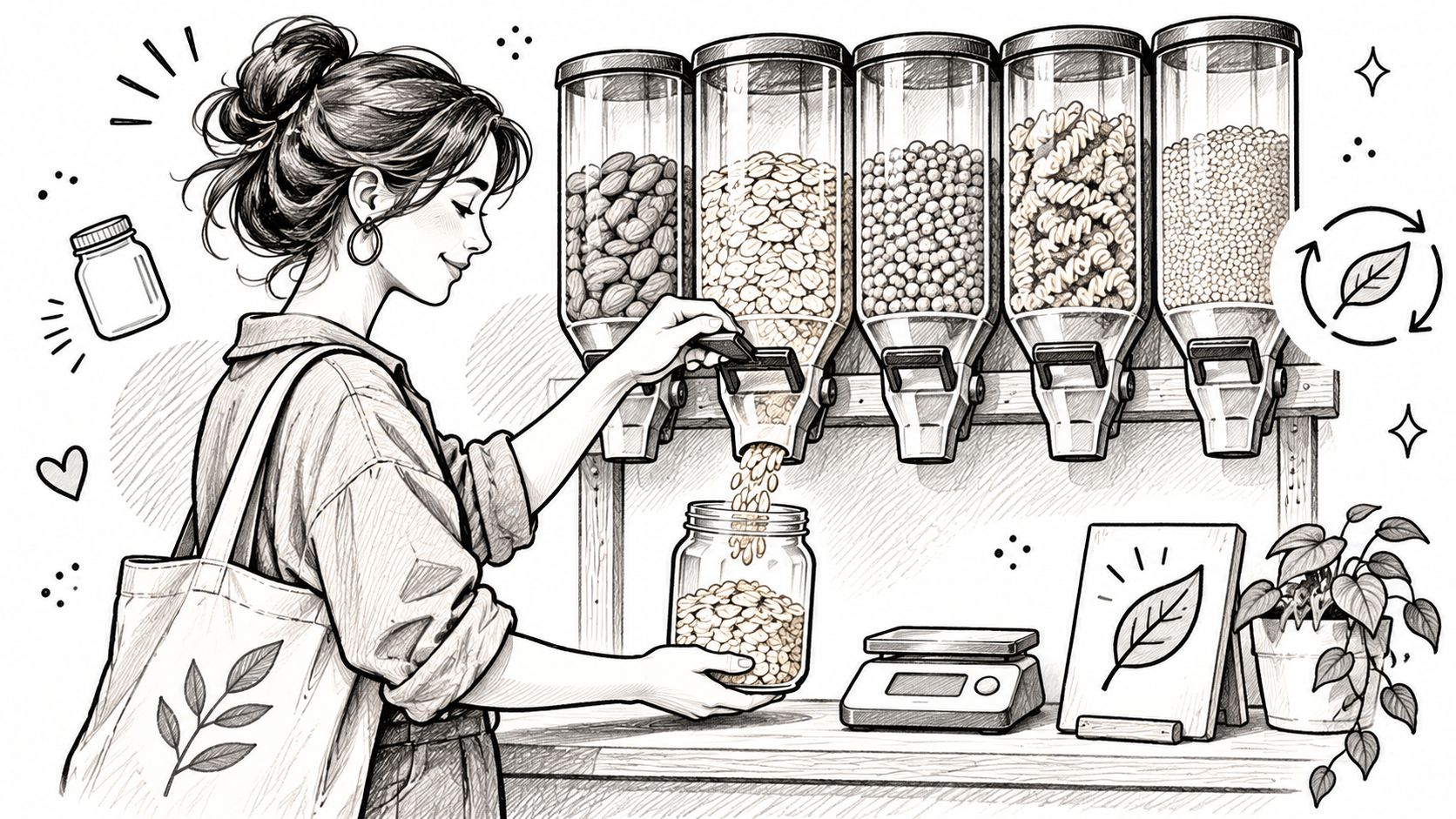
Make the measurement process unambiguous
Consider a shopper refilling a reusable jar with dry goods. They need to understand how the empty container is accounted for, which product code applies, and how the final charge will be calculated.
The customer benefit is quantity control and the option to reuse suitable packaging. Don't assume that automatically establishes a lower total price or a measured environmental improvement; those conclusions require their own evidence.
The operator gains a different merchandising system but takes responsibility for dispenser cleanliness, product identification, spills, and stock rotation.
- Show the sequence: Place container, dispensing, labeling, and payment instructions where customers perform each action.
- Keep identifiers consistent: Match the dispenser label, product code, and checkout description.
- Provide assistance: Make it easy to ask about containers, ingredients, or unfamiliar weighing steps.
The online lesson is transparent quantity logic. Merchants selling fabric, concentrates, refill packs, or configurable bundles should explain units and show how quantity affects the total before customers commit.
Don't make the buyer calculate the relationship between a unit price, a pack size, and the amount they'll receive. Customer independence works only when the calculation is understandable.
6. Self-Ordering Kiosks in Quick-Service Restaurants
A restaurant kiosk gives diners direct control over menu selection, customization, and payment. McDonald's self-ordering screens and Panera's digital ordering interfaces are familiar examples of separating order entry from food preparation.
Consider a lunch customer changing ingredients in a sandwich. A well-designed interface can show the selected modifications before payment, while the kitchen receives a structured order rather than a conversation it must interpret.
The operational payoff depends on kitchen execution. Moving orders onto a screen won't fix unavailable ingredients, unclear preparation instructions, or a pickup area where nobody knows which meal is theirs.
Preserve an assisted route
Inclusion belongs in the operating design, not in a separate promise. ECR Retail Loss's review of self-checkout adoption highlights assisted self-service and operational fallback as important considerations, rather than treating adoption as proof that every shopper can complete the journey independently.
That principle applies directly to ordering kiosks. Customers may need help reading the menu, navigating controls, understanding ingredients, or completing payment.
- Customer benefit: Diners can review choices and modifications at their own pace.
- Operational efficiency: Staff receive standardized selections and can concentrate on preparation and assistance.
- Trade-off: An inaccessible interface or unclear customization flow can move the queue from the counter to the screen.
Test the menu with actual users before expanding it. Put optional additions after the main choice, make removal straightforward, and preserve the basket if someone asks an employee for help.
Copy the timing, not the pressure. Shopify upsells should relate to the product and appear at a natural decision point. A relevant accessory is useful; a sequence of interruptions that obscures the original purchase isn't customer control.
7. Self-Service Post-Purchase Portals for Order Changes and Returns
A shopper notices the wrong size immediately after ordering. Without self-service, they must contact support and hope someone responds before fulfillment begins. A permissioned editing portal lets them correct an eligible order while the merchant retains control over what can change.
This is the digital counterpart to an assisted checkout lane: customers perform routine actions, and employees handle exceptions. Order changes and returns belong to different operational stages, so don't treat them as interchangeable workflows.
Give customers permissions, not unrestricted access
Our SelfServe portal is embedded directly in the store's theme on the customer's order status page. Merchants can control variant changes, quantities, address updates, and cancellations through settings, then define editing eligibility using windows, tags, and item restrictions.
The merchant's responsibility is to align those permissions with fulfillment. If warehouse staff have already committed an order to packing, a customer-facing promise of unrestricted editing creates conflicting instructions.
For a practical launch:
- Choose a bounded action: Start with an eligible pre-fulfillment correction, such as changing a variant.
- Apply exclusions: Restrict orders or customer segments that require manual review.
- Reconcile the result: Confirm payment adjustments, inventory changes, shipping updates, and customer notifications.
- Keep escalation available: Explain why an action is unavailable and how the customer can request help.
SelfServe supports automatic collection of price differences or partial refunds, with reversion when payment for an edit remains incomplete. Automatic tagging and notifications also make customer changes visible to the team.
The benefit is a completed correction, not merely a missing ticket. Design the order status page as the place customers can understand their order, take permitted actions, and see confirmation that the change succeeded.
8. Self-Serve Beverage, Dessert, and Condiment Bars
Customization makes this format different from a checkout kiosk. At a frozen yogurt bar such as Yogurtland, the customer participates in assembling the product, choosing flavors and toppings rather than registering a finished item.
A similar model can serve coffee, salad, or condiments. The shopper controls the combination; the operator controls the available ingredients, equipment, pricing method, and service standards.
Consider a café adding a self-serve topping station. Customers can finish their drinks to taste, but employees must still replenish ingredients, replace utensils, clean surfaces, and answer questions about products.
Set boundaries before customers begin
The benefit is choice with a clear price. If the charge depends on weight, portion, or container size, explain that before the customer starts assembling the purchase.
The operator can shift some assembly work to shoppers, but shouldn't treat that as the disappearance of labor. Cleaning, replenishment, ingredient separation, and monitoring become more important when customers share a preparation area.
- Make pricing visible: Put the charging method beside the cups, bowls, or dispensers, not only at payment.
- Guide portions: Choose serving tools suited to the product and explain any portion-based rules.
- Assign ownership: Give a named employee responsibility for checks, replenishment, and removing compromised ingredients.
Design principle: Offer freedom inside a controlled system, not freedom from operational rules.
For Shopify merchants, the equivalent is a configurable bundle or product builder. Let customers choose from valid combinations, explain price changes immediately, and block unavailable or incompatible selections.
The useful distinction is between customization and exception handling. A topping the operator has planned for is customization. A special request the operation can't reliably fulfill is an exception, and it needs a different path.
Compare Self-Service Store Examples by Format, Benefit, and Constraint
The eight formats split by who performs the work. Some shift checkout labor to the shopper. Others automate the transaction entirely and leave the shopper only the selection. That distinction determines both the benefit and the constraint.
| Example | Self-Service Format | Customer Benefit | Operational Benefit | Main Constraint |
|---|---|---|---|---|
| Cashierless Stores (Computer Vision and Sensor-Based Checkout) | App- or card-enabled entry with sensor-tracked shopping and automatic billing | Leave without waiting at checkout | Reduces front-end staffing needs and captures shopping data | High technology costs, privacy concerns, and limited assortment |
| Self-Checkout Kiosks and Scan-as-You-Shop Systems | Customers scan, bag, and pay at kiosks or with handheld devices or apps | Faster checkout and control over transaction pace | Frees staff for floor work and customer assistance | Scanning errors, theft risk, and maintenance needs |
| Unattended Vending and Micro-Markets | Unstaffed vending, lockers, or small markets with cashless payment | Convenient access in workplaces and other locations | Low-overhead retail with remote sales and inventory monitoring | Limited range, spoilage or downtime risks, and modest location revenue |
| Click-and-Collect and Self-Service Pickup Lockers | Online ordering with in-store, curbside, or code-accessed locker pickup | Flexible, contactless order retrieval | Reduces delivery costs and can drive store visits | Requires accurate inventory and sufficient pickup or locker capacity |
| Self-Serve Bulk and Refill Stores | Customers dispense their own quantities and pay by weight or volume | Buy exact amounts while reducing packaging waste | Encourages repeat visits and supports sustainability goals | Hygiene controls, weighing and restocking labor, and limited suitable categories |
| Self-Ordering Kiosks in Quick-Service Restaurants | Customers browse, customize, and pay at kiosks or mobile devices | Convenient customization and more accurate orders | Shortens queues and supports upselling | Maintenance needs and accessibility or human-assistance requirements |
| Self-Service Post-Purchase Portals for Order Changes and Returns | Customers manage eligible order edits, cancellations, and returns online | Faster resolution of common order issues | Reduces support tickets and can preserve orders | Requires carefully designed rules and reliable system integrations |
| Self-Serve Beverage, Dessert, and Condiment Bars | Customers choose and portion toppings, flavors, or mix-ins | Customization and control over selections | Encourages add-ons and creates an engaging experience | Food safety oversight, portion control, and frequent restocking |
Read down the constraint column and a pattern emerges. Formats that automate payment trade capital cost and shrink exposure for labor savings. Formats that hand customers physical control trade hygiene and oversight for engagement. The post-purchase portal is the outlier: the customer acts after money changes hands, so the operator's real work is defining eligible edits through editing windows, item limits, and tag-based cancellation blocks rather than supervising a floor.
Turn These 8 Examples Into a Self-Service Playbook
The best self-service investment removes a specific friction point without creating a larger operational exposure. A cashierless exit, pickup locker, refill dispenser, and order-editing portal automate different tasks. They shouldn't share a rollout plan because customers use them independently.
The economics also deserve skepticism. A Kiosk Marketplace report covering findings across 39 retailers described an average 22% increase in shrink during the first year after self-checkout implementation. That finding doesn't predict another retailer's result, but it shows why labor savings alone aren't a sufficient business case.
Start with a bounded test
Choose a recurring customer task with a clear beginning, an observable result, and an affordable failure mode. For a Shopify brand, that might be correcting an eligible order before fulfillment rather than opening every post-purchase action at once.
- One workflow: Define the customer action precisely, including which orders qualify.
- One owner: Assign someone who can coordinate support, fulfillment, payments, and implementation.
- One primary metric: Select a completion measure, then use risk indicators to explain whether the apparent improvement is genuine.
Write the guardrails before launch. Specify eligibility, deadlines, exclusions, payment recovery, and the point at which a human takes over. Test rejected actions as carefully as successful ones, because customers need an understandable next step when automation can't help.
Measure resolution and commercial value
Deflection should mean customers completed an eligible task without staff intervention, not that they abandoned a support form. Check repeat contacts and manual corrections before claiming a reduction in workload.
Recovery means preserving progress when something fails. Record whether customers complete the action after assistance, whether payment and inventory remain correct, and whether employees receive enough context to avoid starting again.
Incremental revenue needs a net view. For order-editing upsells, compare added revenue with refunds, discounts, fulfillment costs, and any support work the change creates.
Expand only after the team understands both successful transactions and exceptions. A hybrid model may be the right destination: routine, low-risk actions stay self-service, while complex or sensitive requests reach a person.
Choose the smallest workflow you can make dependable, give it an owner, and review completed outcomes alongside operational mistakes. That turns self-service from a technology purchase into a controlled improvement in how customers get things done.
ServeApps offers Shopify-native apps for self-service order changes, configurable cart drawers, and contextual upsell popups. Visit ServeApps to explore SelfServe, CartServe, and UpServe, and start with the customer workflow you can automate within clear merchant-defined rules.
What Is Upsell? Examples and How Shopify Stores Use It
What is upsell? Learn the definition, how it differs from cross-selling, and how Shopify stores use upsells to raise order value.
Read more →
Increase Conversion Rate on Website: 9 Proven Cart Tactics
Increase conversion rate on website with cart, upsell, and testing tactics. See what lifts AOV, cuts abandonment, and how to apply each one today.
Read more →
Checkout Process Optimization: A Step-by-Step Audit
Find checkout friction, cut form fields, fix payment failures and test each change. A practical checkout process optimization guide.
Read more →