
You're looking at two products that both get called a bundle. One is a three-pack of skincare minis sold as a single unit at a set price. The other is a build-your-own box where a shopper picks four face masks from a grid, adds a fifth, and watches the price drop. The first lives or dies on inventory accuracy and clean line items. The second lives on a widget, eligibility rules, and a cart that recalculates without breaking at checkout.
The scale behind that choice is real. Shopify merchants processed approximately $378.4 billion in gross merchandise volume during 2025, against $292.3 billion in 2024 and $235.9 billion in 2023, according to Uncap's Shopify statistics analysis, which works out to roughly 29% year-over-year growth. A small move in average order value, conversion, or retained orders lands on top of a very large transaction base.
This guide compares ten Shopify bundle apps by the job each one does: fixed kits, customer-built boxes, inventory-heavy catalogs, and upsell-led growth. Ratings and review counts are reported as they were checked, pricing gaps are flagged rather than guessed, and every plan tied to bundle sales or attributed revenue is called out before you install it.
Table of Contents
- 1. Shopify Bundles
- 2. Fast Bundle
- 3. Bundler Product Bundles
- 4. Bundles.app Inventory Sync
- 5. Kaching Bundles & Upsells
- 6. Easy Bundles Bundle Builder
- 7. Wide Bundles Quantity Breaks
- 8. Simple Bundles & Kits
- 9. PickyStory Bundles & Upsell
- 10. Bold Bundles
- How the 10 Shopify bundle apps compare on free options, listed pricing, ratings, and best-fit use
- Matching the Bundle App to Your Store Before You Install
1. Shopify Bundles
For a fixed kit or multipack, Shopify Bundles is a practical first option to assess. The free, first-party app creates fixed bundles, lets customers choose from available component variants, and updates inventory in real time. You manage it within Shopify admin, without another dashboard.
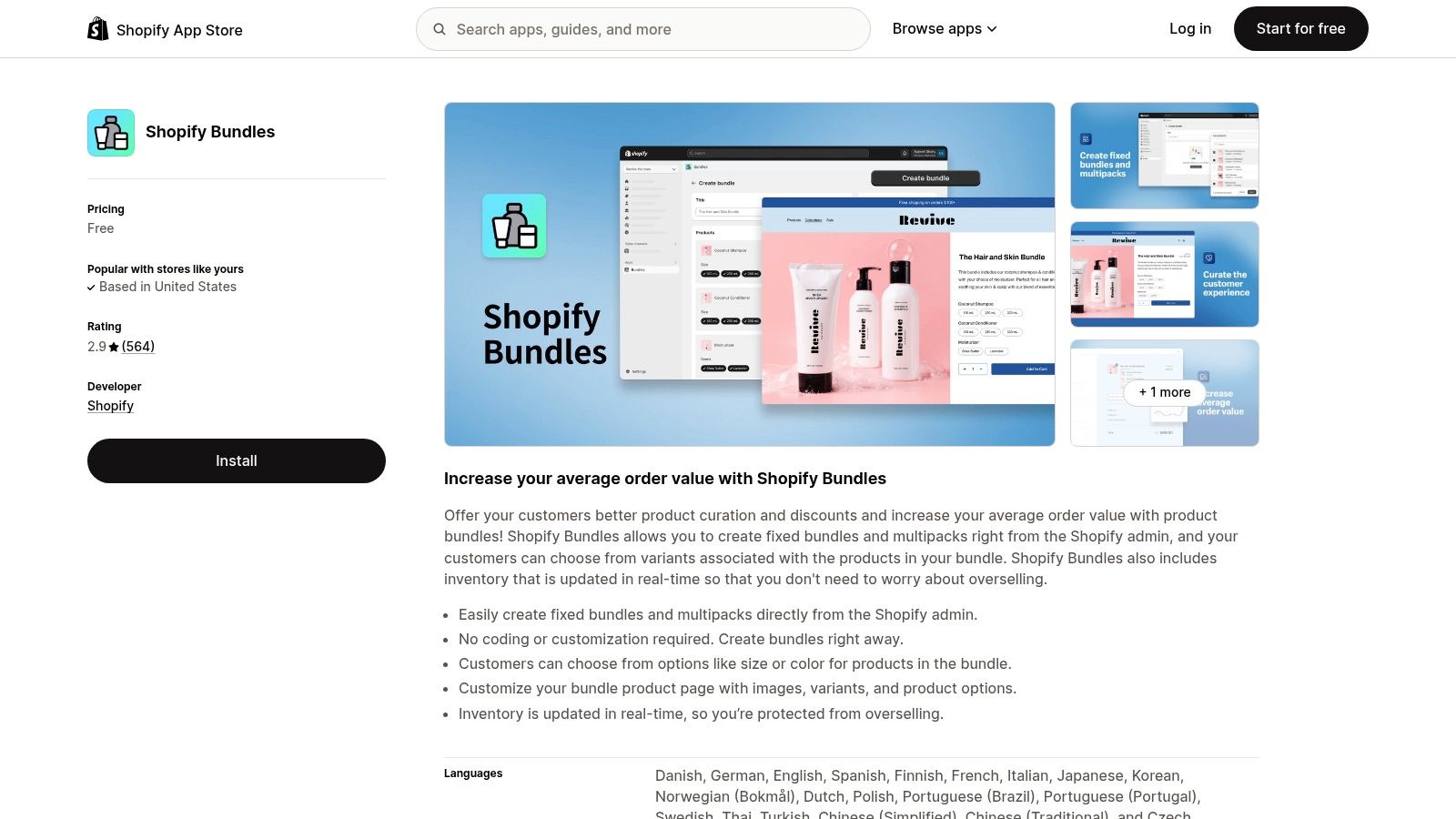
Its Shopify App Store listing showed a 2.8/5 rating from 569 reviews when checked, the lowest rating in this comparison. Treat that score as a reason to check whether the app fits your offer, rather than as proof of a specific problem. This app focuses on fixed bundles and multipacks. If your plan depends on mix-and-match boxes, quantity breaks, or upsell placement, check that those features are available before committing.
Returns also need a close look. Shopify's bundle eligibility guidance says return eligibility is evaluated for each product in the bundle. A customer may be able to return one eligible component instead of the whole bundle. Final-sale status also follows the individual products, so you cannot set a kit as final sale as one unit.
Run this before you commit: Build a kit, place an order, refund one component, and check the order total, component inventory, and customer email thread.
Shopify Bundles suits fixed kits and multipacks with straightforward inventory and no subscription components. For setup steps covering bundle creation, variant mapping, and pricing, follow this guide to how to create a bundle on Shopify.
2. Fast Bundle
Fast Bundle is what you buy when you haven't decided which offer format will work. Mix-and-match and fixed bundles, volume discounts, BOGO and Buy X Get Y, frequently bought together offers, and product add-ons all sit in one dashboard, and the paid plans add AI bundle recommendations and image generation.
Its 5.0/5 from 3,411 reviews was the strongest signal in the class when checked, and a count that high usually means the app has already survived the edge cases smaller apps are still discovering.
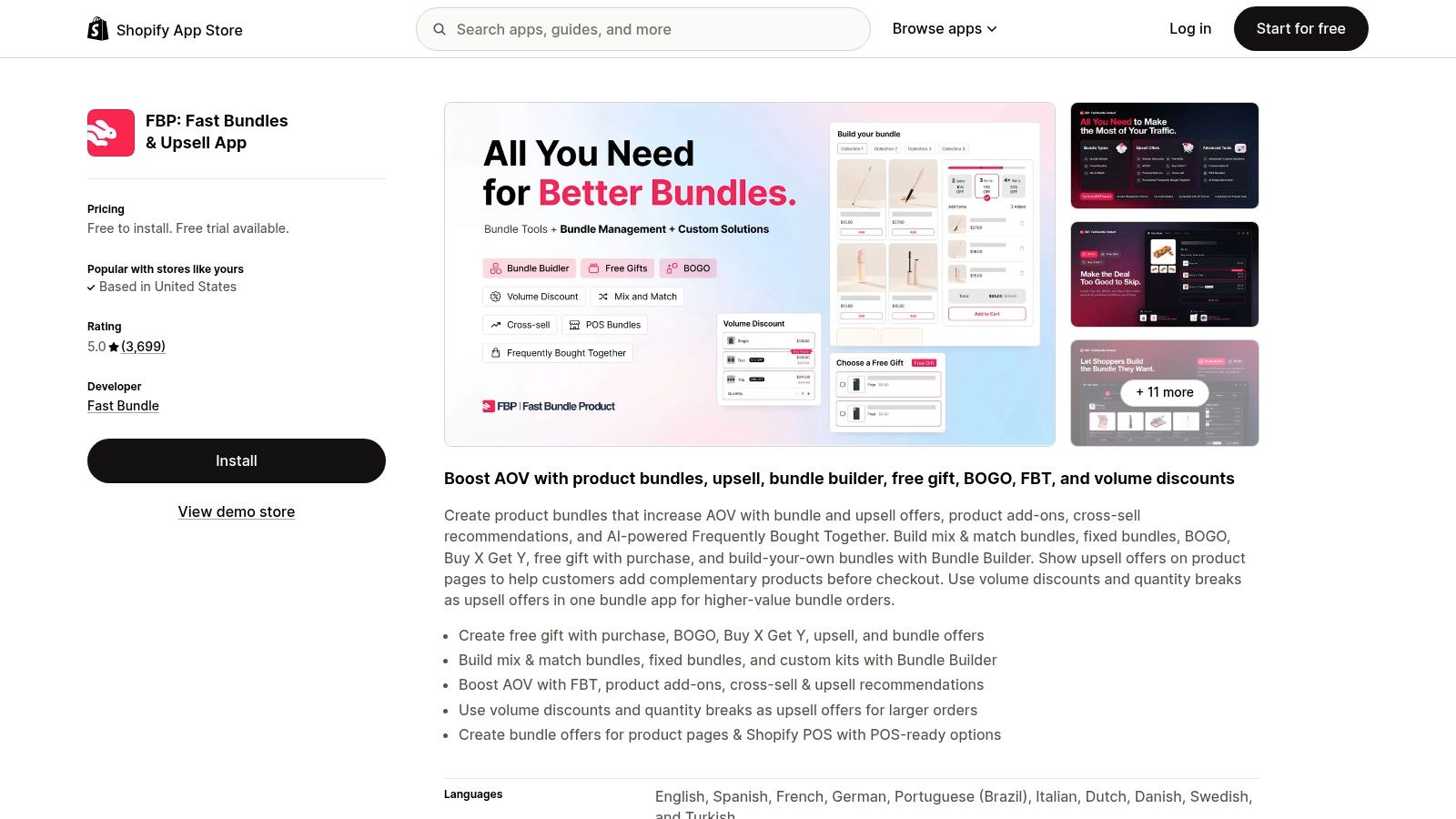
Paid plans were listed from $19/month, with tiers tied to monthly bundle-sales thresholds and a 7-day trial. That's a fair entry price and a predictable trap: your bill climbs as the bundles start working. Model the tier you'd need at three times current bundle revenue, not at today's number.
- Overlap with your discount app: Two apps applying discounts to the same cart produce totals you didn't plan. Decide which app owns discount logic before you install a second one.
- Where the AI sits: Recommendations and image generation are paid-tier features. Don't evaluate the trial on a capability you won't keep.
- Development store access: There's a free option for development stores, which is the right place to build offers before the live theme sees them.
Best for stores running several promotion types at once and willing to pay for that convenience. If you only need quantity breaks on six products, this is more app than you need.
Fast Bundle is listed on the Shopify App Store.
3. Bundler Product Bundles
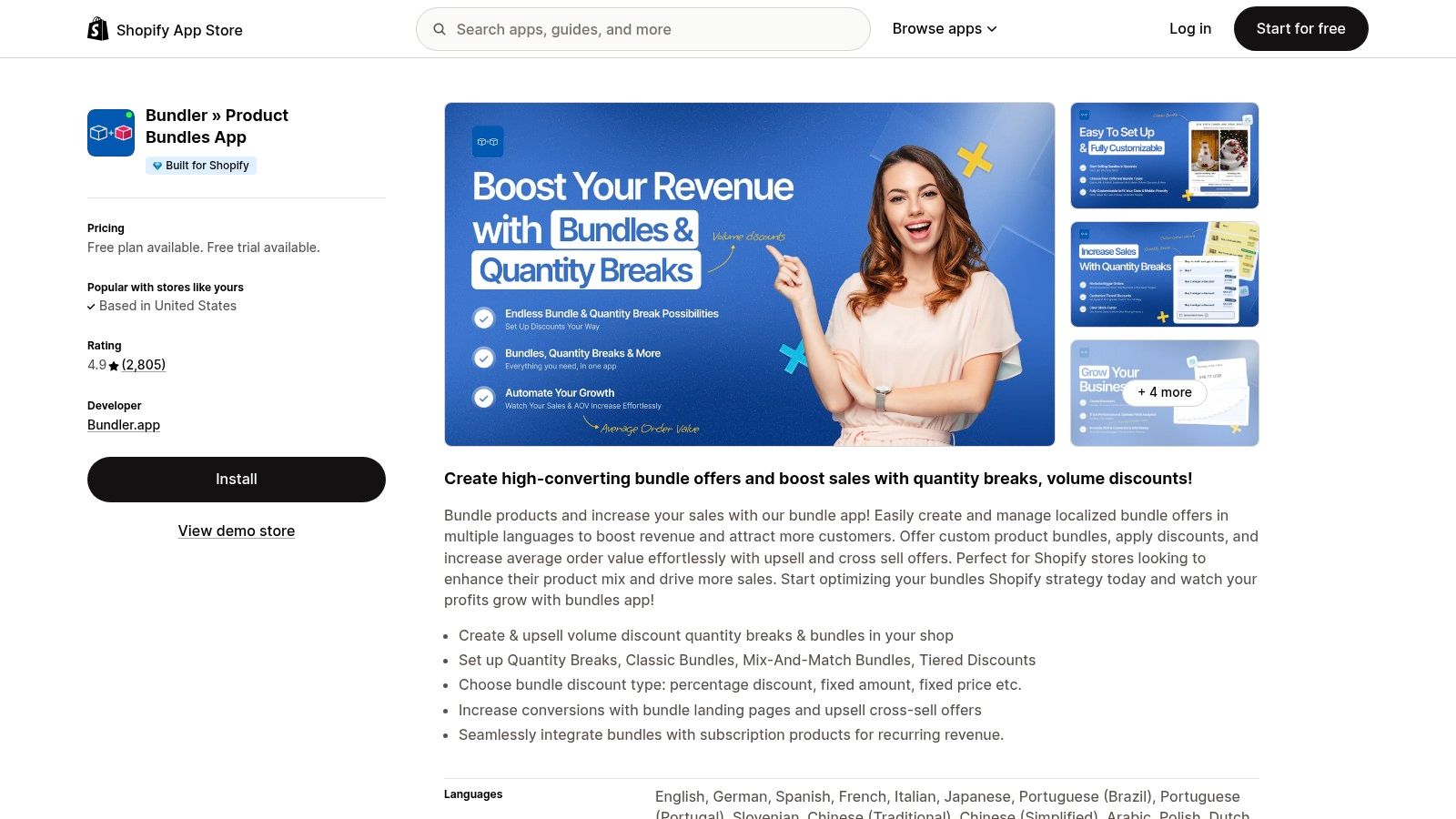
The free plan is the reason to open this one. Quantity breaks, volume discounts, and funnel upsells form the core offer set, with mix-and-match, tiered bundles, and custom bundle pages on paid tiers. Its rating was 4.9/5 from 2,668 reviews when checked.
Where the free plan stops
A free tier with unlimited orders and unlimited revenue is unusual in this category, and it's worth using as a live test rather than a permanent home. The moment you want mix-and-match sets or bundle landing pages, you're buying a paid tier. Analytics sit further up again, on the Executive plan. Paid pricing varies by tier, so read the current plan table on the listing rather than a screenshot from last year.
That gating pattern matters more than it looks. Operators promise customers a build-your-own option after seeing it in a demo, then discover it's two tiers above the plan they bought.
Discount depth deserves the same care as the feature list. Before you set a bundle price, run your own cost sheet against a set of product bundling pricing examples so the number is built from margin rather than from a competitor's product page.
Best for stores that want a working quantity break today and may grow into mix-and-match later. Theme styling can need a hand, so budget an hour with support before a campaign goes live.
Bundler is listed on the Shopify App Store.
4. Bundles.app Inventory Sync
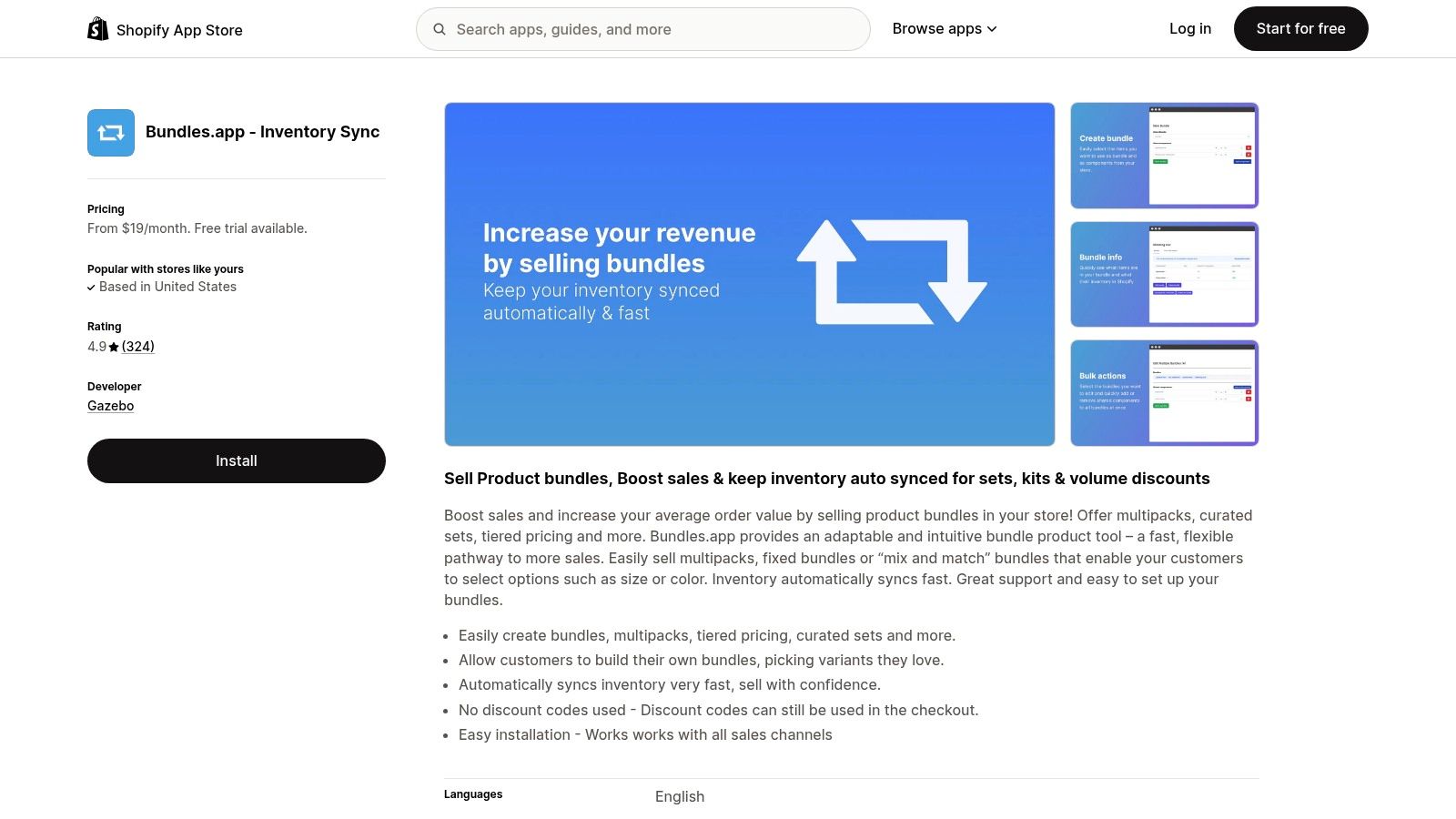
Bundles.app sells inventory accuracy first. Fixed bundles, multipacks, gift boxes, customer-selected variants, and volume or tiered pricing are all covered, with automatic component inventory syncing as the lead feature. If your catalog runs deep on variants and your fulfillment team notices oversells before your customers do, that's the right priority.
Ratings are thinner here than among the leaders: 4.9/5 from 323 reviews when checked. Standard-shop plans were listed from $19/month with a 15-day trial, and higher-priced plans may apply on high-volume Shopify Plus stores.
AOV is the reason merchants install these apps. Independent benchmark summaries generally place bundle-related AOV improvement around 20-35%, with bundle buyers showing roughly 40% higher AOV than single-item buyers, according to Let's Talk Shop's review of Shopify bundling strategies. The same analysis makes the technical point that matters more than template count: reliable inventory and pricing synchronization across variants, subscriptions, currencies, markets, and checkout flows.
What to test in your first hour
- Sell the last component twice: Put a bundle in one browser tab and the component in another, then complete both checkouts and read what stock says afterward.
- Split a bundle across locations: Confirm whether the app reserves component stock per location or works from an aggregate number that hides a shortfall.
- Change a component price: Watch whether the bundle price recalculates or holds a stale figure on the storefront.
Best for inventory-heavy catalogs where component accuracy beats storefront styling. Confirm compatibility with your fulfillment and inventory systems before you commit a season's worth of kits to it.
Bundles.app is listed on the Shopify App Store.
5. Kaching Bundles & Upsells
Kaching is built around offers that live on the product page: quantity breaks, multi-product bundle deals, BOGO-style promotions, and straightforward upsell and cross-sell blocks. There's no pretence of being a build-a-box engine, and that focus is the point.
Product-page placement is also sound strategy. Baymard Institute calculated an average documented cart-abandonment rate of 70.22% from 50 ecommerce studies published between 2006 and 2025, per Baymard's cart abandonment research. An offer that only appears once the cart drawer opens is speaking to the minority of shoppers who got that far.
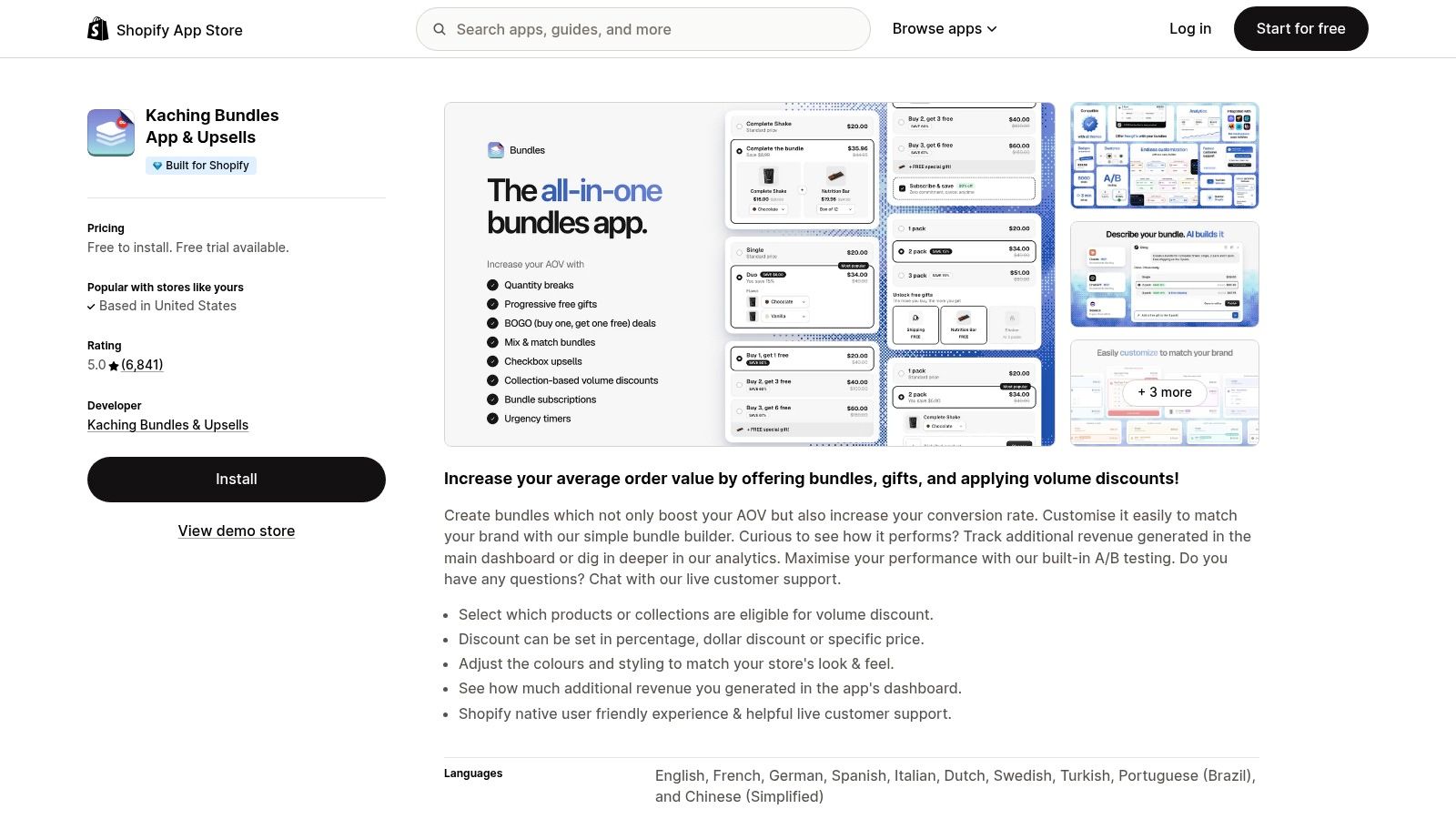
The pricing gap: When checked, the listing didn't fully establish current plan pricing or limits. Treat the cost as unknown until you read the live App Store page, and don't budget a quarter around a figure from a roundup.
The trade-offs are the usual ones for promotional architecture. Bundles behave as pricing overlays rather than real products, so your warehouse sees discounted line items instead of a kit. Variant and promotion edge cases deserve a real test: a three-variant product inside a quantity break, a collection-level offer sitting next to a product-level one, a discount code stacked on top of both.
If you're still choosing the offer itself, a set of examples of bundling in practice helps decide whether it belongs on the product page or higher in the funnel.
Best for stores whose main need is presenting quantity and combination offers on product pages, with light upsell support. Less suited to complex build-a-box experiences.
Kaching is listed on the Shopify App Store.
6. Easy Bundles Bundle Builder
Easy Bundles fits one merchant better than anyone else in this list: the one selling something people rebuy. Build-your-own and mix-and-match builders, fixed bundles, volume discounts, subscription bundles, add-ons, free gifts, inventory sync, and POS support are all covered, with customizable templates and variant selectors.
There's a structural reason subscription Bundling needs a third-party app at all. Shopify's developer documentation on product bundles is explicit that bundles aren't compatible with subscriptions, pre-orders, try-before-you-buy, or the Shopify Subscriptions app. If your catalog is coffee, supplements, or skincare refills, native bundling stops there.
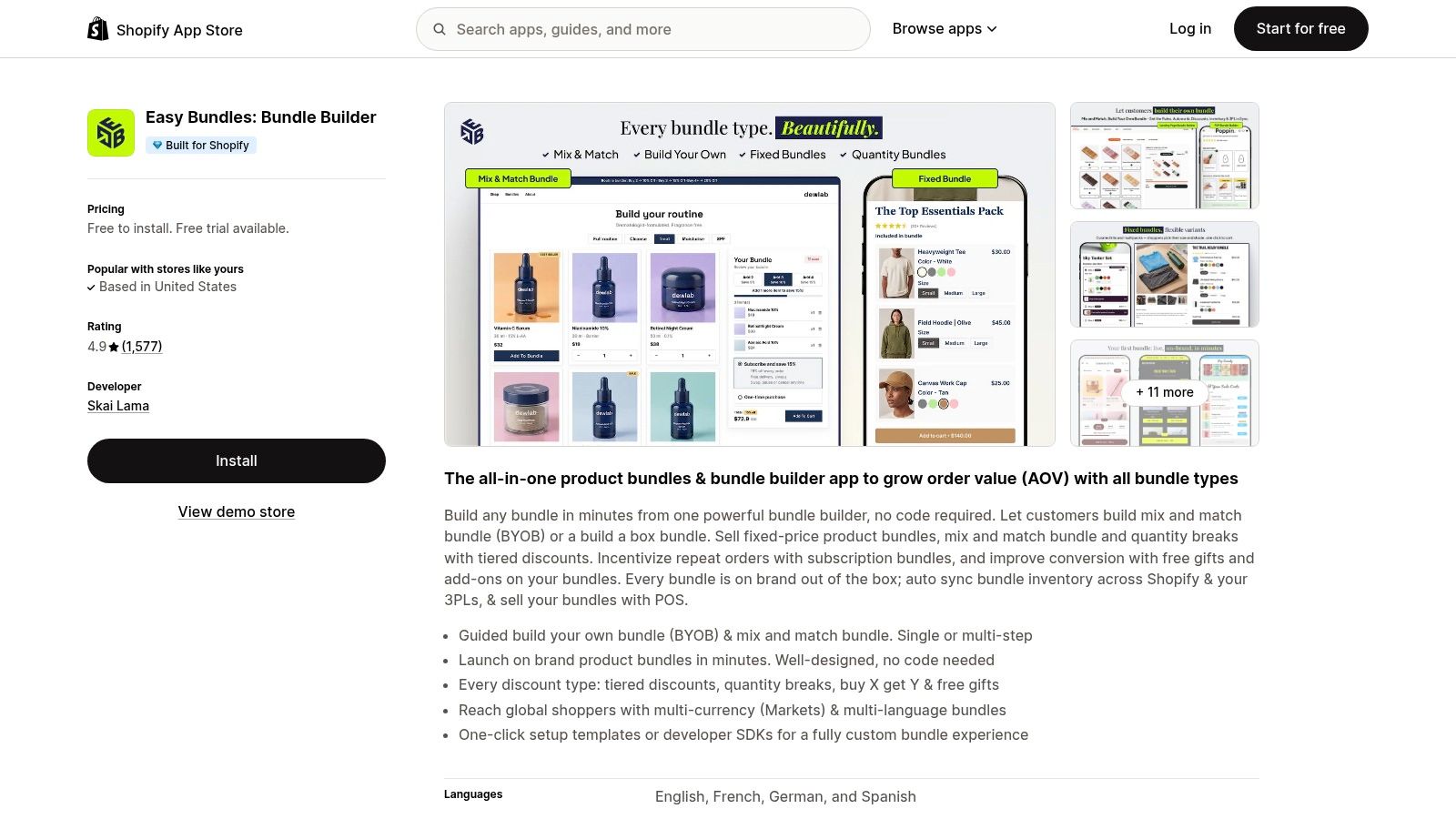
The free tier covers up to $500 in monthly bundle sales, subject to eligibility restrictions. Paid tiers were listed at $29, $49, and $99 per month, and the rating was 4.9/5 from 1,475 reviews when checked.
Check the selling plan, not the feature list: Add a subscription bundle to the cart, switch the component variant mid-flow, and confirm the recurring price, the discount, and the inventory deduction all survive the change.
Paid tiers are tied to monthly bundle-sales limits, and advanced features and support depend on the plan you're on. Confirm the exact discount logic you need exists on the tier you're buying rather than the tier above it. Best for replenishable products, build-a-box offers, and stores that want one app to cover one-time and recurring purchases together.
Easy Bundles is listed on the Shopify App Store.
7. Wide Bundles Quantity Breaks
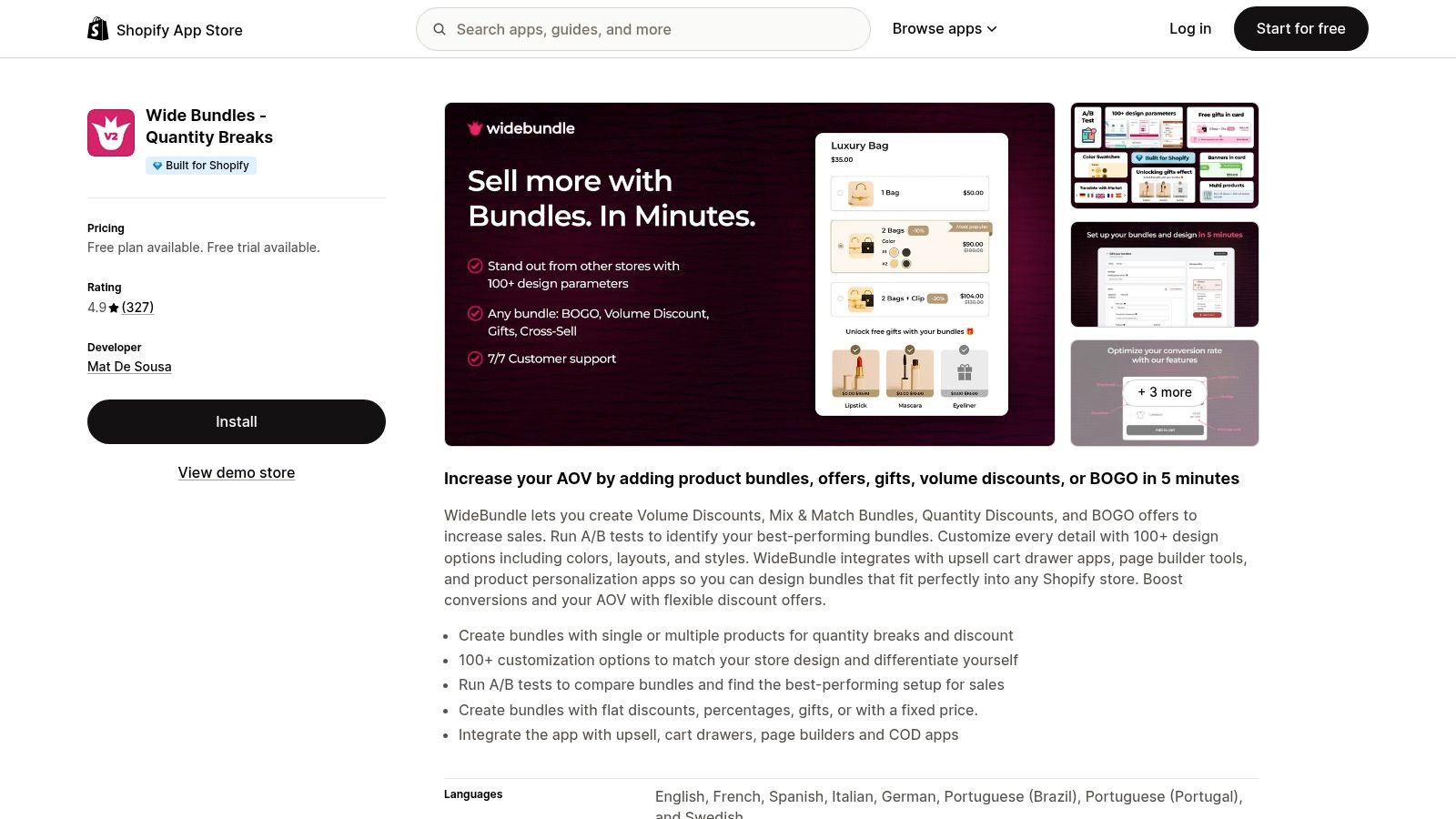
Wide Bundles is a product-page offer app with an unusually deep styling layer: more than 100 customization options, integrations with cart drawers and page builders, and A/B testing built in. Its rating was 4.8/5 from 326 reviews when checked. A free tier applies below its stated additional-revenue threshold, and paid plans were listed from $14.99/month.
The testing feature is the one worth paying for, because almost nobody uses it. A 2025 benchmark of more than 14,000 stores found that 73% of merchants offering bundles had never A/B-tested their configuration, and only 12% segmented offers by customer type or purchase history, according to AppFox's analysis of bundle testing data. That same benchmark reported 4-8% AOV lifts for basic bundles against roughly 25-55% for data-optimized programs.
Treat those figures as directional. The analysis is commercial industry research rather than a peer-reviewed study, and a bundle that lifts average order value can still cut conversion if the price jump is too steep for the category.
- Test size before discount: Move from two items to three, then change the discount depth. Changing both at once leaves you unable to say which one worked.
- Test placement separately: Product page, cart drawer, and upsell popup behave differently for what is nominally the same offer.
- Test eligibility: New versus returning customers, and product-level versus collection-level offers, often produce very different accept rates.
Best for merchants who plan to run offers as experiments rather than set-and-forget widgets. If nobody on your team will read the results, the testing feature is decoration.
Wide Bundles is listed on the Shopify App Store.
8. Simple Bundles & Kits
Simple Bundles answers an operations question. When someone buys a kit, what does your warehouse see? The app breaks bundle orders into component SKUs, which is what a 3PL, WMS, or ERP needs to pick and ship the order correctly. Build-your-own and mix-and-match bundles, dynamic pricing, and analytics are included, with POS, Flow, and advanced processing options on eligible plans.
The free tier is usable for testing: up to 3 bundles and 50 monthly orders. Its rating was 4.9/5 from 845 reviews when checked. Paid pricing depends on your Shopify plan and order volume, and Shopify Plus pricing is substantially higher, so the cost conversation needs your real order numbers rather than the headline figure.
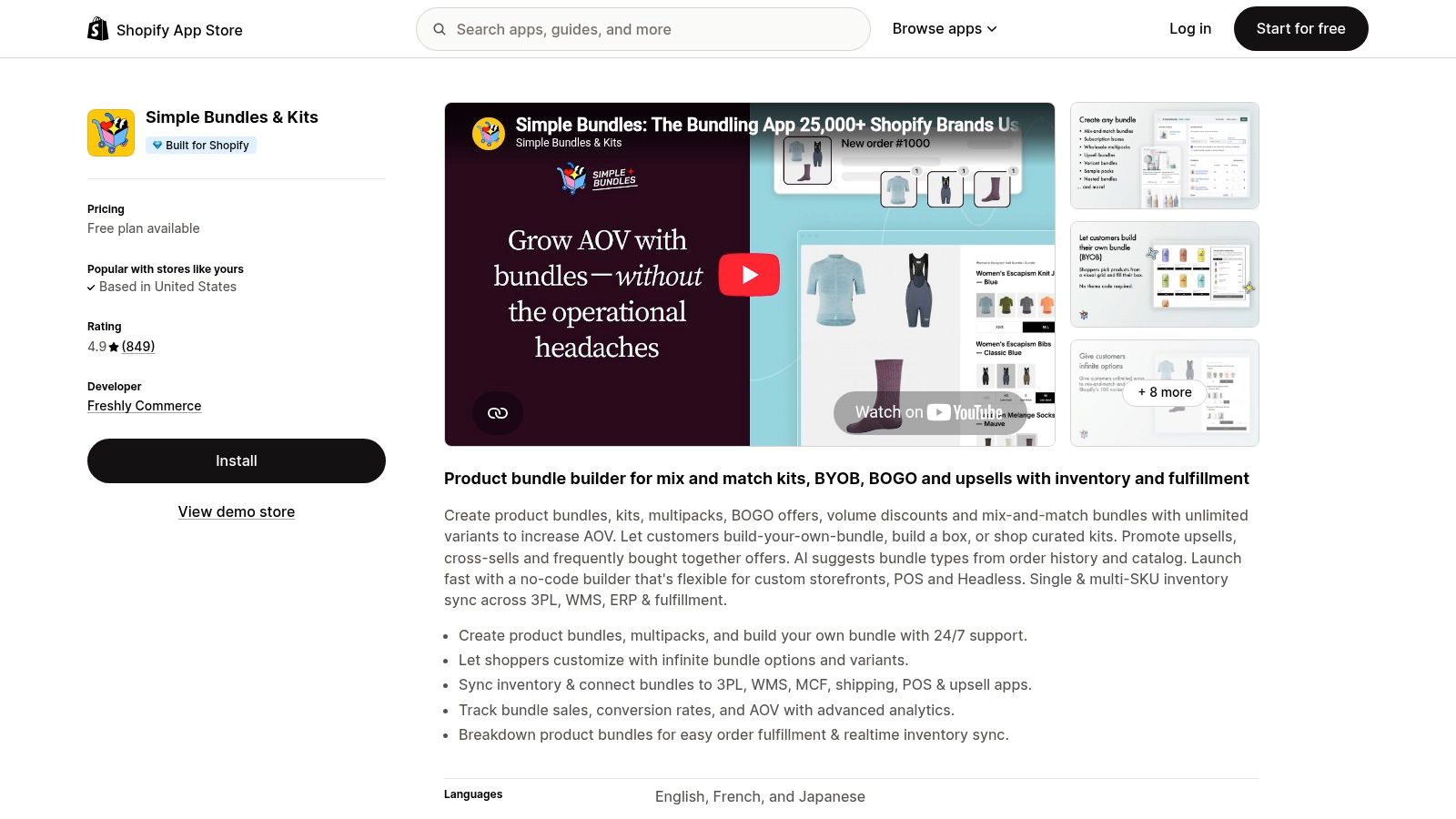
- Confirm the downstream file: Check that component SKUs arrive in the order export your warehouse or accountant reads, not just in the Shopify admin.
- Budget for configuration: Additional processing logic may need setup help or technical support, especially where custom flows are involved.
- Test the packing slip: A kit that ships as separate SKUs still needs to reach the customer as one presentable package.
One more thing to settle internally before you install it. Does the customer see a bundle product with its own description and images, or the components listed as line items? That decision affects your product pages, your emails, and how returns agents read the order, and switching later means rebuilding.
Best for stores shipping through a 3PL or warehouse where SKU-level accuracy is critical. If your fulfillment is in-house and the catalog is small, you're paying for logic you won't use.
Simple Bundles is listed on the Shopify App Store.
9. PickyStory Bundles & Upsell
PickyStory spreads offers across the shopping journey instead of parking them on the product page. Fixed and mix-and-match bundles, BOGO, quantity breaks, product recommendations, in-cart offers and rewards, and post-purchase one-click upsells all sit in one app. If you want a single tool covering several touchpoints, that breadth is the reason to look.
The reason to be careful is friction, because cart-stage offers are the easiest place to lose an order. Baymard Institute's research on why US shoppers abandoned carts found 40% cited extra costs such as shipping, taxes, or fees, while 12% said they could not see or calculate the total order cost upfront, per Baymard's cart abandonment study. An offer that raises the total without clearly showing the saving is working against two of the biggest documented causes at once.
If the drawer is where your bundles appear, the drawer has to be accurate about it. CartServe, a no-code cart drawer app from ServeApps, displays bundle pricing, quantities, stock, subscriptions, and currencies in the drawer, so the saving is visible before the total lands.
What revenue-based pricing actually charges
A free tier is listed for PickyStory, while third-party directories show revenue-based paid tiers around $49.50/month and up. Pricing that rises with attributed revenue is fine when the attribution is real and frustrating when it isn't. Confirm the current terms on the Shopify App Store listing rather than a directory, and check whether the app counts only orders where its offer was accepted.
Review totals and plan details also vary between directories, which is a cue to verify rather than assume. Best for merchants who want bundles plus in-cart and post-purchase offers from one app. Unnecessary if all you need is a fixed kit.
PickyStory is listed on the Shopify App Store.
10. Bold Bundles
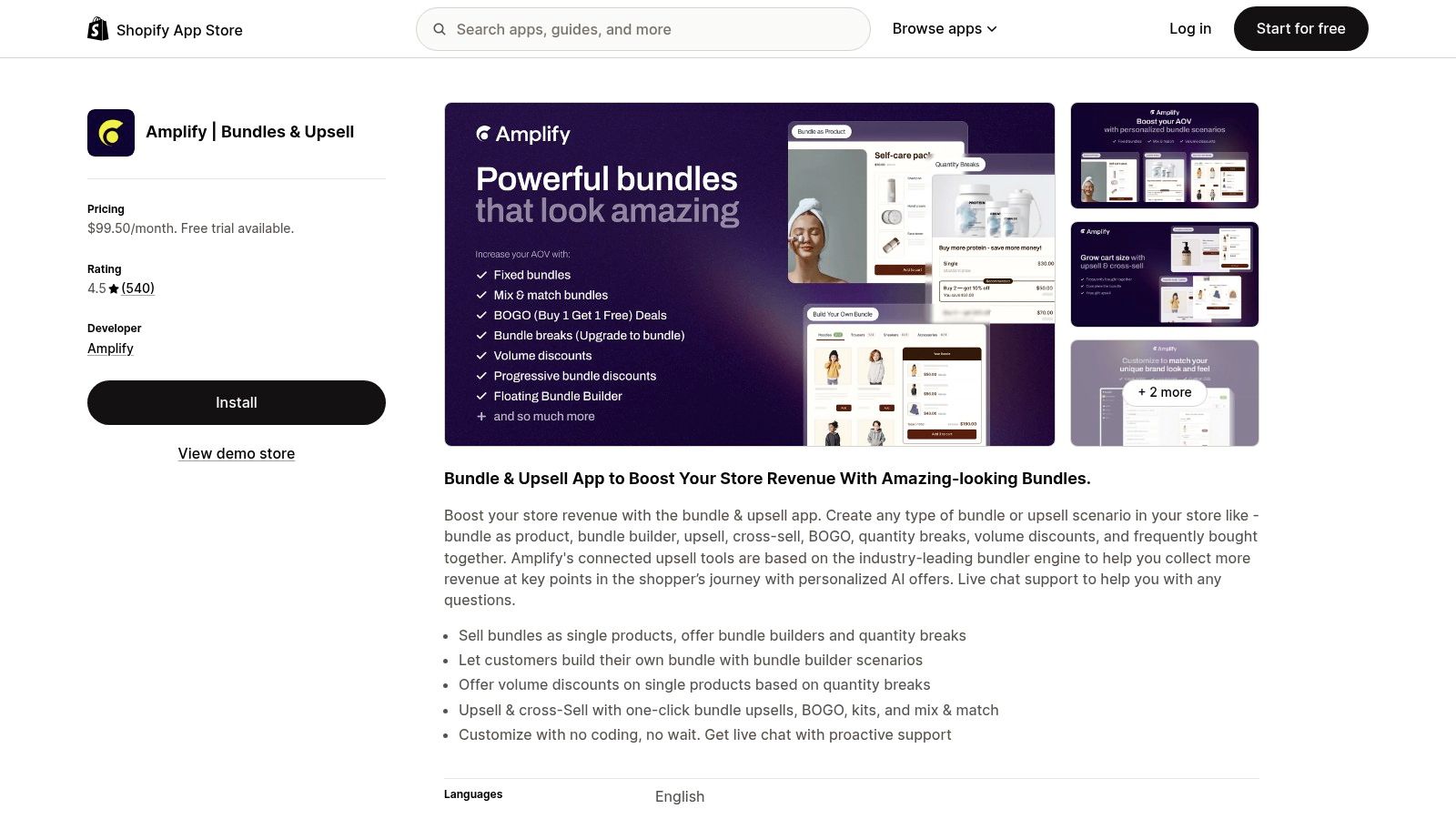
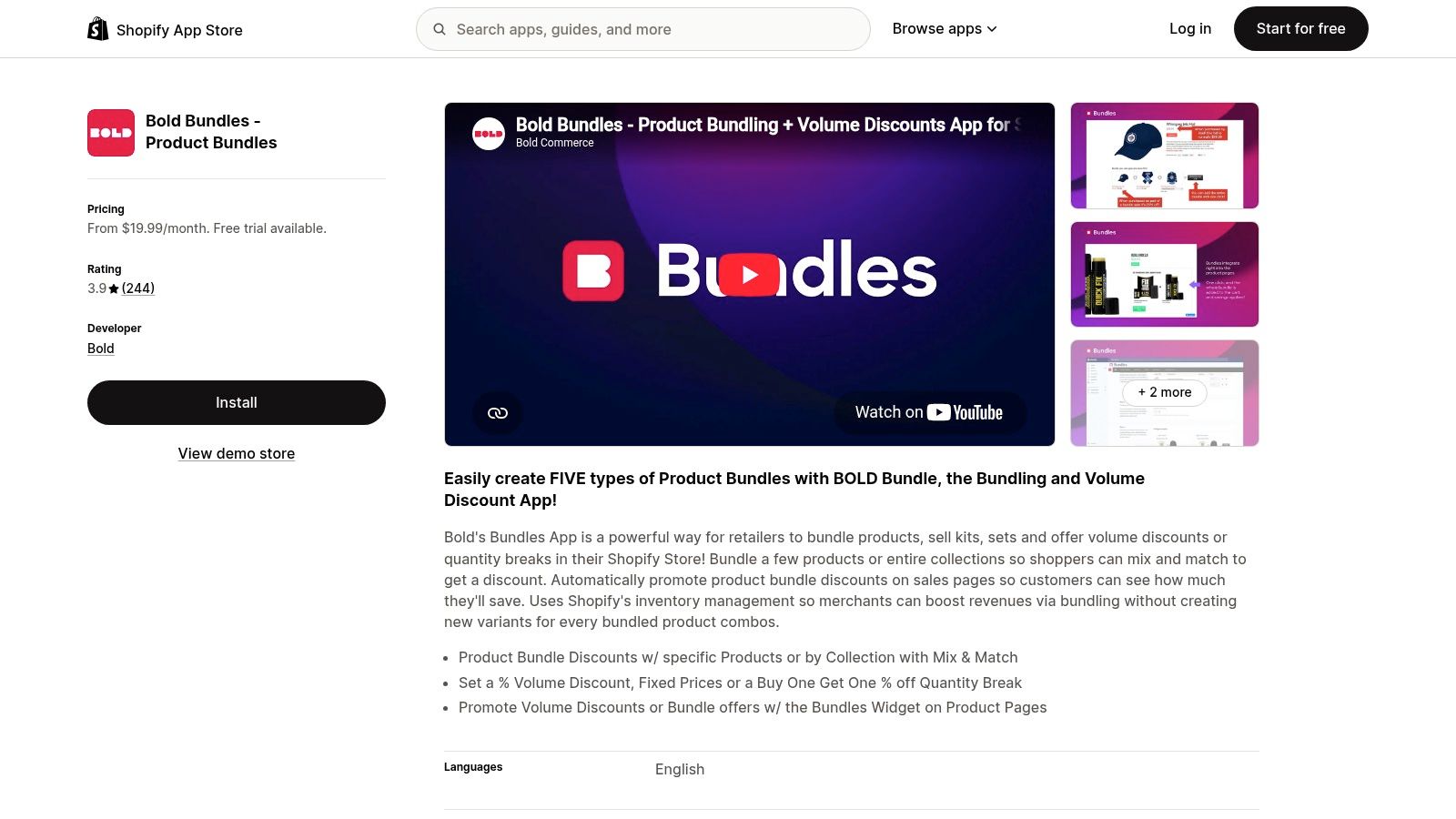
Bold Bundles covers product and collection bundles, kits, quantity discounts, one-click bundle add-to-cart, and performance statistics. BOGO is available on the Premium plan. Listed plans were $19.99/month and $29.99/month, with a 14-day trial.
The rating is the story here: 3.9/5 from 242 reviews when checked, second-lowest in this comparison after Shopify Bundles. A rating at this level is a reason to examine recent reviews and test the app against your store's needs, rather than judging fit by the feature list alone.
Read recent one-star reviews for specific failure patterns. If customers report discounts failing at checkout, test the offer on your theme during the trial. Complaints about support response times matter too, especially if a delay would leave you without help during a busy period.
The listing sets out plan differences and pricing clearly. The app supports common formats, including product bundles, collection bundles, and quantity breaks. There's no free plan, so the trial is the only no-cost way to assess it.
Bold Bundles fits merchants who want product- and collection-based offers and can use the trial to check reliability. For inventory-heavy catalogs or stores that need dependable bundle behavior across many products, compare the app's performance during setup before committing. Bold Bundles is listed on the Shopify App Store.
How the 10 Shopify bundle apps compare on free options, listed pricing, ratings, and best-fit use
The right choice depends on the job: fixed kits, customer-built boxes, inventory accuracy, or product-page upsells. Ratings and review counts help with initial screening, but pricing tied to bundle sales or attributed revenue can change the cost as sales grow. Treat ratings with thin or missing review data as a reason to trial the app, not as a reliable comparison.
| Item | Free option | Listed paid pricing | App Store rating | Best for |
|---|---|---|---|---|
| Shopify Bundles | Free to use | No paid pricing listed | 2.8/5 (569 reviews) | Basic fixed bundles and multipacks |
| Fast Bundle | Free for development stores | From $19/month; tiers linked to bundle sales | 5.0/5 (3,411 reviews) | Merchants needing a broad bundle and promotion toolkit |
| Bundler – Product Bundles | Free plan available | Paid tiers vary; higher tiers add mix-and-match and bundle landing pages | 4.9/5 (2,668 reviews) | Multiple bundle formats, including quantity breaks and mix-and-match |
| Bundles.app – Inventory Sync | No free option listed for standard shops | From $19/month for standard shops | 4.9/5 (323 reviews) | Bundles where component inventory accuracy matters |
| Kaching Bundles & Upsells | Not stated | Pricing not established in the listing; focused on product-page offers | Rating not established in the listing | Conversion-focused quantity and bundle offers |
| Easy Bundles: Bundle Builder | Free tier up to $500 in monthly bundle sales, subject to eligibility | $29, $49, and $99/month | 4.9/5 (1,475 reviews) | Build-your-own bundles and build-a-box experiences |
| Wide Bundles – Quantity Breaks | Free below the stated additional-revenue threshold | From $14.99/month | 4.8/5 (326 reviews) | Product-page offers with customization and A/B testing |
| Simple Bundles & Kits | Up to 3 bundles and 50 monthly orders | Paid pricing depends on order volume | 4.9/5 (845 reviews) | Bundle SKU breakdown and fulfillment workflows |
| PickyStory – Bundles & Upsell | Free tier available | Around $49.50/month and up; revenue-based tiers, confirm current terms | Rating not established in the listing | Bundles and upsells across multiple shopping touchpoints |
| Bold Bundles | No free plan listed | $19.99/month and $29.99/month | 3.9/5 (242 reviews) | Product or collection bundles, quantity discounts, and BOGO |
Use the best-fit column as a shortlist, then compare the cost model against how you sell. Fast Bundle's pricing is linked to bundle sales, while PickyStory uses revenue-based tiers. For Simple Bundles, the free allowance is clear, but paid pricing varies with order volume. Check how those pricing structures apply at your expected sales level before building an offer around an app.
The rating column also needs context. Shopify Bundles has a lower score despite a substantial review count, while Kaching and PickyStory have no established rating shown here. For those apps, a trial can tell you more about fit than a score alone.
Matching the Bundle App to Your Store Before You Install
Sort by the bundle type you need, not by star rating. Fixed kits and multipacks point to Shopify Bundles or Bundler, because both produce a set price with predictable behavior and no build-a-box logic you'll never configure. Customer-built boxes need a real builder with eligibility rules and minimum quantities, which puts Easy Bundles, Fast Bundle, and Bundles.app in front. Inventory-heavy catalogs belong with Bundles.app or Simple Bundles, where component sync and SKU breakdown are the product rather than a feature bullet. Upsell-led growth fits Fast Bundle, Wide Bundles, Kaching, and PickyStory.
Pricing linked to bundle sales or attributed revenue is the quiet trap in this category. A $19 plan at $1,000 of monthly bundle sales becomes a different decision at $10,000, and the tier table rarely scales smoothly. Work out which tier you'd need at two or three times current volume before you build the offer around an app, then write down what triggers the next tier so nobody is surprised in a launch week.
Before you commit to any of them, run the same four checks on a development store.
- One real combination through checkout: Order a bundle with two variants, a discount code, and a live shipping rate. Then check the order record, the inventory deduction, and the refund.
- A single-component return: Confirm the refund amount, whether the bundle discount reverses, and whether a free gift has to come back.
- A second fulfillment location: If you ship from more than one place, sell a bundle whose components sit in different locations and watch what gets reserved.
- Discount stacking: Decide which app owns discount logic before two apps apply one to the same cart.
Ratings thin out fast in this category, and thin ratings deserve a trial rather than trust. A 5.0 from 26 reviews tells you less than a 4.9 from 2,600, and a free app with a few hundred reviews can still be the right answer for a small catalog. Review counts also age differently from features: an app can be excellent and rarely reviewed, or heavily reviewed and drifting.
The same caution applies to pricing data. Directory listings lag the App Store, revenue thresholds move, and free-tier eligibility rules change without a changelog you'll see. Treat every number in a roundup as a starting point and the live listing as the source of truth.
If your real goal is the moment after the add-to-cart click rather than a full bundle builder, ServeApps makes UpServe, which shows add-to-cart popups with frequently bundled offers, a merchant-set discount per upsold item, and per-popup analytics covering impressions, conversions, and revenue. CartServe handles the cart drawer side of the same job. Both install independently or together from the Shopify App Store.
Check the live App Store listing for current pricing before you decide, and test the exact flow you sell rather than the demo flow.
Bundle apps only solve half the problem if the cart and the post-purchase moment stay untouched. ServeApps builds Shopify apps for that side of the order: UpServe for add-to-cart popups with frequently bundled offers and per-popup revenue analytics, CartServe for a no-code cart drawer that shows bundle pricing, stock, and subscriptions correctly, and SelfServe for customer order editing after checkout. If your bundle strategy keeps stalling at the cart stage, fix that stage first and see the full set at ServeApps.
How to Update Customer Information in Shopify
Learn how to update customer information in Shopify: contact details, addresses, order changes and the checks that keep records accurate.
Read more →
Rules of Editing: When Customers Can Change an Order
Rules of Editing for orders explained: eligibility windows, permitted changes, payment safeguards and when to hand off to support.
Read more →
Updating Address on Shopify Orders: How to Do It Safely
A practical guide to updating address on Shopify orders: what you can change, when edits lock, and how to avoid misdelivery and fraud.
Read more →