
Your Shopify store is getting orders, but shoppers keep buying exactly what they came for. The matching accessory stays on its product page, the bundle goes unnoticed, and customers who might have added something useful never see a relevant suggestion. You don't necessarily need another promotion. You need a better place to make the offer.
Choosing an up sell app starts with that placement, not a popularity ranking. An add-to-cart popup suits a clear product pairing. A cart-drawer recommendation keeps the suggestion beside the order summary. Checkout and post-purchase offers serve different purposes, and checkout access can depend on your Shopify plan.
The bigger risk is adding friction while trying to increase order value. Baymard's compilation of cart-abandonment research reports an average documented abandonment rate of 70.22%, an industry benchmark rather than a prediction for your store. Protecting the original purchase matters as much as winning the add-on.
- Placement fit: Choose where the customer can understand the extra product without losing their place.
- Billing fit: Separate order-volume tiers from app-attributed revenue limits and free-plan restrictions.
- Operational fit: Match the app to your theme, Shopify plan, catalog, and capacity to maintain campaigns.
The picks below emphasize their most useful purchase-journey placements rather than treating every app as interchangeable. Some cover almost the whole funnel, but broader coverage also means more configuration and more opportunities to show overlapping offers. Start with the placement you need, then check what happens to the bill when your store grows.
Table of Contents
- 1. UpServe - Shopify Popup Upsell App
- 2. Selleasy - Upsell & Cross Sell
- 3. Upsell.com (formerly ReConvert)
- 4. One Click Upsell (OCU) by Zipify
- 5. Frequently Bought Together CBB
- 6. Candy Rack
- 7. Wiser AI - Upsell & Cross Sell
- 8. Essential Upsell & Cross Sell
- 9. UpsellPlus Checkout Upsell
- 10. In Cart Upsell & Cross Sell
- Top 10 Shopify Upsell Apps: Feature Comparison
- Matching the Right Upsell App to Your Store
1. UpServe - Shopify Popup Upsell App
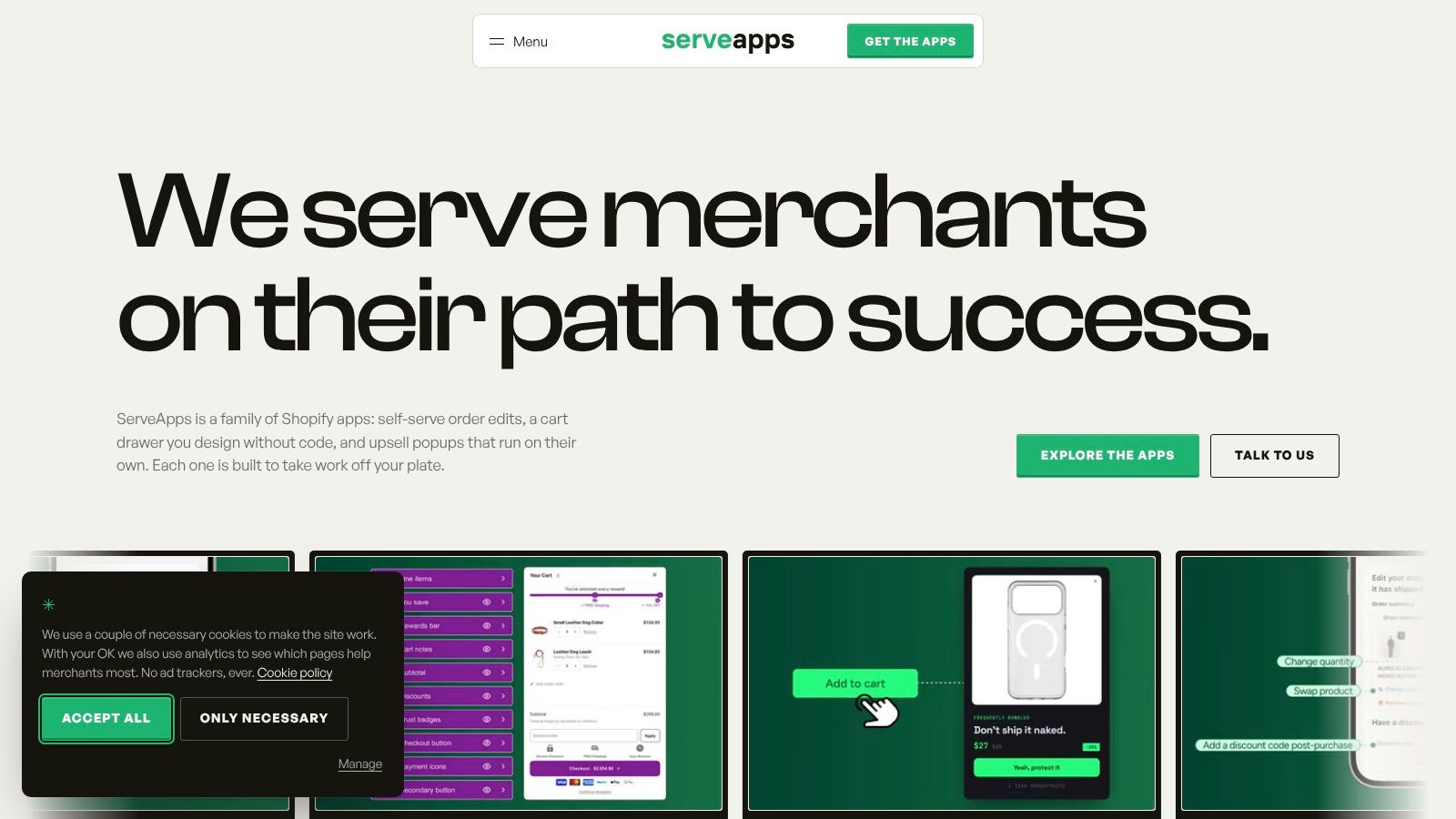
Best fit: a branded, product-specific offer immediately after add-to-cart. UpServe focuses on the moment when a shopper has chosen a product but hasn't moved on to paying. That makes it a sensible starting point for complementary accessories, frequently bundled products, and clearly explained discounts.
UpServe's product information describes product-level targeting, detailed visual controls, and per-popup analytics covering impressions, conversions, and revenue. It's available on a free plan, while checkout upsells require Shopify Plus. Its Shopify theme-app-extension architecture is designed to avoid unnecessary loading on pages where the features aren't used, though that isn't a substitute for checking your own storefront.
The useful distinction is design control around a specific interaction, rather than a sprawling funnel builder. Colors, corners, shadows, and spacing matter when a popup needs to look like part of the store instead of an unrelated promotion.
Where the popup earns its place
A useful starting campaign would pair a main product with an accessory that clearly fits it. The offer should explain the relationship immediately, show the price clearly, and let the shopper dismiss it without hunting for the close button.
The Shopify upsell popup guide is relevant when deciding how that interaction should fit your existing add-to-cart flow. Before publishing, test whether accepting or dismissing the offer leaves the shopper in the expected cart state.
- What works: Narrow product targeting and visual customization for an offer that needs a clear reason to appear.
- What needs attention: Mobile layout, discount presentation, and whether your existing cart drawer opens at the same moment.
- What it won't solve: Weak product pairings or an offer strategy that interrupts every add-to-cart action.
Practical rule: Keep the popup only if the additional purchase is worth the interruption. An attractive popup isn't evidence of an incremental sale.
UpServe is the strongest starting point here when you want to test a focused popup without first configuring an entire merchandising system.
2. Selleasy - Upsell & Cross Sell
Selleasy makes more sense when you haven't settled on a single placement. Its range covers product add-ons, frequently bought together offers, cart recommendations, and post-purchase offers, so you can evaluate different approaches without immediately changing tools.
Selleasy's offering includes a free tier for stores with up to 50 monthly orders, with entry-tier billing tied to order volume. Checkout upsells are available to eligible Shopify Plus stores, and setup assistance includes a setup call on applicable plans.
That billing model deserves attention. Store order volume and upsell success aren't the same thing, so don't assume your subscription will only increase when a campaign performs well.
Use its breadth selectively
For a catalog with obvious accessories, begin with a product-page add-on or cart suggestion rather than enabling every placement. Use a manual pairing where compatibility matters, then assess whether AI recommendations help with less predictable product relationships.
- Main advantage: You can test bundles, add-ons, and later-stage offers within the same app.
- Main trade-off: A merchant who only needs a small popup may have more settings and campaign types than necessary.
- Billing question: Confirm which orders count toward your tier and when a change takes effect.
During setup, pay particular attention to how cart offers sit inside your existing drawer. A recommendation that looks tidy on a product page may feel crowded beside quantity selectors, shipping messages, and payment buttons.
Choose Selleasy for placement flexibility, not just because it has a free entry point. Its value depends on whether you'll use that flexibility.
3. Upsell.com (formerly ReConvert)
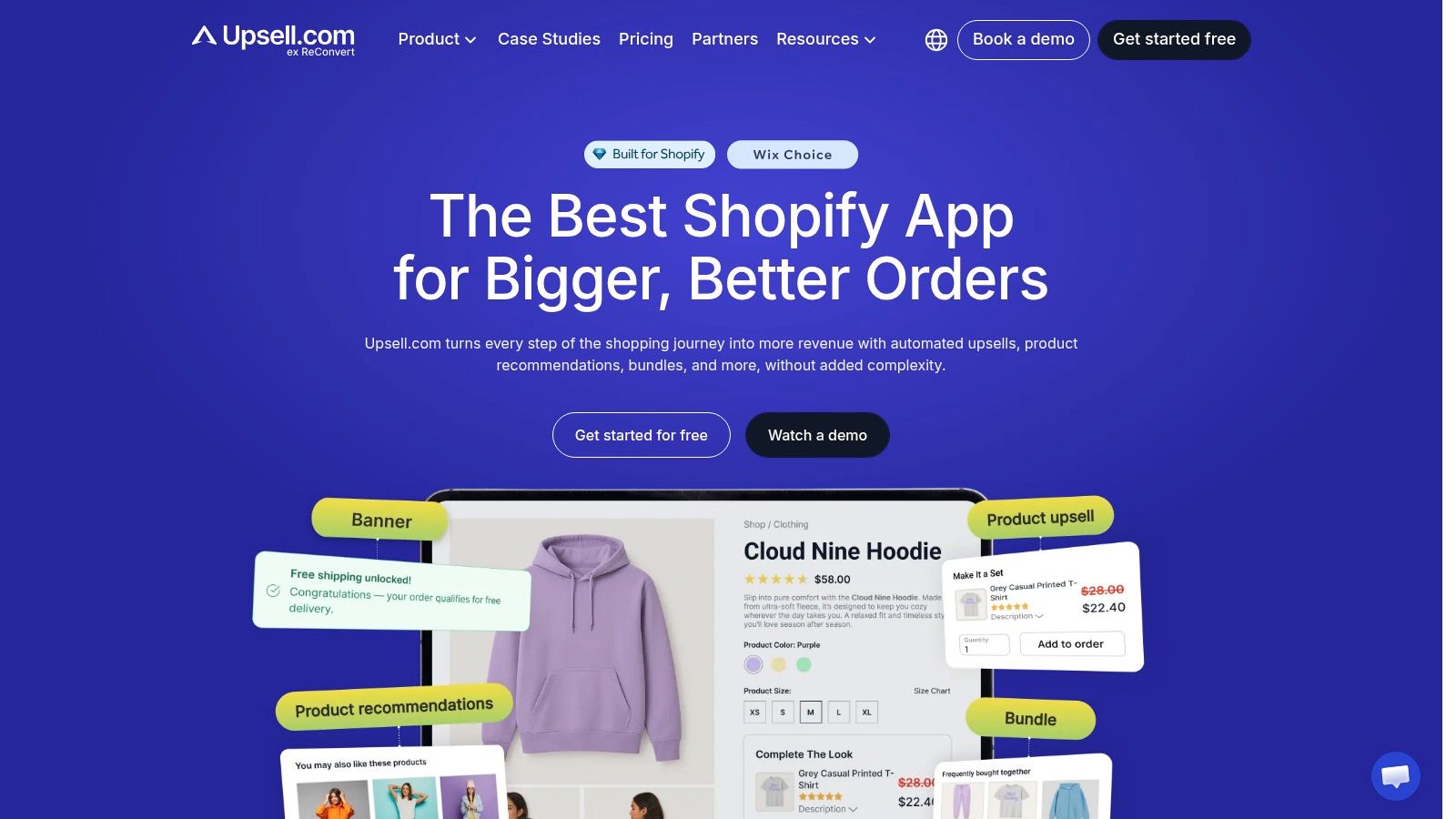
Post-purchase funnels are the main reason to shortlist Upsell.com. Although it also offers product-page and cart placements, its appeal is the ability to build and evaluate offers after the original buying decision.
Upsell.com combines post-purchase funnels and thank-you-page offers with segmentation, conditional targeting, analytics, and A/B testing. Its listed paid plans start at $9.99 per month, while billing can depend on store orders or attributed upsell revenue. Read those thresholds before enabling a campaign, rather than judging affordability from the starting price alone.
A post-purchase funnel and a thank-you-page recommendation aren't interchangeable. During evaluation, inspect the actual customer flow for each placement, including how customers accept the product and what happens to their order afterward.
Separate the placement decision from the billing decision. A useful post-purchase offer can still be a poor fit if you can't predict the subscription cost.
Where the extra controls help
Conditional targeting is valuable when different purchases need different follow-ups. A replenishable product might justify another unit, while a durable product might justify a compatible accessory instead.
- Use the testing tools: Compare offer strategies rather than changing the product, discount, and layout simultaneously.
- Inspect attribution: Establish what the dashboard counts as upsell revenue before comparing results with Shopify orders.
- Confirm checkout eligibility: Its checkout upsells require eligible Shopify Plus access.
The trade-off is ongoing campaign management. More funnel control creates more decisions to maintain, especially when products go out of stock or promotions change.
Choose Upsell.com when post-purchase optimization is a deliberate part of your merchandising plan, not just another placement you might eventually switch on.
4. One Click Upsell (OCU) by Zipify
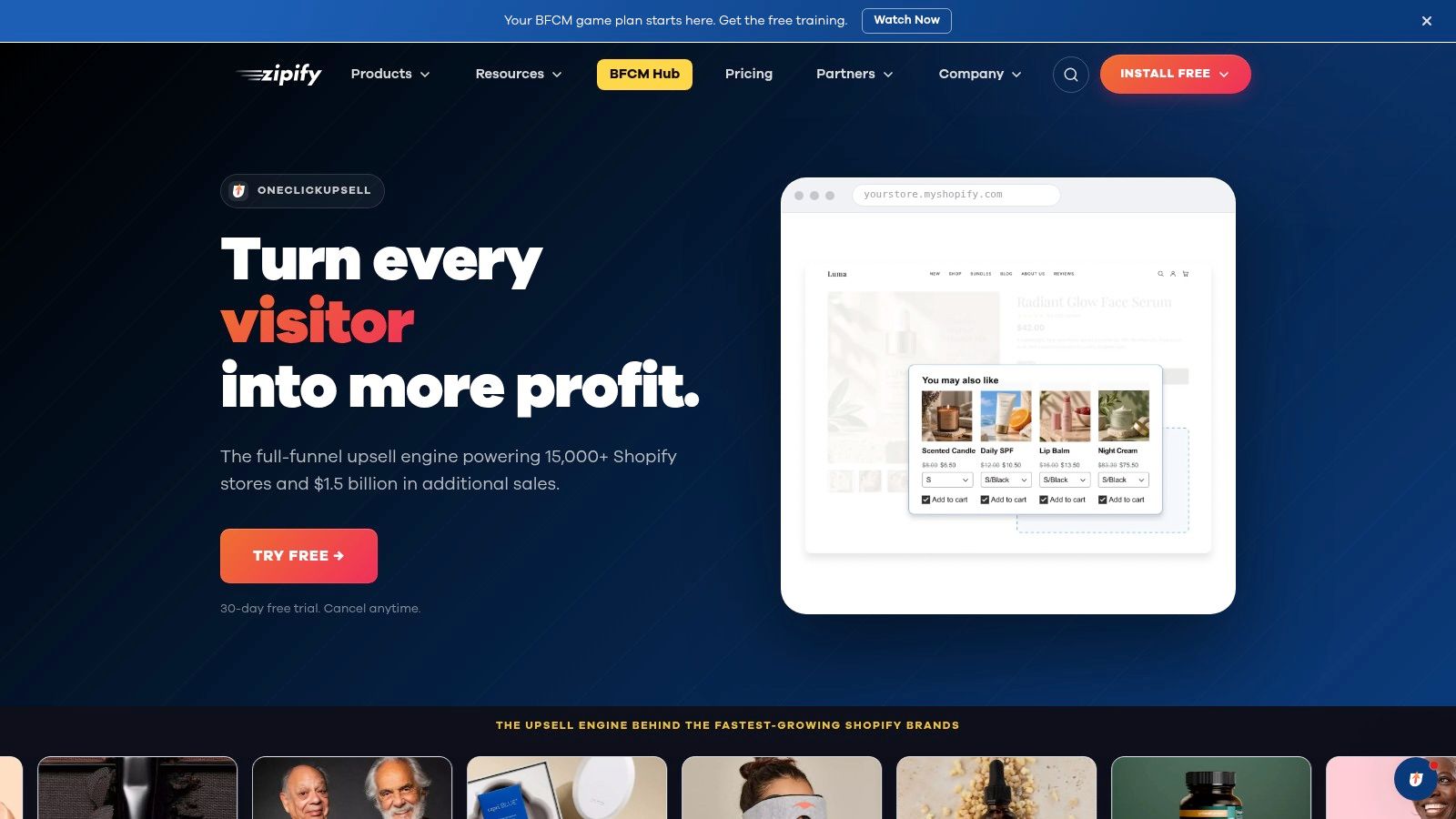
OCU is worth considering when you want to coordinate offers across the journey rather than solve an isolated cart-widget problem. It covers product pages, pre-purchase offers, cart drawers, post-purchase offers, and thank-you pages.
Zipify's One Click Upsell plans start at $9.95 per month for up to $200 in monthly upsell revenue, with a listed 30-day free trial. Its pricing follows upsell revenue rather than store order volume, and checkout offers require Shopify Plus.
That can be appealing if you want app costs linked to attributed results. The limitation is that attributed revenue isn't profit, so discounts and fulfillment costs still need to sit beside the app's reporting.
Plan the sequence before building it
OCU's A/B testing, targeting, and AI offers give you room to experiment. They don't remove the need to decide which products belong together or when the customer has already seen enough.
Before setup, write down what should happen when a shopper accepts an earlier offer. You don't want a later placement recommending the same accessory again.
- Good fit: A merchant willing to maintain targeting rules and review funnel performance.
- Less suitable: A store that needs a simple embedded recommendation and little else.
- Cost watchpoint: Successful campaigns can move into higher revenue-based tiers.
The practical advantage is breadth within a single app. The practical cost is the work required to keep the placements coordinated.
Choose OCU for a managed offer sequence, especially when post-purchase testing matters. Don't configure every available placement merely because the subscription includes access to it.
5. Frequently Bought Together CBB
Sometimes the right upsell isn't a popup at all. A visible bundle beside the product can explain the relationship before the shopper adds anything to the cart.
Frequently Bought Together from Code Black Belt focuses on AI, manual, and global recommendations, with customizable widgets on product and cart pages. Its free plan supports up to three manual bundles, while paid pricing increases with monthly order volume.
This is a more focused tool than the funnel builders above. It suits stores where customers benefit from seeing complementary products together, rather than receiving a succession of offers at different stages.
Manual pairings deserve attention
For products with compatibility requirements, start with selections you can verify. A recommendation can be commercially plausible but still wrong for the specific size, model, or use case the customer needs.
- Recommendation choices: Use manual selections where accuracy matters most, and evaluate automated suggestions against your catalog.
- Discount choices: Percentage, fixed-amount, free-item, and free-shipping offers let you test different bundle incentives.
- Presentation choice: Put the widget where customers can understand the set without overlooking the main product's variant controls.
The operational work is bundle maintenance. Review pairings when you replace products, change variants, or adjust promotional pricing.
Choose CBB for product relationships and bundled purchases, not for advanced post-purchase funnel management. Its narrower scope is an advantage when the main task is helping customers buy a complete, compatible set.
The billing caveat remains important: order-volume tiers can rise with the wider store, even when you haven't expanded your bundle strategy.
6. Candy Rack
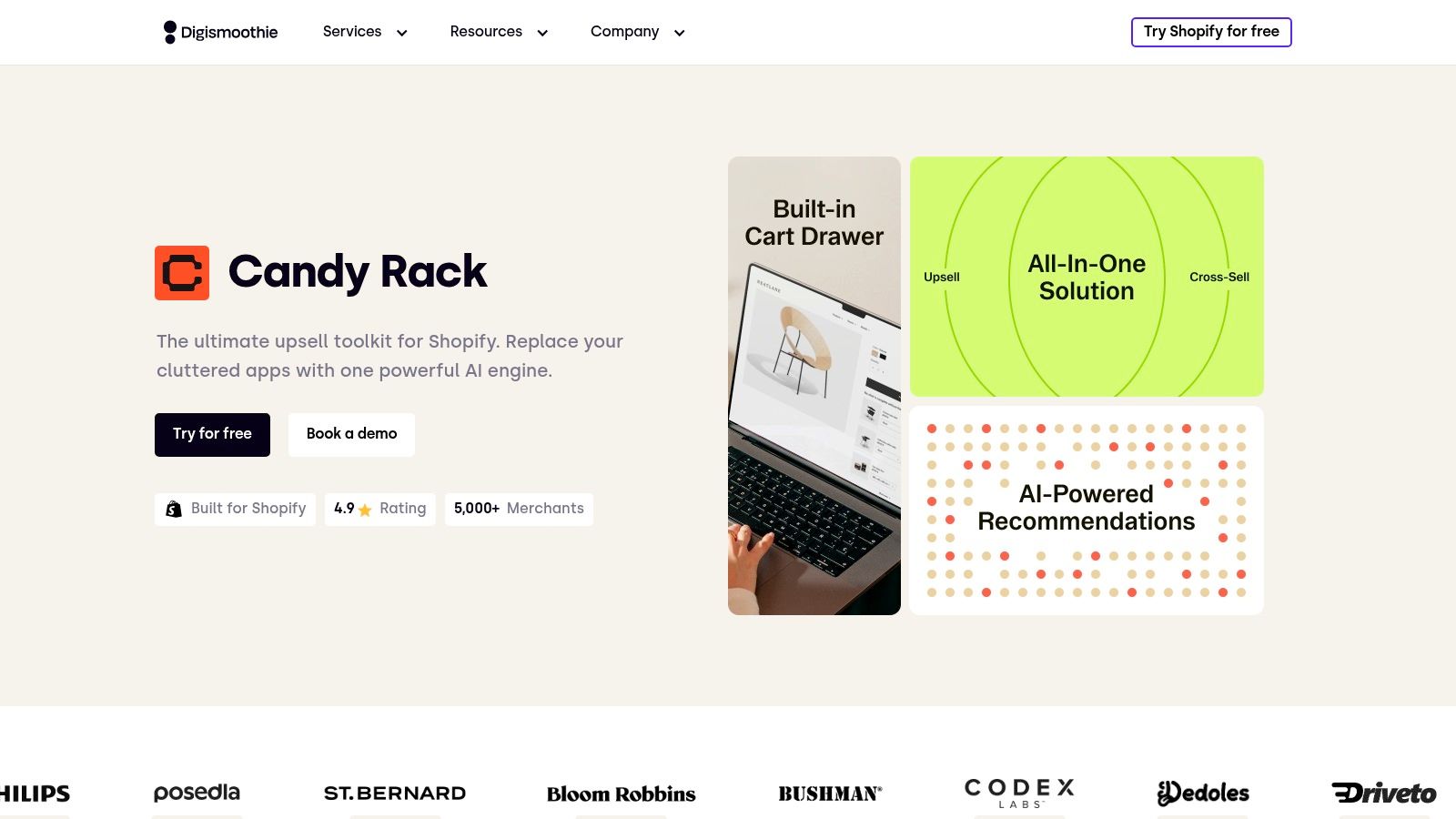
Candy Rack deserves a look when the cart drawer itself needs attention. Alongside product-page and post-purchase offers, it includes a slide cart, bundles, and quantity offers.
Candy Rack's listed plans start at $29.99 per month, with an 8-day free trial. Plans vary by monthly store order volume, while listed paid plans include unlimited upsell orders and revenue.
The important distinction is between unlimited upsell activity and a subscription that never changes. An order-volume pricing model can still move you into a different tier as the store grows.
Before replacing a cart drawer, test everything customers already rely on in it. An additional offer isn't worth losing a working subscription selector or clear checkout route.
Treat it as a cart project
If you already have a custom drawer, assess Candy Rack as a potential replacement rather than assuming you'll layer it on top. Decide which tool owns the cart experience before publishing.
Useful testing paths include adding products from collection pages, changing variants, adjusting quantities, applying discounts, and returning from checkout. Repeat those paths on mobile, where the offer and checkout button compete for limited space.
- Why shortlist it: You want cart presentation and merchandising managed together.
- Why pass: Your existing drawer already works well and you only need a lightweight offer.
- What to budget: Configuration and storefront testing, not just the subscription.
Candy Rack offers a practical combination for a broader cart refresh. For an isolated cross-sell, weigh that scope against the work of changing an interaction your customers already know.
7. Wiser AI - Upsell & Cross Sell
Wiser is better understood as a recommendation toolkit than a dedicated popup app. Its scope includes AI and manual suggestions, frequently bought together widgets, related products, and offers on thank-you and order-status pages.
Wiser's product offering also includes automatically updated best-seller and new-arrival sections, reporting, and an order-volume-based pricing structure with a free entry tier. That makes it relevant when your merchandising needs extend beyond a single add-on campaign.
The useful question isn't whether you want AI. It's whether automated recommendations help customers explore your catalog more effectively than a maintained set of manual pairings.
Give each widget a job
Related products can help a shopper compare alternatives. Frequently bought together suggestions should help them complete a purchase. Treating both placements as interchangeable can produce repetitive pages without a clear merchandising purpose.
- Product discovery: Evaluate related products where customers may still be choosing.
- Complementary purchases: Use frequently bought together offers where the main product is already the right choice.
- Later-stage offers: Check the actual interaction on thank-you and order-status pages rather than assuming all post-purchase placements work alike.
Wiser's breadth can be useful for a catalog with varied product relationships. The corresponding trade-off is deciding which widgets to leave off.
During evaluation, check whether the design and targeting controls are precise enough for your theme. Also ask how pricing scales beyond the listed order bands before committing a larger store.
Choose Wiser when recommendations are an ongoing merchandising function. If you already know the exact product pairing and only need a controlled add-to-cart popup, a more focused tool may require less configuration.
8. Essential Upsell & Cross Sell
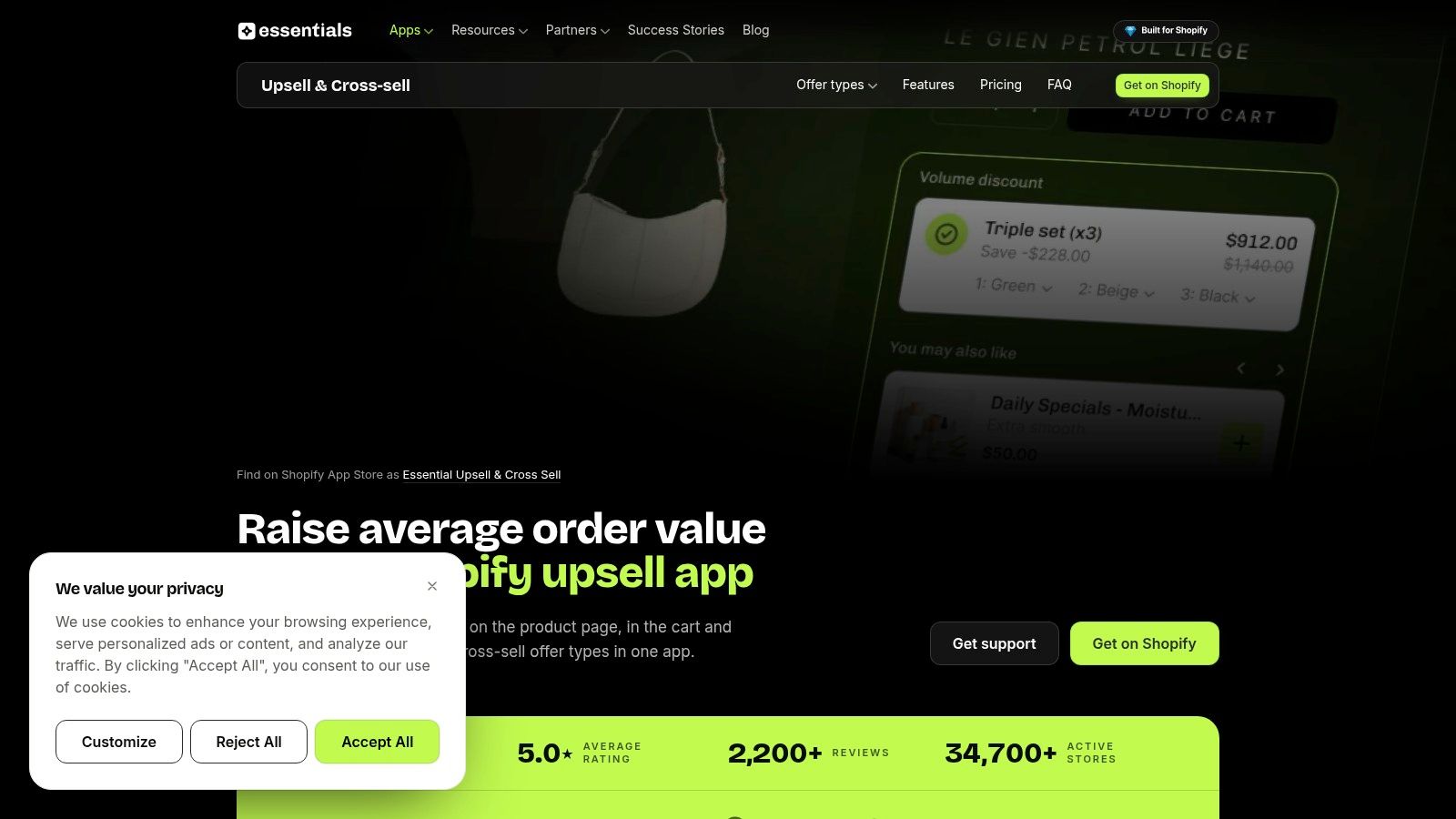
Essential is a candidate for merchants who want product-page, cart-drawer, and post-purchase offers with revenue-capped billing rather than purely order-based tiers. Its feature range includes bundles, add-ons, frequently bought together suggestions, translations, and analytics.
Essential Upsell & Cross Sell lists a free tier covering up to $100 in additional monthly revenue. Paid plans also have attributed-revenue limits, so the cap matters as much as the subscription price.
This structure requires a different forecasting approach. Instead of only estimating store orders, consider how much revenue the app might attribute to its placements and which plan accommodates that result.
Understand the cap before launch
Ask what happens when a plan reaches its limit. Confirm whether you need to upgrade, how the app communicates the threshold, and how it defines additional revenue.
- Placement access: Verify which offer locations are included in the plan you're considering.
- Attribution rules: Check how discounted products, refunds, and accepted offers appear in reporting.
- Growth cost: Compare the next suitable plan with the gross profit you expect the offers to generate.
For setup, begin with a clearly related product-page or cart offer. Use the translations and visual controls to make the offer understandable in each market you serve, then test the displayed price and eligibility through checkout.
Essential's attraction is broad functionality with a free testing route. The trade-off is having to monitor attributed-revenue limits as campaigns gain traction.
Don't treat crossing a cap as proof that the campaign is profitable. Review what customers bought, what the discount cost, and whether completion of the original order stayed healthy.
9. UpsellPlus Checkout Upsell
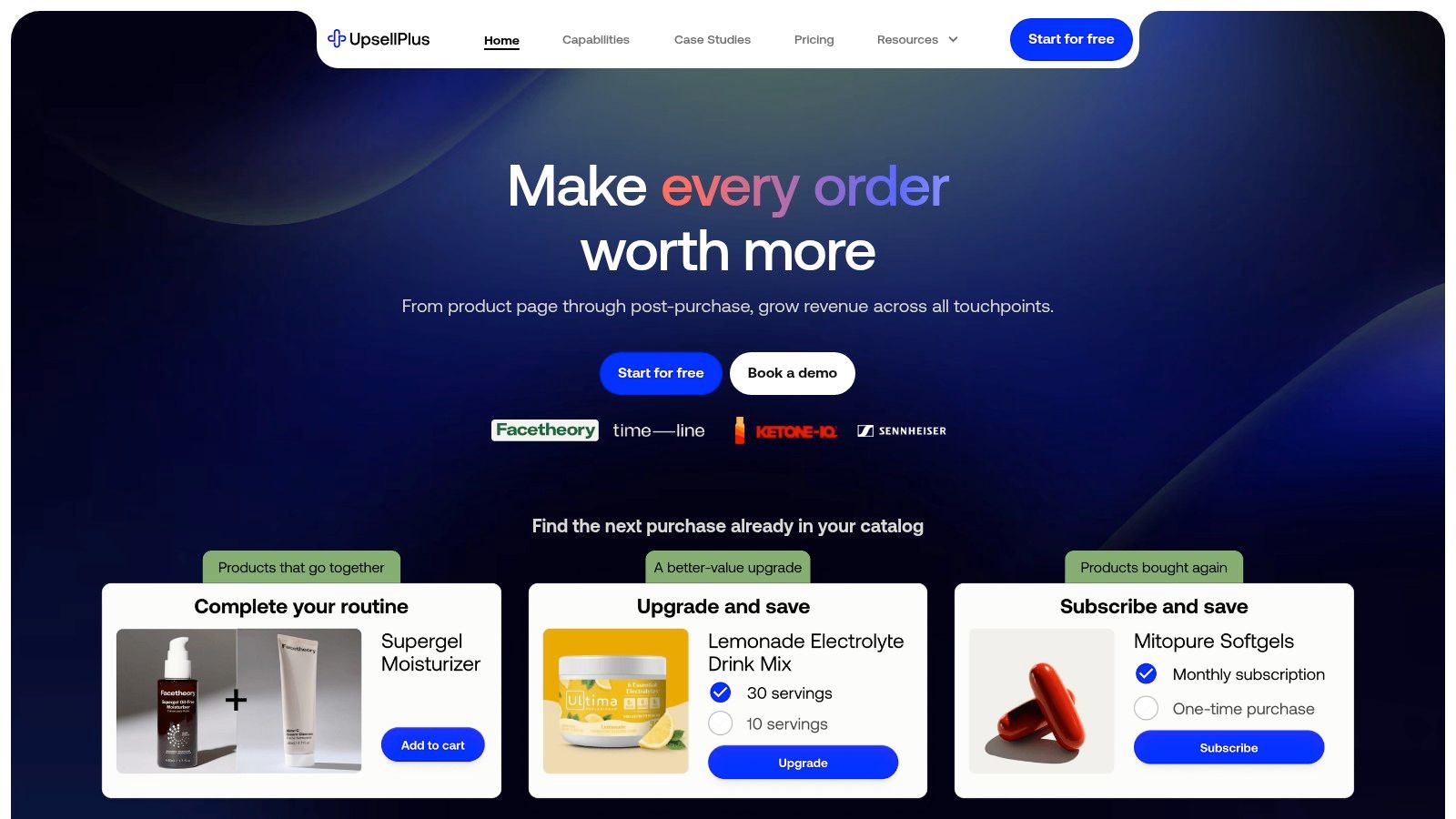
Confirm Shopify Plus eligibility before evaluating UpsellPlus for checkout. Its scope includes cart and post-purchase offers too, but checkout is the placement that makes the plan question especially important.
UpsellPlus lists paid plans starting at $49 per month, with Shopify Plus features starting at $119 per month. Revenue caps apply to paid tiers, so assess both feature access and the allowance attached to the plan.
The app includes A/B testing, analytics, personalized cart options, free gifts, and progress bars, with additional checkout customization and POS options on higher plans. That range is useful only if it matches a defined merchandising requirement.
Checkout needs stricter restraint
A checkout offer should be easy to understand without sending the customer back into product research. An accessory that requires a compatibility investigation is a poor candidate for this stage.
The guide to checkout-page design provides useful context for judging how an offer fits alongside the main task of paying. Keep the checkout route clear and the additional cost explicit.
- Use it for: A defined checkout or cross-placement strategy with appropriate plan access.
- Question the spend: If you only need a basic cart suggestion, compare narrower alternatives.
- Check scaling: Revenue limits can affect the eventual subscription, not just the entry price.
UpsellPlus is a stronger candidate when checkout customization has a specific commercial purpose. It's less compelling when a merchant is paying for advanced access without a clear offer to place there.
Test whether the offer improves the economics of completed purchases, rather than whether shoppers click it.
10. In Cart Upsell & Cross Sell
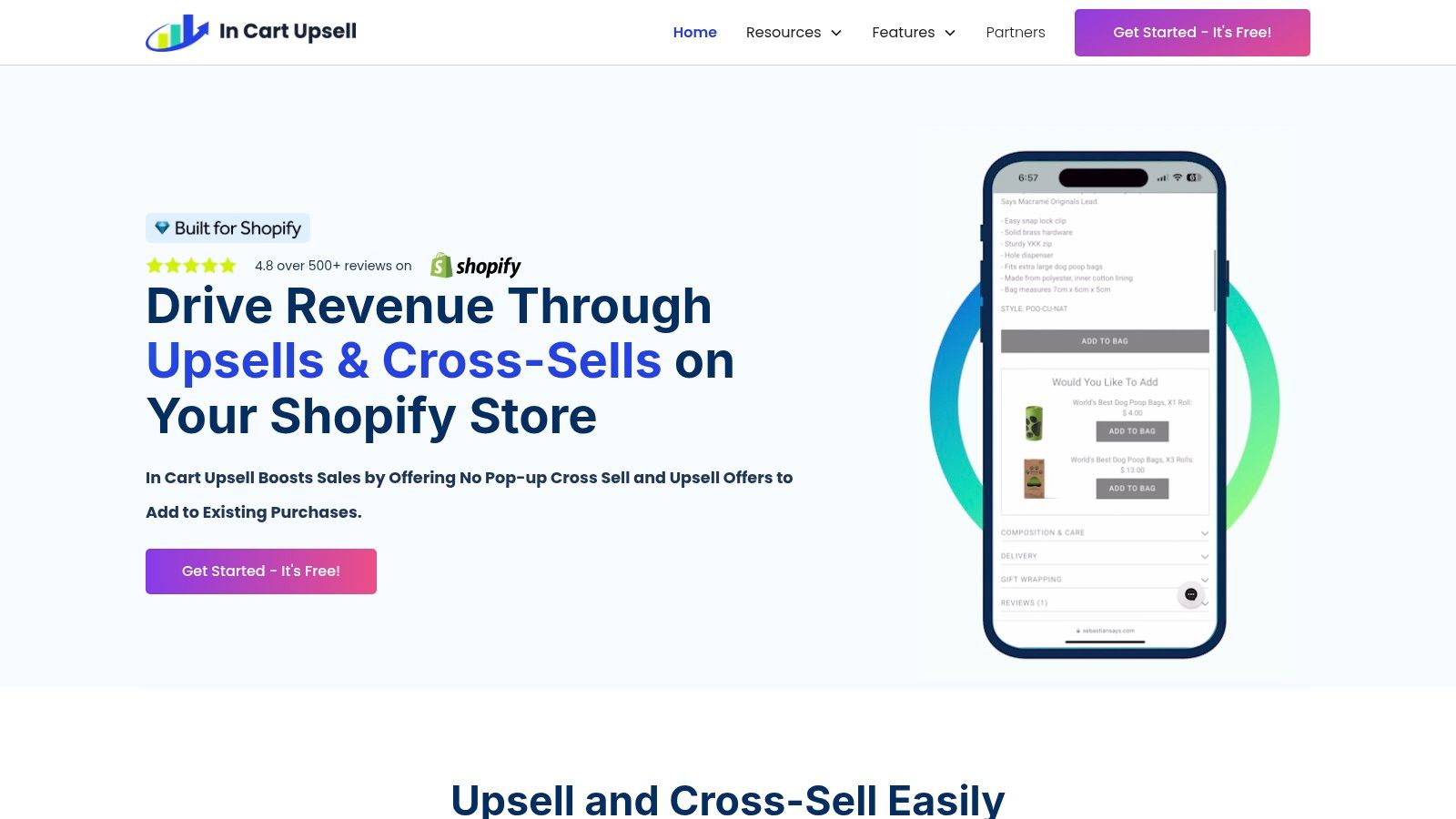
In Cart Upsell is worth shortlisting when conditional cart logic matters more than building a post-purchase funnel. It supports product-page, cart-page, cart-drawer, popup, and post-purchase offers.
In Cart Upsell & Cross Sell combines conditional rules, A/B testing, AI-assisted offers, and analytics, with custom CSS and HTML options. Its free plan is restricted and includes a Powered by InCart Upsell watermark, while paid pricing varies by Shopify plan type.
That's a different billing consideration from either attributed-revenue caps or straightforward order-volume tiers. Check the price attached to your current Shopify plan and any plan you expect to adopt.
Define exclusions as carefully as triggers
Cart rules should explain when an offer belongs and when it doesn't. Suppress an accessory that's already in the basket, and avoid showing a recommendation that conflicts with the customer's selected product.
The Shopify cart-drawer guide is useful when deciding where the recommendation should sit relative to order details, shipping incentives, and the checkout button.
- Strong use case: Offers that depend on cart contents and need explicit conditions.
- Implementation consideration: Custom styling can help with fit, but someone must maintain those adjustments.
- Evaluation point: Make sure the reporting answers your commercial questions, not just campaign activity.
Test the offer after quantity changes and item removals, not only when the drawer first opens. A rule that works on the initial cart can still produce an irrelevant suggestion after the customer edits it.
Choose In Cart Upsell for rule-driven cart merchandising, provided its pricing and presentation controls suit your existing storefront.
Top 10 Shopify Upsell Apps: Feature Comparison
Use this comparison to match an app to the point in the purchase journey where you want to show an offer. The rows reflect the placements and pricing details described for each app, rather than treating starting prices as directly comparable.
| App | Core features and placements | Standout features | Price and value | Best fit |
|---|---|---|---|---|
| UpServe | Product-targeted add-to-cart popups, bundles and discounts | Detailed styling, per-offer analytics and a Shopify-native extension | Free plan | Merchants seeking branded, product-specific popup offers. Checkout upsells require Shopify Plus. |
| Selleasy | Product add-ons, bundles, cart and post-purchase offers | AI recommendations and offers across multiple placements | Free up to 50 orders per month; paid pricing scales with order volume | Stores looking for a multi-placement upsell toolkit |
| Upsell.com (formerly ReConvert) | Post-purchase funnels, thank-you page, product and cart offers | A/B testing and funnel analytics | Paid plans start at $9.99 per month | Merchants focused on post-purchase funnels and testing |
| One Click Upsell (OCU) by Zipify | Product, pre-purchase, cart and post-purchase offers | AI offers, A/B testing and targeting | Starts at $9.95 per month, with a 30-day trial; tiers are tied to upsell revenue | Stores seeking offers across the shopping journey |
| Frequently Bought Together CBB | Product recommendations, bundles and discounts on product and cart pages | AI, manual and global recommendations | Free for up to 3 manual bundles; paid pricing scales with orders | Merchants focused on product pairings and bundles |
| Candy Rack | Product, cart and post-purchase offers, plus a built-in slide cart | Bundles, quantity offers and cart upsells | Starts at $29.99 per month for up to 50 monthly orders; 8-day trial | Stores wanting a slide cart and upsell features in one app |
| Wiser AI | AI and manual recommendations, related products and post-purchase offers | Recommendation options across multiple touchpoints | Free up to 50 orders per month; check pricing for larger stores | Merchants seeking product recommendations in several placements |
| Essential Upsell & Cross Sell | Product, cart and post-purchase offers, bundles and add-ons | Customizable widgets and analytics | Free up to $100 in additional monthly revenue; paid plans start at $9.99 per month | Stores seeking broad features with a low starting price |
| UpsellPlus Checkout Upsell | Product, cart, checkout and post-purchase offers | A/B testing, progress bars and POS options | Paid plans start at $49 per month; Plus features start at $119 per month | Merchants needing checkout and post-purchase offers |
| In Cart Upsell & Cross Sell | Product, cart, cart-drawer, popup and post-purchase offers | Conditional rules, A/B testing and AI autopilot | Free plan is restricted; paid pricing varies by Shopify plan type | Stores prioritizing targeted offers in the cart |
The pricing models differ. Selleasy and Candy Rack use order-volume thresholds; Upsell.com and OCU tie pricing to upsell revenue. UpServe, Wiser and Essential have free plans with stated limits, while In Cart Upsell's paid pricing varies with the Shopify plan. Compare the specific limit that can change your bill, not just the entry price.
Matching the Right Upsell App to Your Store
The best up sell app is the one that puts a useful offer in the right place at a cost you can explain. Start with the customer interaction you want to improve, then shortlist the tools that support it.
For a free, design-controlled add-to-cart popup, start with UpServe, or evaluate Selleasy if you also want broader placement options. For a deliberate post-purchase funnel, look at Upsell.com or OCU. If checkout is essential, confirm Shopify Plus eligibility and the app's required plan before spending time on campaign design.
Match the billing model to your growth
Order-volume tiers, revenue caps, and free plans answer different questions. Compare them against your store's expected operating pattern rather than treating their starting prices as equivalent.
- Order-volume tiers: Check how a busy trading period affects the bill, even if upsell activity stays unchanged.
- Revenue caps: Establish how the app attributes revenue and what happens when you reach the allowance.
- Free plans: Inspect campaign limits, branding, placement access, and the condition that triggers paid use.
- Plan-dependent pricing: Include potential Shopify plan changes in your comparison.
Then assess profit, not just acceptance. An offer may add revenue while also adding discount cost, fulfillment expense, refunds, or support work.
Baymard's checkout-usability research found that 65% of the 344 evaluated ecommerce sites delivered a mediocre-or-worse checkout experience. That's a useful reason to protect the purchase path while testing merchandising, not a promise that an upsell app will fix it.
Judge the offer against the purchase the customer would have completed without it.
Launch narrowly and measure the whole purchase
Run a well-targeted offer before stacking placements. Choose a product relationship you can explain, use per-offer analytics to inspect impressions and conversions, and compare completed purchases with a suitable control where possible.
Review incremental gross profit per eligible session, base-order conversion, offer dismissals, refunds, and relevant support contacts. Don't let a higher average order value hide fewer completed orders.
For international stores, test local currency display, translated copy, inventory eligibility, and delivery promises. A useful offer loses credibility if its price or availability changes unexpectedly at checkout.
The practical way to increase average order value on Shopify is to help customers complete a more useful purchase, not to fill every available surface with recommendations. Keep the successful offer, remove the distracting one, and expand only when the results justify another placement.
ServeApps provides Shopify-native tools for contextual upsell popups, configurable cart drawers, and customer self-service order changes. Visit ServeApps to explore UpServe's free plan and start with a product-specific popup you can style to your store and evaluate through per-offer analytics.
Order Confirmation Screen: What to Include and Templates
Learn what to include on an order confirmation screen, in what order, with tracking, cross-sell and support templates you can copy for your Shopify store.
Read more →
Best Checkout Page: 7 Examples That Convert in 2026
Discover 7 best checkout page tools and examples for Shopify with pros, cons, and conversion tips to boost AOV without rebuilding checkout.
Read more →
Shopify Checkout Customization: Options Compared
Compare Shopify checkout customization options: Checkout Extensibility, checkout.liquid, and apps. Learn plan limits and which approach fits your store.
Read more →