
Baymard's compilation of ecommerce studies puts average cart abandonment at 70.22%, roughly seven out of ten carts. That's a useful warning, not a universal target: merchants should diagnose their own funnel, then remove the friction they can control, starting with unclear costs, awkward forms, and payment problems. Baymard's cart abandonment benchmark makes the case for treating checkout as a revenue-critical part of the buying journey, not just a page to make attractive.
Shopify merchants also need to separate what they can edit from what they can't. Shopify's native checkout provides the foundation, but many checkout-step extensions require Shopify Plus; non-Plus stores can still improve the cart before checkout and the thank-you experience after payment. These seven options cover those distinct jobs, from Shopify's native flow and Checkout Blocks to pre-checkout offers and post-purchase upsells. For merchants selling across borders, checkout UX guidance for cross-border merchants is a useful reminder to make costs, delivery, and payment expectations clear to shoppers in each market.
Table of Contents
- 1. Shopify Checkout
- 2. Shopify Checkout Blocks
- 3. Rebuy Personalization Engine
- 4. One Click Upsell (Zipify OCU)
- 5. ReConvert Post Purchase Upsell
- 6. AfterSell Post Purchase Upsell
- 7. ServeApps UpServe
- Top 7 Checkout Page Solutions Compared
- Build a Checkout That Keeps Revenue
1. Shopify Checkout
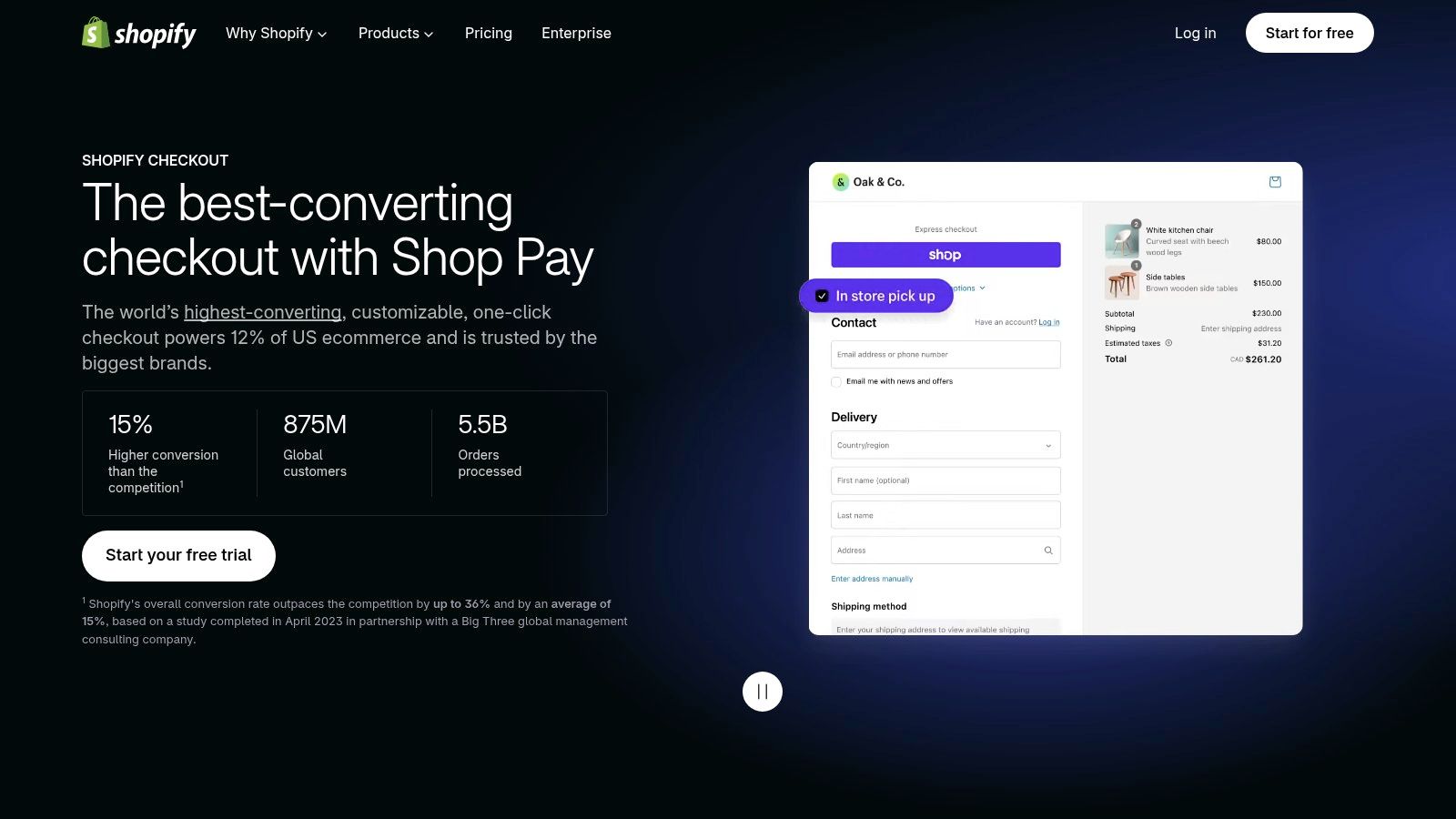
Shopify Checkout is the strongest starting point for stores that want a reliable, integrated transaction flow rather than a separate checkout vendor. It brings payment, shipping, and customer details into Shopify's order and fulfillment workflow, with branding controls and accelerated checkout options. Explore the Shopify Checkout platform to understand the native foundation before adding apps.
The important trade-off is control versus reliability. Shopify gives merchants useful branding and layout settings, but it isn't a blank-canvas page builder. The deeper you want to customize the actual checkout steps, the more important your Shopify plan and Shopify's supported extension points become. Many extensions for core checkout steps require Shopify Plus, so a non-Plus merchant shouldn't buy a cart or post-purchase tool expecting it to redesign the payment flow.
What to improve first
Start with what Shopify lets you control directly: keep the branding consistent, make payment choices clear, and check the flow on mobile. Don't add fields or steps unless they serve a real operational or customer need. If a shopper has to work harder to understand the order, a more decorated checkout won't fix the problem.
Practical rule: Treat Shopify Checkout as the transaction layer. Use other tools to improve the experience before payment or after an order is placed.
For a deeper look at where Shopify permits changes, see this guide to Shopify checkout customization. Merchants can also build trust earlier in the buying journey by finding practical ways to collect customer reviews on Shopify, rather than relying on unsupported claims or last-second reassurance in checkout.
2. Shopify Checkout Blocks
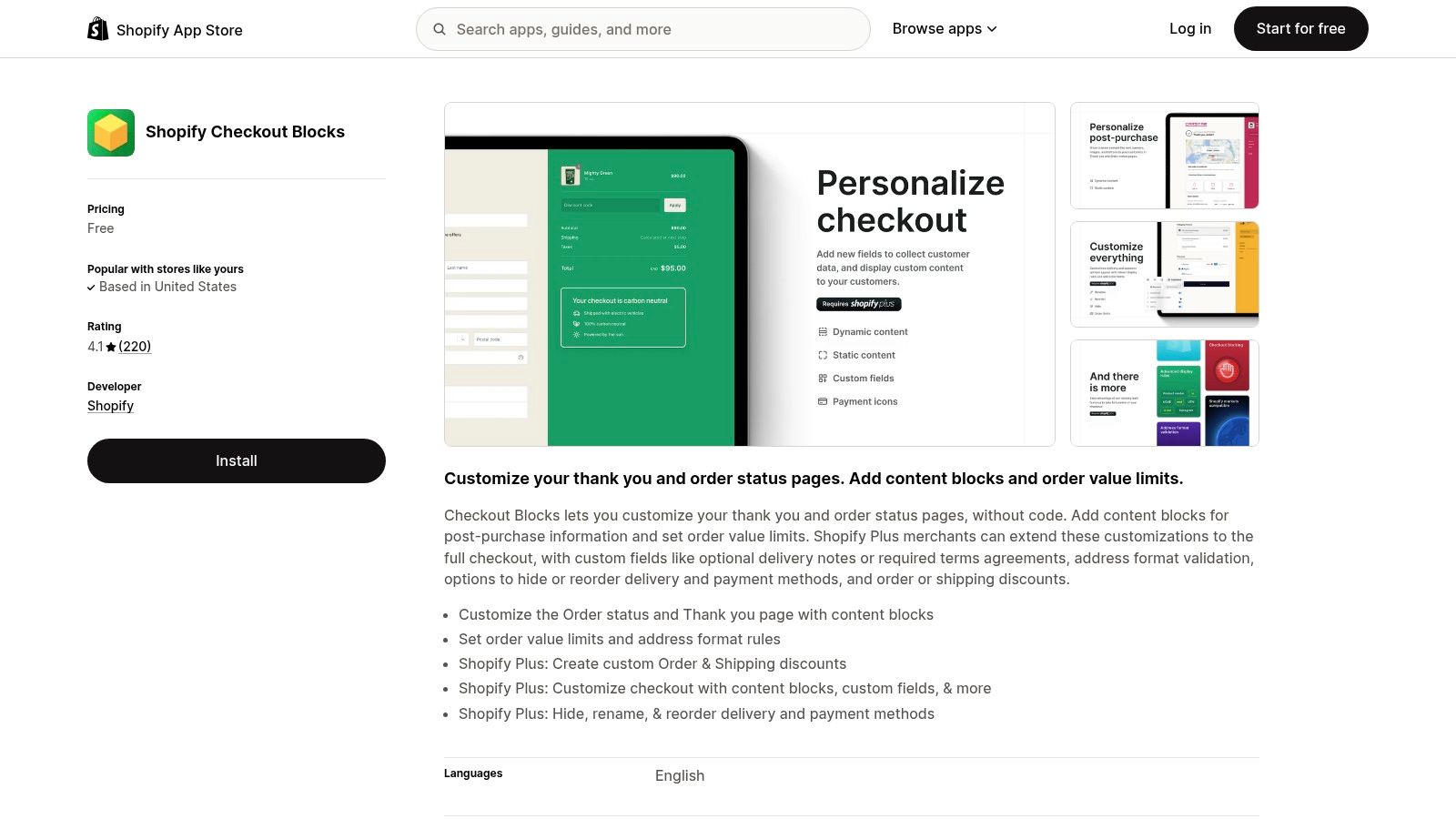
Checkout Blocks is a no-code Shopify app for merchants who need specific checkout rules or content, not a free-form visual redesign. Its configurable blocks can support custom fields and display rules, while rules can hide, rename, or reorder payment and delivery methods. It can also handle practical logic such as order limits and conditional discounts. The Shopify Checkout Blocks listing is the place to confirm current availability and details.
Its strongest use case is a specific checkout requirement. For example, a merchant may need to collect a relevant piece of information, limit particular orders, or show content only when defined conditions are met. That's different from trying to make checkout look like an elaborate landing page. Checkout should help customers finish the purchase, not introduce decorative content that competes with the task.
Check the plan before building
Some content blocks can work on thank-you and order-status pages on Basic or higher, while most other features require Shopify Plus. That difference matters: a merchant can install the app and still find that the checkout-stage functions they wanted aren't available on their plan. Verify the requirement for the specific feature before designing a workflow around it.
Checkout Blocks is free and uses Shopify's editor, which keeps implementation more approachable than custom development. But it's not a general-purpose page builder, and plan eligibility limits what it can do inside checkout. Use it when a defined rule or content block solves a real checkout need. Don't expect it to replace Shopify's checkout architecture or give every merchant Plus-level control.
3. Rebuy Personalization Engine
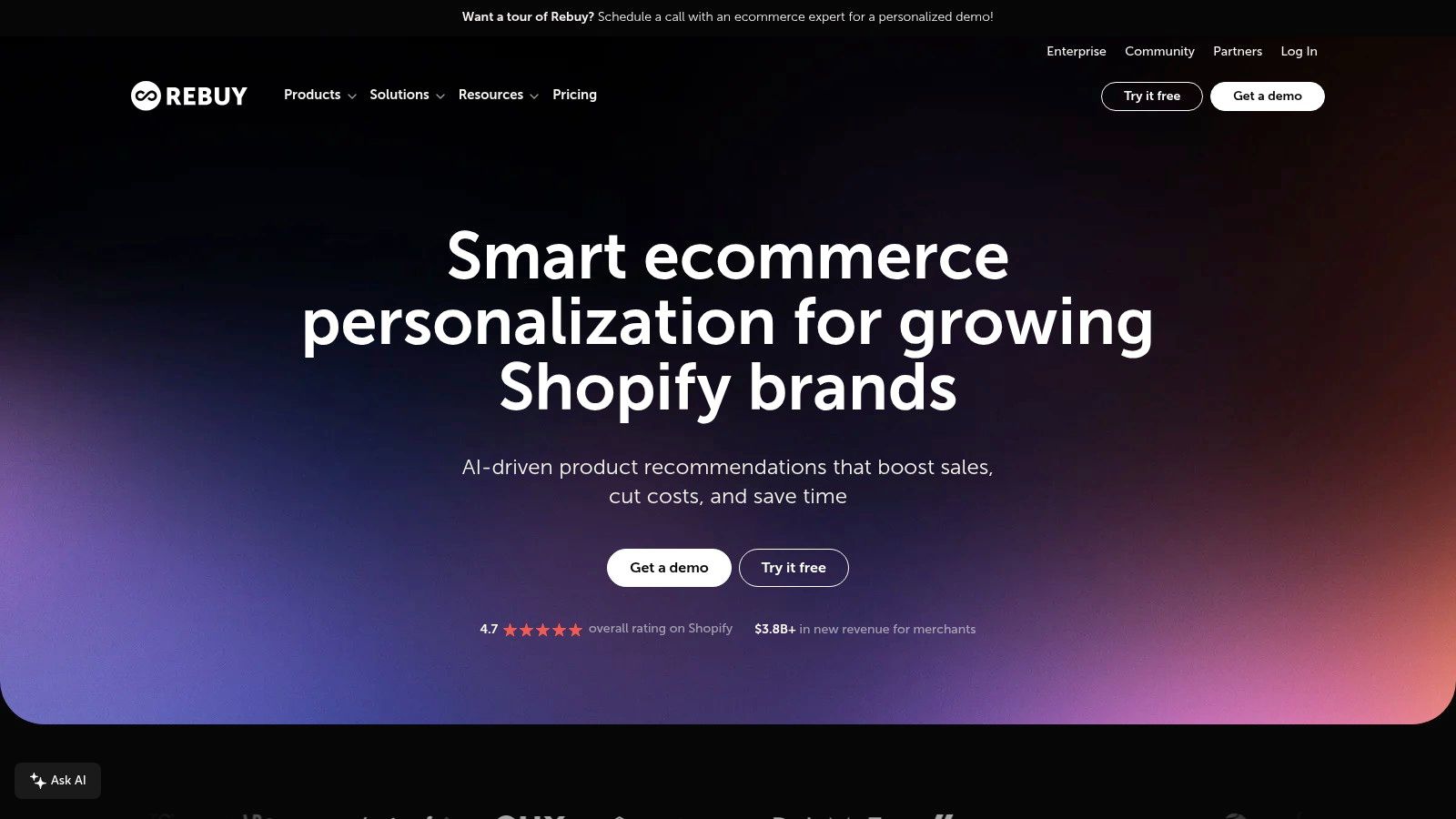
Rebuy is better understood as a merchandising and personalization system than as a checkout-page editor. Its Smart Cart, product recommendations, bundles, and upsells can put relevant offers in front of shoppers before payment, with additional capabilities for checkout and post-purchase. The Rebuy Personalization Engine is worth considering when your goal is to coordinate offers across the shopping journey.
That broader reach creates a real operational trade-off. A cart offer can be useful when it complements what a shopper has chosen; an unrelated recommendation can distract them from buying. More placements and personalization options also mean more decisions to configure and test. Start with a simple offer that fits the cart, then judge whether it improves the economics of the order without creating extra friction.
Separate personalization from checkout editing
Rebuy offers A/B testing and personalization tools, which can help merchants compare offer approaches. But those capabilities don't make it a full checkout redesign tool. Any in-checkout functionality still depends on Shopify's plan restrictions and supported extension points, so confirm eligibility rather than assuming an app can change the native checkout.
For stores that want cross-page relevance, the broader setup can be worthwhile. For stores that only need a straightforward offer in a cart or after purchase, a narrower tool may take less work to operate. Keep merchandising focused on the shopper's current intent, and use ways to match pages to visitor intent as a prompt to make offer relevance part of the implementation, not an afterthought.
4. One Click Upsell (Zipify OCU)
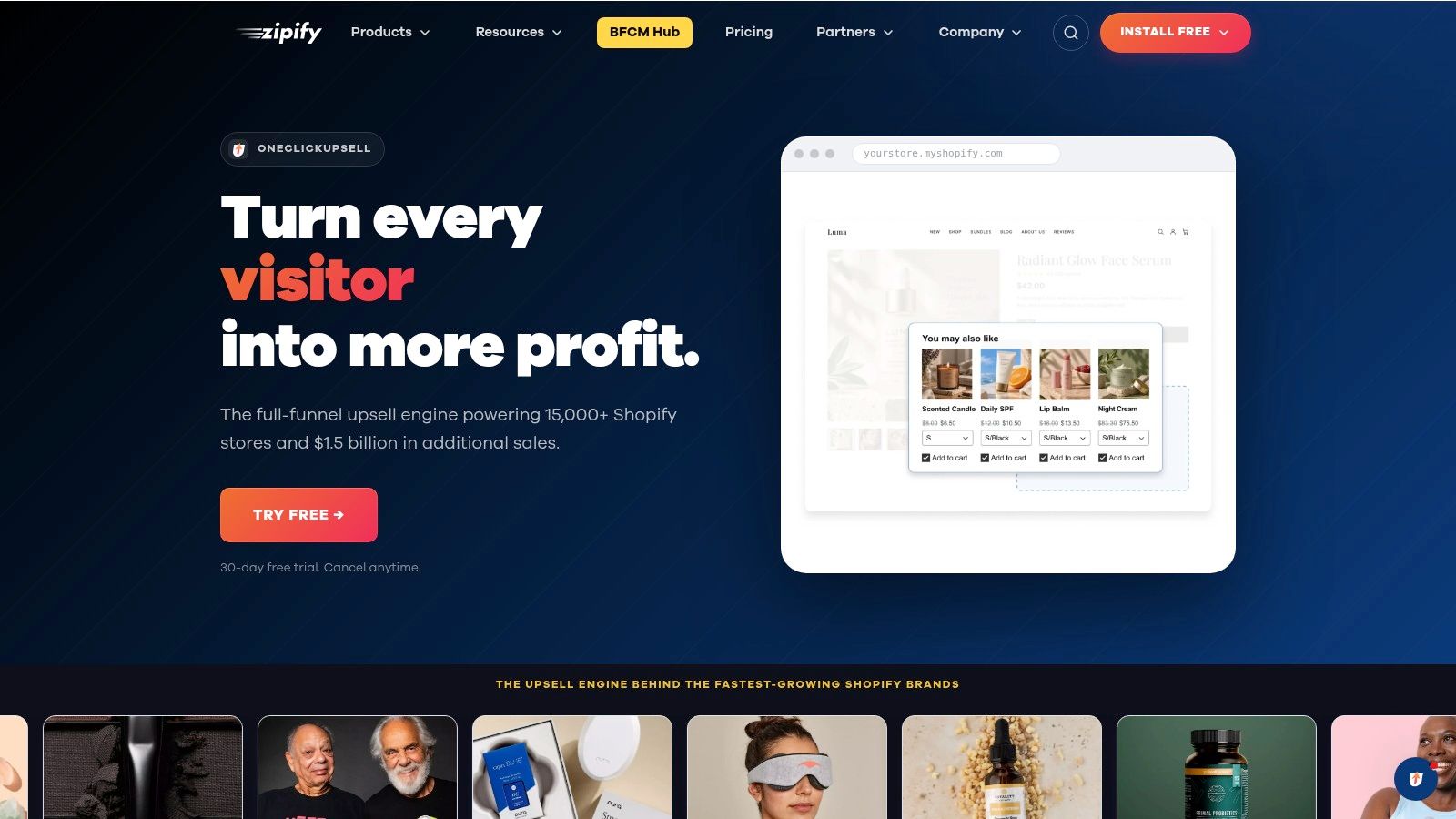
Zipify OCU focuses on offers around the transaction rather than rebuilding Shopify Checkout. Merchants can create pre-purchase and post-purchase upsell funnels, with placements such as the cart drawer and thank-you page. Shopify Plus stores can also use in-checkout upsells. Review the One Click Upsell product with that placement distinction in mind.
The distinction matters: an upsell placement isn't the same thing as checkout customization. On a non-Plus plan, OCU can still support offers before checkout or after the order, but it won't turn the native checkout into a custom page. Its testing and targeting tools help merchants refine offers, yet a test is only useful if the offer is relevant and the result is assessed against the whole order experience.
Make the offer earn its place
A cart-drawer offer reaches shoppers before payment, when they can still change their basket. A post-purchase offer avoids interrupting the payment flow, but it should still make sense as a follow-on purchase. Don't treat either placement as automatic incremental revenue. Monitor whether an offer adds value without making the original purchase harder to complete.
Pricing tied to upsell revenue can also change the economics as performance grows. Review the commercial terms alongside the offer results, not after building a complex funnel. For a practical overview of offer sequencing, use this guide to a Shopify upsell funnel. Choose OCU when you want to manage several offer placements and tests in one system, not because you expect it to replace the checkout editor.
5. ReConvert Post Purchase Upsell
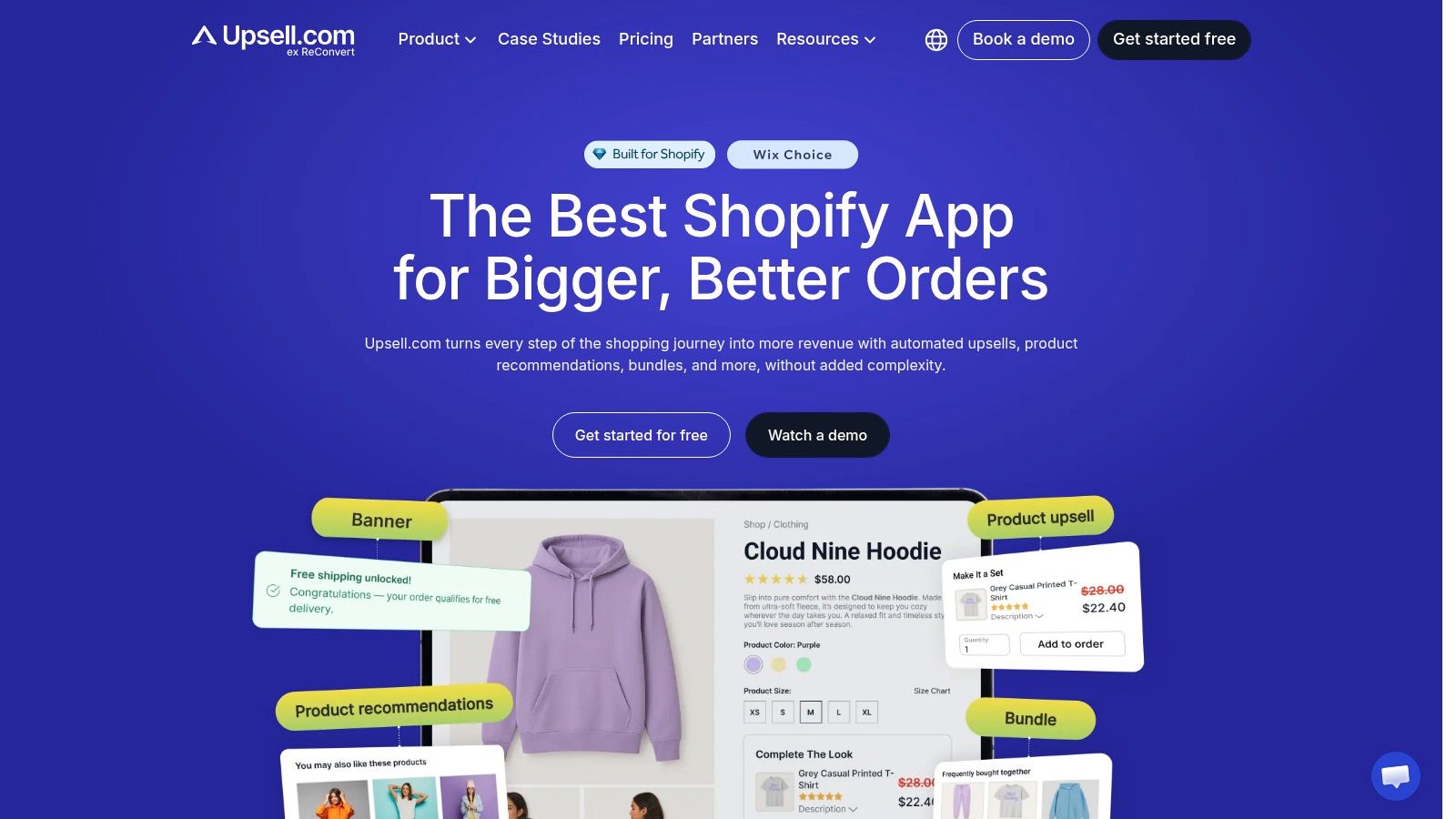
ReConvert specializes in what happens after the customer has paid. Its post-purchase funnels, thank-you-page customization, order-status-page offers, conditional offers, and analytics make it a focused choice for merchants looking to develop that part of the customer journey. Visit ReConvert to assess its current features and fit.
That focus is also its limit. ReConvert isn't a checkout-page builder, so it won't remove extra fields from Shopify Checkout or rework the payment steps. Instead, it gives merchants a place to present a relevant offer after the original order is confirmed. That can make sense when the follow-on product complements the order, but the presence of an upsell doesn't guarantee a sale or make an irrelevant offer helpful.
Keep the customer experience clear
Treat the thank-you page as both a confirmation and a service touchpoint. Customers should be able to understand that their original order went through, find the information they need, and decide whether an additional offer is useful. A promotion that obscures order details or feels like a condition of purchase risks undermining trust.
ReConvert's Shopify App Store feedback indicates a strong merchant reputation, while some reviews report confusion about charges after trials. Review billing terms before installation and make sure the team understands which features are active. Choose it for post-purchase workflows, not as a substitute for checkout controls. If the main problem is payment completion, focus on the checkout flow itself before investing in a thank-you-page funnel.
6. AfterSell Post Purchase Upsell
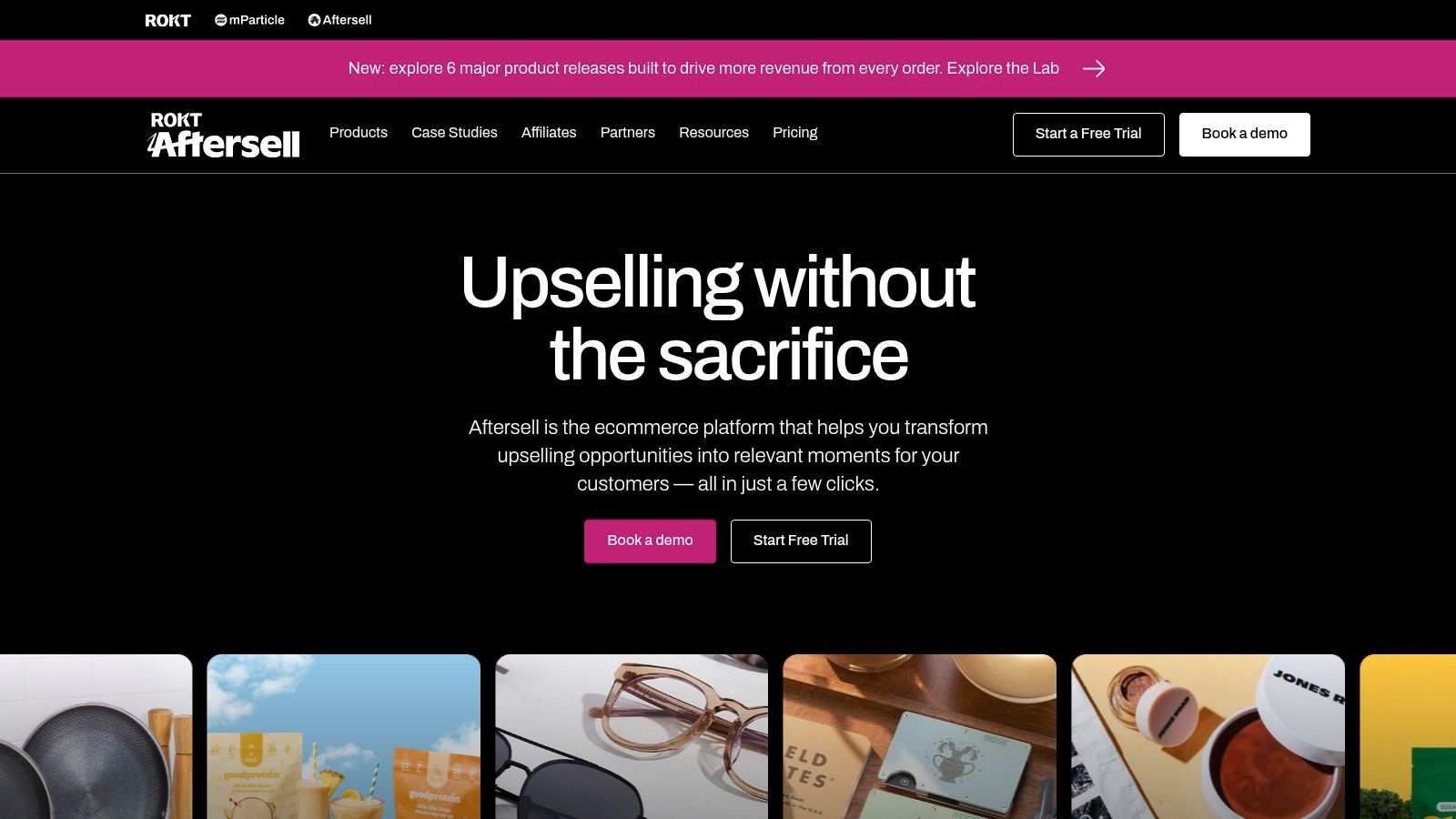
AfterSell also concentrates on post-purchase merchandising. It provides one-click upsell offers and thank-you-page customization, with targeting and funnel tools to shape which offer appears. Its AfterSell product page identifies it as Built for Shopify. As with other tools in this category, checkout-related placements depend on Shopify's extension points and plan eligibility.
AfterSell is a practical comparison for merchants deciding how to manage offers after an order is placed. Its focus is narrower than a cross-journey personalization platform, which can make it easier to evaluate when the need is a thank-you-page offer rather than a larger merchandising system. Merchants in reviews often praise its support, but support and app status don't remove the need to validate the experience in the store's actual theme and order flow.
Don't let the offer compete with confirmation
A post-purchase offer should feel optional and relevant. Keep order confirmation and essential next steps easy to find, and avoid making the offer feel like an obstacle to getting that information. Merchants should also verify which placements their plan and store setup support before promising a particular experience.
AfterSell isn't a full checkout designer. If the checkout itself has unnecessary friction, fix that separately; if the payment experience is already clear, a carefully targeted post-purchase offer may be a reasonable test. Compare tools based on the funnel you need, the placements available to your plan, and the analytics you'll use to assess the offer.
7. ServeApps UpServe
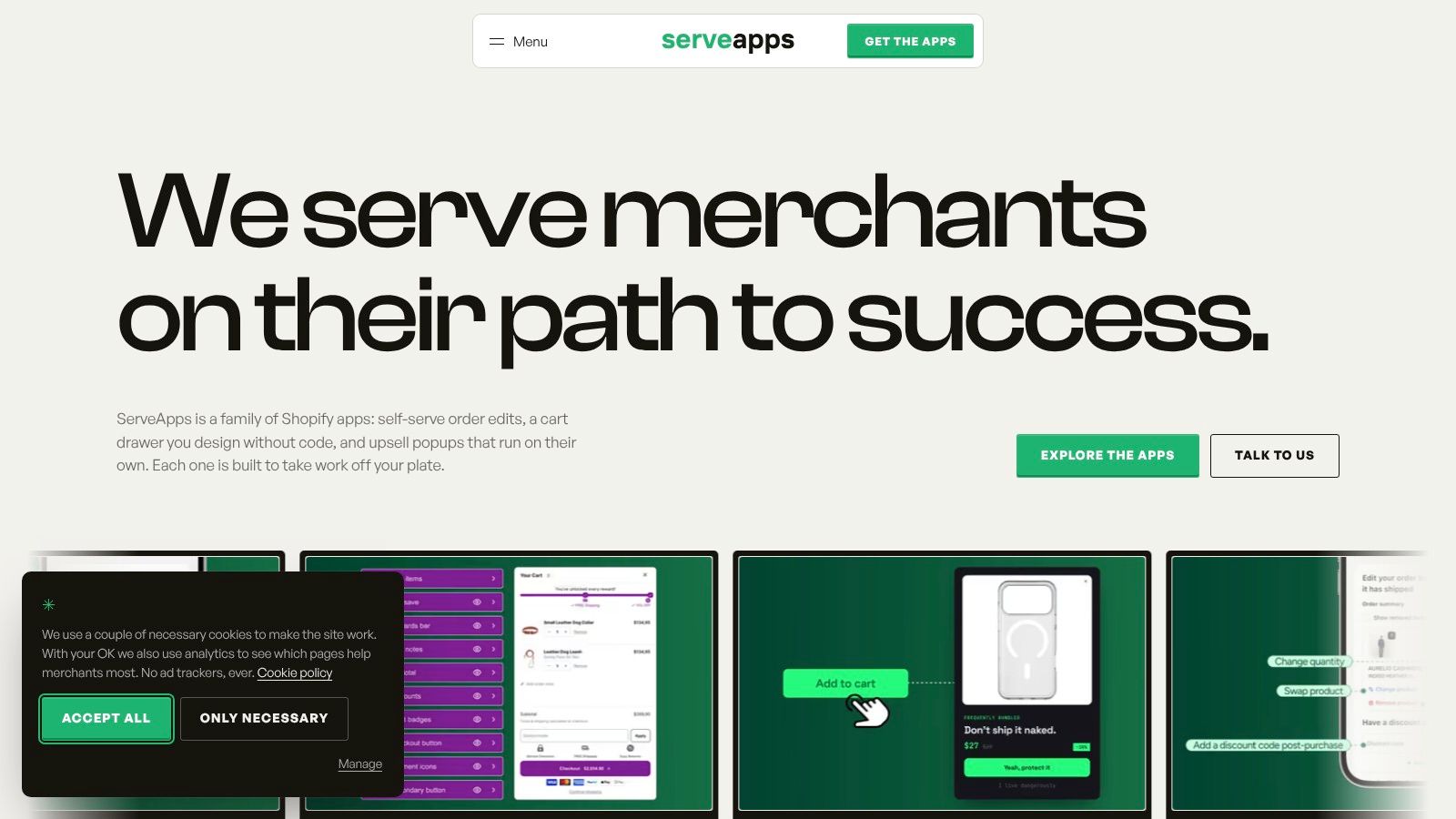
UpServe works before the customer reaches checkout. It presents contextual add-to-cart popups with bundled offers and discounts, giving Shopify merchants a way to merchandise at the moment a shopper adds an item. The ServeApps UpServe app also provides visual controls for colors, corners, shadows, and spacing, plus analytics for impressions, conversions, and revenue per popup.
Those analytics are useful because they let a merchant assess individual offers rather than assume every popup performs well. But the placement needs restraint. A popup that appears at the wrong moment or promotes an unrelated add-on can interrupt the shopping task, while a relevant bundle can make the cart more useful. Keep the offer connected to the item just added, and check how the experience behaves on mobile.
Know what UpServe can and can't edit
UpServe targets the add-to-cart stage; it doesn't replace Shopify Checkout or provide a complete checkout redesign. According to the supplied product information, checkout upsells are available on Shopify Plus. Merchants on other plans should think of UpServe as a pre-checkout merchandising tool, not a way around Shopify's plan-based checkout limits.
Stores that already use other ServeApps products can manage them under one account, according to the supplied business information. For a separate post-order experience, this guide to the Shopify order status page covers a different part of the customer journey. UpServe fits when the immediate job is to test relevant cart-stage bundles and measure each popup, not when the problem is payment-form friction.
Top 7 Checkout Page Solutions Compared
| Solution | 🔄 Complexity & Resources | ⭐ Key Advantages | 📊 Expected Outcome | 💡 Ideal Use Case |
|---|---|---|---|---|
| Shopify Checkout | Low; built into Shopify. Customization depends on plan and extensions. | Integrated with Shopify payments, orders, shipping, and fulfillment. | A dependable, branded checkout with accelerated payment options. | Merchants seeking a native checkout without a separate vendor. |
| Shopify Checkout Blocks | Low; no-code app, but most checkout-step features require Shopify Plus. | Free app with configurable blocks, fields, and checkout rules. | Adds supported content and logic to checkout or customer-account pages. | Shopify Plus merchants needing targeted checkout customizations. |
| Rebuy Personalization Engine | Medium to high; setup and tuning required, with pricing that scales by order volume. | Smart Cart, recommendations, bundles, upsells, and A/B testing. | Personalized offers across the shopping and purchase journey. | Merchants wanting broader cart and product personalization. |
| One Click Upsell (Zipify OCU) | Medium; requires offer setup and testing; pricing is tied to upsell revenue. | Multiple offer placements, targeting, and A/B testing. | Pre- and post-purchase upsell opportunities; in-checkout offers require Shopify Plus. | Stores focused on testing upsell funnels rather than redesigning checkout. |
| ReConvert Post Purchase Upsell | Low to medium; focused on post-purchase setup and offer testing. | Thank-you and order-status page customization with analytics. | Post-purchase offers and customized confirmation experiences. | Merchants seeking to improve post-checkout offers without changing payment flow. |
| AfterSell Post Purchase Upsell | Low to medium; placement depends on plan and store setup. | One-click post-purchase offers and Shopify-native integration. | Adds targeted offers after an order; placement availability may vary. | Stores looking for post-purchase upsells and thank-you page customization. |
| ServeApps UpServe | Low to medium; configure popups and review per-offer analytics. | Add-to-cart offers, bundles, discounts, and popup-level performance data. | Presents offers before checkout; checkout upsells require Shopify Plus. | Merchants targeting add-to-cart conversions without replacing checkout. |
Build a Checkout That Keeps Revenue
The best checkout page for a Shopify store isn't necessarily the one with the most custom elements. It's the setup that makes payment straightforward, presents costs clearly, and puts offers in the right part of the journey. Baymard's research found that 65% of 344 leading US and European ecommerce sites had a checkout rated mediocre or worse, while only 2% were rated good. That benchmark is a reminder to treat checkout optimization as ongoing work, not a one-time redesign. Baymard's checkout usability research also emphasizes that modeled conversion potential isn't a guaranteed outcome for any individual store.
For a non-Plus store, begin with Shopify Checkout and use the controls available on your plan. Improve the cart before payment with an offer tool such as UpServe or Rebuy if the merchandising fits your products. Use a post-purchase option such as ReConvert or AfterSell when you want to test a relevant offer after the order is complete. Don't pay for a tool on the assumption that it will provide checkout-step customization that your plan doesn't support.
For a Shopify Plus store, Checkout Blocks and supported checkout extensions offer more ways to adapt checkout content and rules. That flexibility is useful when it solves a defined customer or operational problem. It's not a reason to add fields, promotions, or distractions without evidence that shoppers need them.
A practical action plan
Simplify the payment flow. Review the form for unnecessary inputs, keep the order total and delivery information clear, and make errors understandable and recoverable. Baymard's research reports an average of 23.48 form elements by default in the US checkout, compared with a tested ideal of roughly 12–14 elements, or about 7–8 actual fields. See Baymard's checkout form research for the benchmark and its context.
Add one relevant offer at a time. Test a pre-checkout bundle or cart offer separately from a post-purchase offer. Avoid stacking promotions across the journey before you know whether each placement helps customers and the business.
Measure the whole outcome. Track checkout completion alongside average order value, payment issues, cancellations, refunds, and support contacts. An offer that raises basket value but creates more friction or service work may not be a good trade. Use your own funnel data to decide what to keep.
ServeApps may suit merchants who want a configurable cart experience or contextual add-to-cart offers alongside Shopify's native checkout. Choose tools based on the specific point of friction, the plan restrictions, and the result you can measure.
ServeApps offers Shopify-native apps for cart experiences, add-to-cart upsells, and post-purchase order operations, with UpServe supporting checkout upsells for Shopify Plus stores. If you're deciding what to improve before or after checkout, explore ServeApps and compare the available tools with the needs of your store.
Best Up Sell App Picks for Shopify in 2026
Compare 10 Shopify up sell app options for 2026, with features, pricing, placements, and honest limitations to help you choose the right fit.
Read more →
Shopify Checkout Customization: Options Compared
Compare Shopify checkout customization options: Checkout Extensibility, checkout.liquid, and apps. Learn plan limits and which approach fits your store.
Read more →
Shopify Checkout Extensibility: A 2026 Merchant Guide
Learn what Shopify checkout extensibility is, how it differs from legacy checkout.liquid, what merchants and developers can build, and what to plan for in 2026.
Read more →