
A customer notices the problem ten minutes after checkout. The apartment number is missing, the saved address is from a previous home, or the order is heading to a workplace they no longer use. Your warehouse may already be preparing the parcel, while the customer is asking support to fix an order that looks editable in Shopify but may no longer be safe to change.
That distinction matters. A well-designed edit shipping address workflow gives customers a short, controlled opportunity to correct mistakes before fulfillment. It also knows when to stop, trigger a review, hold the order, or involve the carrier. The objective isn't to make every address change possible. It's to make the right changes possible at the right time.
Table of Contents
- Why Your Customers Are Changing Addresses
- Implementing Self-Serve Address Editing in Shopify
- The Critical Difference Between Pre and Post-Fulfillment Edits
- Preventing Fraud and Protecting Customer Data
- Best Practices for Merchant Address Policies
Why Your Customers Are Changing Addresses
Address problems rarely arrive as dramatic fraud alerts. More often, a customer sends a hurried message saying, “I forgot my unit number,” or notices that an old saved address was selected during checkout. Those small errors can become carrier exceptions, delayed deliveries, manual support work, or a parcel returned to your warehouse.
Shippo reported that approximately 2.1% of ecommerce parcels had address issues. In its 2024 tracking of address-related delivery failures, 30% were marked undeliverable because the address was insufficient, such as a missing apartment or street number. Another 28% involved nonexistent addresses, while 26% involved an unknown recipient, according to Shippo's analysis of the cost of address errors.
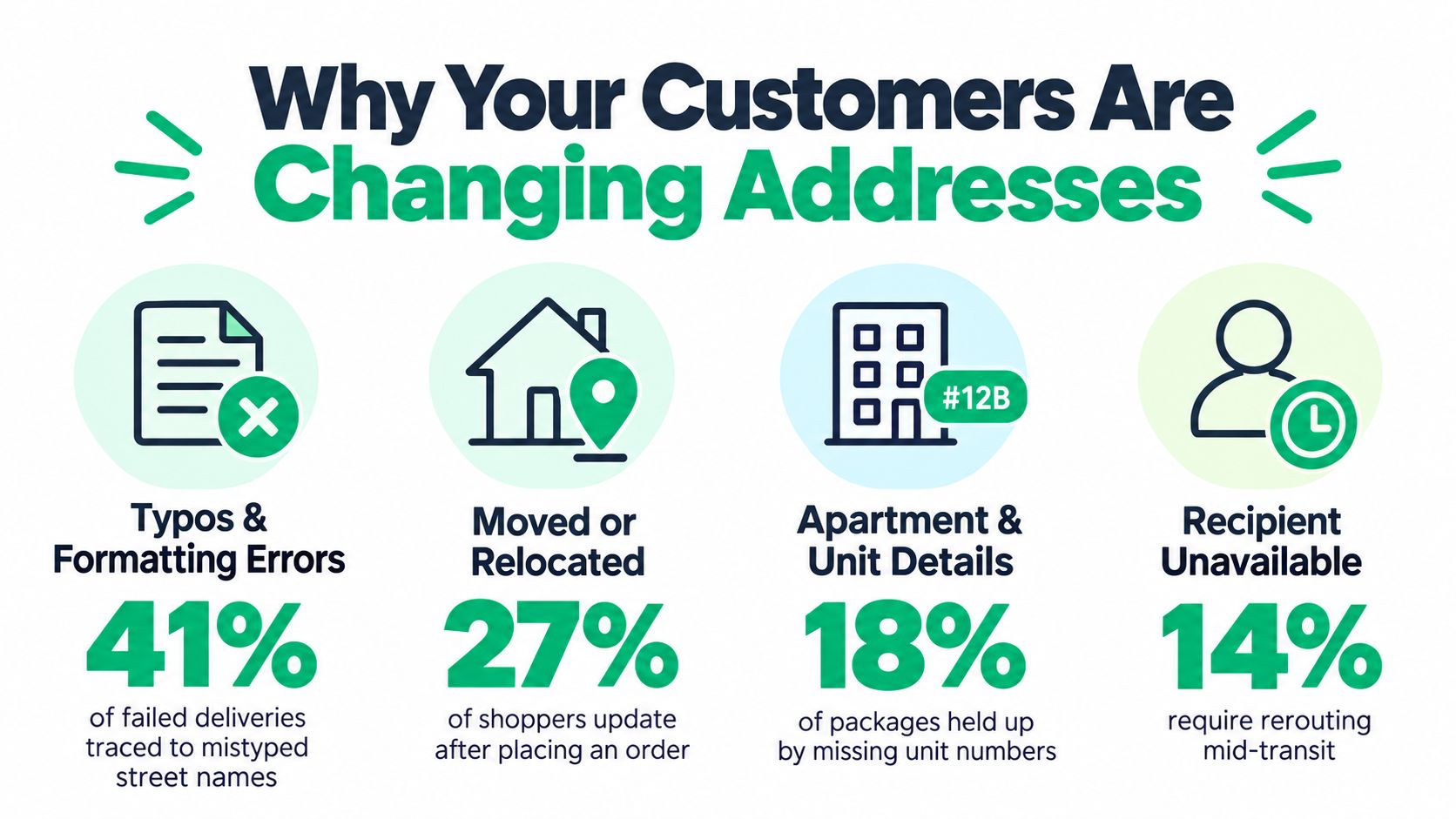
The operational impact becomes obvious at scale. At 100,000 parcels, a 2.1% issue rate represents 2,100 potentially affected deliveries, based on the calculation in the Shippo data. Shippo also found that shipments with address issues experienced delays of up to seven days among major U.S. carriers, while reported UPS and FedEx address-correction surcharges were roughly $23.50 to $24 per package. Those charges don't include support time, re-shipping, refunds, or the loss of customer confidence.
The mistake usually appears after payment
Customers often recognize an address mistake only after receiving the order confirmation. They may have typed a transposed house number, omitted a unit, selected an outdated saved address, or entered a valid-looking address using the wrong regional format.
Cahoot cites 4.7% of shipping addresses entered at checkout as affected by formatting errors, and estimates that correcting a single shipping error commonly costs $35 to $70 in correction, re-delivery, support, and related expenses. At 10,000 monthly orders, 4.7% would represent about 470 potentially problematic addresses, although the actual number requiring carrier intervention will vary by market and fulfillment process. Cahoot's shipping-label guidance provides the underlying figures.
Practical rule: Treat a post-purchase address request as a fulfillment-control issue, not merely a customer-profile edit.
A controlled address change can preserve the original order and its inventory reservation instead of forcing a cancellation and reorder. That makes the customer experience clearer and gives your operations team one order record to reconcile. The post-purchase customer experience guidance is useful context for designing that broader workflow around customer expectations, status visibility, and timely intervention.
Implementing Self-Serve Address Editing in Shopify
A customer-facing editing flow should sit inside the order journey, not behind an improvised support process. The order status page or confirmation experience is where customers already look for delivery information, so it provides a natural place to offer a permitted address update.
Start with eligibility. Only expose editing for orders that remain operationally mutable, usually unfulfilled orders. Your rules can also consider order tags, product types, destination markets, payment state, and whether a fulfillment or shipping label already exists. The edit control should disappear when the order crosses the cutoff, rather than allowing a customer to submit a change that your warehouse can no longer honor.
Build validation into the form
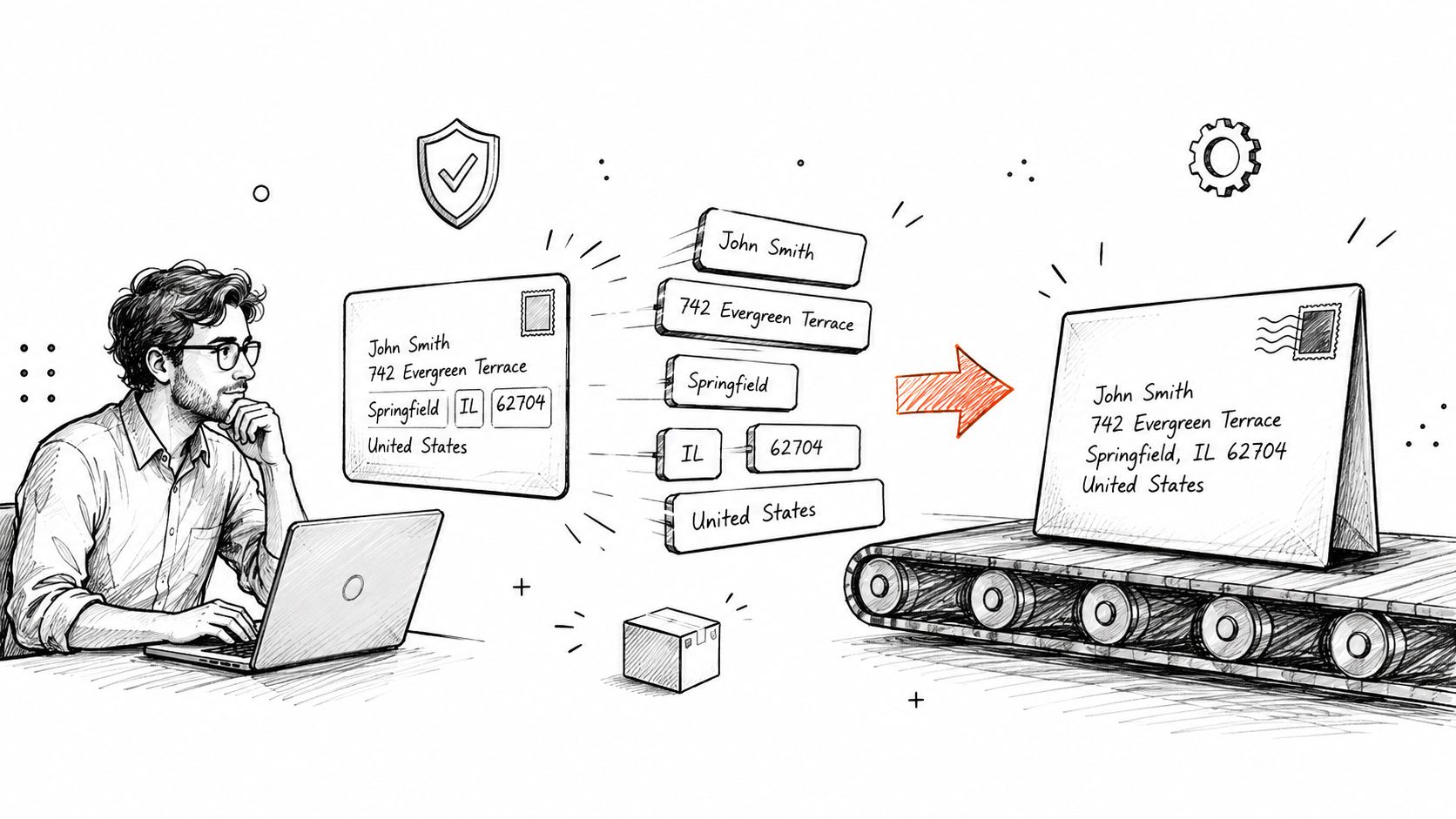
Don't present one generic address field for every country. Load the existing address, show country-specific fields, use lookup or autocomplete where available, and keep a manual fallback for addresses that databases can't resolve.
Baymard testing found typos or misspellings in approximately 9% of manually entered shipping addresses, while 55% of benchmarked ecommerce sites didn't provide automatic address lookup. When suggestions failed or were ambiguous, 69% of test participants manually completed city, state, and ZIP fields. These findings are documented in Baymard's research on automatic address lookup.
Your form should validate the country, postal code, locality, required administrative region, and delivery-line completeness. Don't automatically replace the customer's input with the first lookup result. Show the normalized destination for confirmation and preserve the original input for auditability.
A dependable workflow looks like this:
- Load the current order: Confirm the order state, fulfillment status, payment balance, shipping lines, current address, and any existing label or fulfillment record.
- Apply eligibility rules: Block edits after fulfillment begins, or route exceptions to a manual process.
- Validate the proposed address: Use country-aware fields, lookup, normalization, and a manual fallback.
- Confirm the destination: Display the final address clearly before the customer submits the change.
- Recheck commercial rules: Recalculate or reconcile shipping eligibility, taxes, inventory, fraud signals, and any destination-dependent charges.
- Record the mutation: Store the old and new values, actor, timestamp, validation result, and an idempotency key.
- Notify fulfillment: Send the updated address to the warehouse, label service, and other connected systems immediately.
A Shopify-native editing portal can expose only the permissions allowed by your merchant rules. The address and contact editing capability describes this type of controlled post-purchase flow. The supporting product information also states that merchants can define granular rules for when and for whom edits are allowed, with automatic reversion if payment for a price difference isn't completed, as described in the merchant editing documentation.
Treat the Shopify mutation as a transaction
For custom implementations, Shopify's Admin GraphQL orderUpdate supports changing an existing order's shipping address and returns the updated address for verification. The safe sequence is to retrieve the order, validate eligibility, normalize the address, perform the update, re-fetch the order, and compare totals, tax lines, shipping charges, and payment balance. Shopify's orderUpdate documentation should be the source of truth for the mutation details and API behavior.
Shopify documentation indicates that, from API version 2026-10, changing the address on an entirely unfulfilled order recalculates taxes for the new destination, while a partially fulfilled order retains the address change without recalculating tax. Your implementation therefore needs a fulfillment-state branch, webhook-driven reconciliation, and an explicit policy for partially fulfilled orders. A customer-facing confirmation alone isn't proof that every downstream system has accepted the new destination.
The Critical Difference Between Pre and Post-Fulfillment Edits
The same address change has a very different risk profile depending on where the parcel is. Before fulfillment, you're changing order data that your warehouse and label system can still use. After a label is purchased, the customer-facing order may change while the physical parcel, label, or carrier manifest still points to the old destination.
That creates a hard boundary. A Shopify order can be technically editable even when the shipment is no longer practically redirectable.
Use this decision path
Before fulfillment begins: Allow the edit if the order passes your payment, fraud, inventory, and destination checks. Revalidate the address, update the order, and make sure the fulfillment queue receives the new data before a label is created.
After a label exists, but before handoff: Put the order on hold. Void or cancel the old label where possible, create the replacement only after the new address is confirmed, and release the order to fulfillment again. Your staff needs a visible exception state so the original label doesn't get scanned accidentally.
After carrier handoff: Stop treating the request as a Shopify order edit. Contact the carrier, request an intercept or correction where available, and tell the customer that success depends on the parcel's location and carrier rules.
After delivery or failed interception: Reshipping, return-to-sender handling, refunding, or asking the customer to place a new order may be the only realistic options. Don't promise a redirect until the carrier confirms it.
Address-related delivery problems can delay 41% of deliveries and cause 39% to fail, according to the logistics data summarized in the consumer-demand research. The same source reports that 20% of postal addresses entered online contain errors, including misspellings, wrong house numbers, postal-code mistakes, and country-format problems. These figures explain why a fast pre-fulfillment correction is fundamentally different from a post-handoff request.
Once the parcel enters the carrier network, the order record is no longer the only system that matters.
Your policy should tell customers exactly when an edit is available and what happens after the cutoff. It should also explain whether additional postage may apply, whether a delivery guarantee remains valid, how inventory stays reserved during a hold, and when the customer will receive confirmation. Clear communication won't make an impossible redirect possible, but it prevents your support team from making promises the carrier can't keep.
Preventing Fraud and Protecting Customer Data
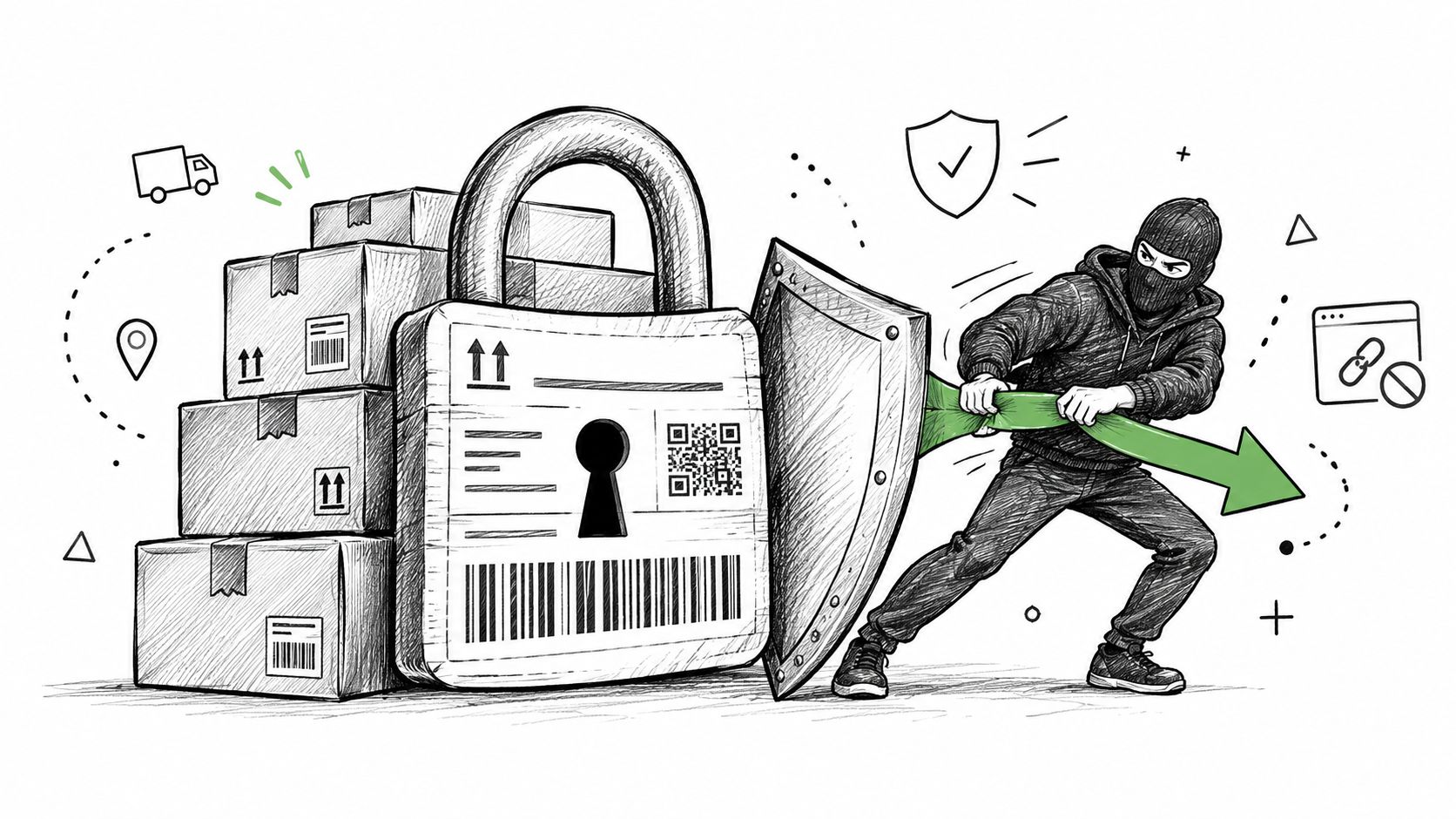
An address edit is a legitimate service request, but it's also a change to the destination of paid merchandise. An attacker with access to a customer account could attempt to redirect an order to an unrelated address, especially when the order is valuable, expedited, international, or already associated with unusual activity.
A blanket rule creates problems in both directions. Reject every billing and shipping mismatch and you'll block normal purchases sent to workplaces, gift recipients, or temporary residences. Allow every post-purchase change without verification and you'll make an otherwise useful convenience feature an easy route for account takeover or delivery loss.
Separate low-risk corrections from risky rerouting
A missing apartment number in the same locality is not equivalent to changing the destination country. A spelling correction that preserves the delivery area carries a different risk from a new address entered shortly after a password reset.
Use graduated controls rather than a yes-or-no permission:
- Low-risk changes: Allow corrections within the active editing window when the order remains unfulfilled, the account session is trusted, and the destination change is minor.
- Identity-sensitive changes: Require reauthentication or confirmation through a trusted customer channel when the account has changed recently or the address is materially different.
- High-risk orders: Send high-value, expedited, international, or repeatedly edited orders to manual review.
- Destination anomalies: Flag country changes, major billing-to-shipping divergence, unusual postal regions, and addresses that fail validation or delivery eligibility.
- Repeated attempts: Preserve every submitted value and outcome so staff can distinguish a genuine correction from repeated redirect attempts.
Verification is uneven across markets. The available industry data reports that 34% of businesses don't verify shipping addresses at checkout, while physical-address checks are reported at 57% in the UK, 58% in Germany, and 83% in the United States. Those differences, covered in the billing and shipping address analysis, support a market-aware approach rather than assuming one validation standard works everywhere.
A good audit record contains the actor, timestamp, old address, new address, validation response, payment result, fulfillment state, and downstream notification status. Limit staff access to the information they need, avoid exposing full address details in unnecessary emails, and make the customer confirmation clear without including sensitive order data in a public link.
The payment and identity path needs its own operational treatment. If the new destination changes shipping or tax obligations, collect the difference before committing the final state. If payment fails, revert the attempted change and keep the original order available for fulfillment review.
A customer shouldn't have to choose between convenience and privacy. The customer data protection guidance offers relevant principles for limiting access, documenting changes, and handling post-purchase information responsibly.
Best Practices for Merchant Address Policies
A reliable address policy is short enough for your support team to follow under pressure. It should define the editable state, the cutoff, the checks required, and the response when the order has already crossed into fulfillment.
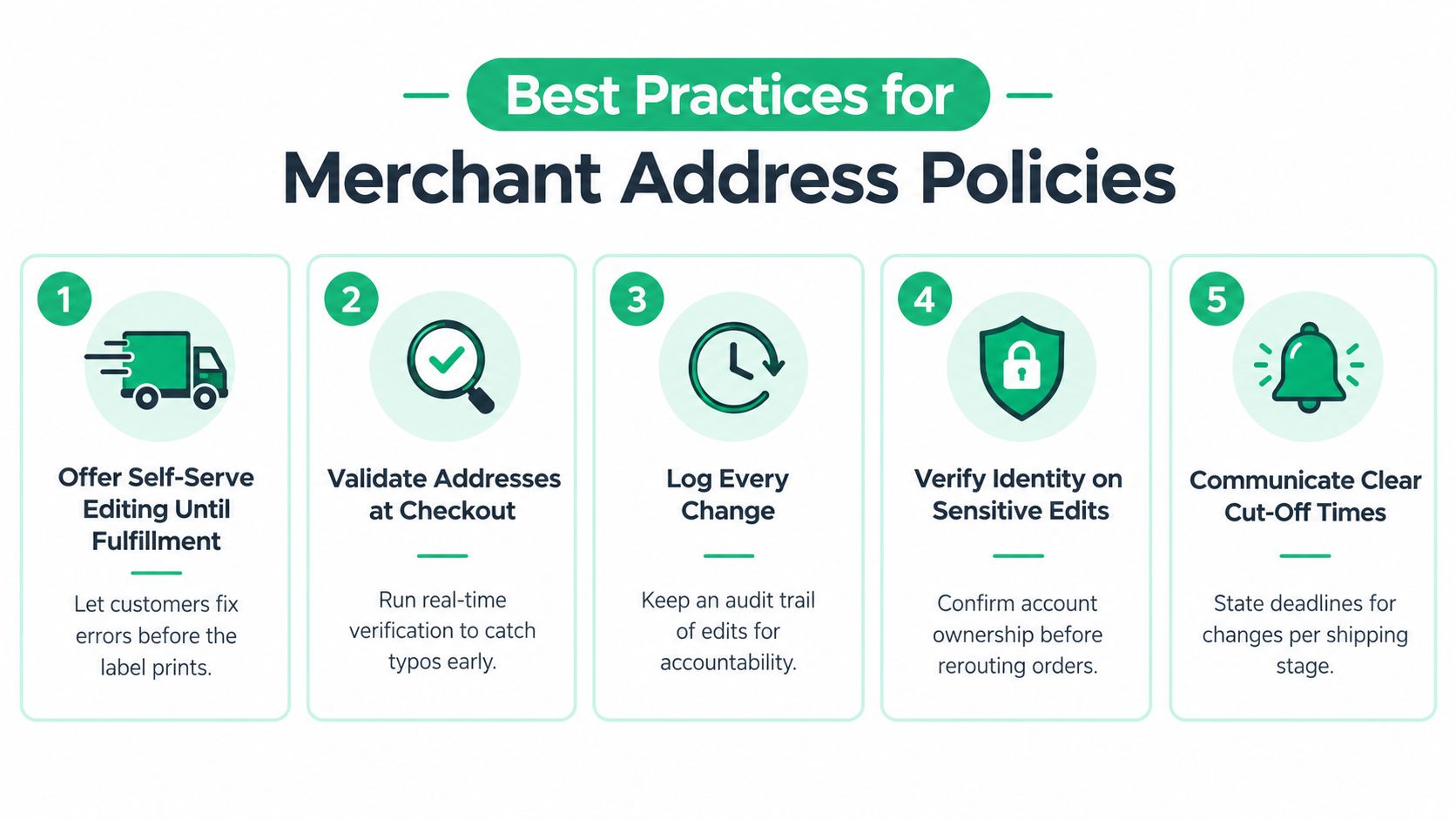
Use this checklist when reviewing your setup:
- Offer self-serve editing until fulfillment: Let customers correct eligible orders before the label prints, then lock the destination when the order enters a protected fulfillment state.
- Validate addresses at checkout: Catch incomplete or malformed entries before payment whenever possible, while preserving a manual path for unusual international formats.
- Log every change: Keep an immutable before-and-after record with the actor, timestamp, validation outcome, payment result, and fulfillment status.
- Verify identity on sensitive edits: Reauthenticate or review changes involving destination countries, high-value orders, repeated attempts, or unusual billing and shipping differences.
- Communicate clear cutoff times: State the deadline in the confirmation email, order status page, and support guidance, with different instructions for unfulfilled, labeled, and in-transit orders.
Review the policy against real operational events. Can a warehouse worker see that an order is on hold? Does a label service receive the updated address? Does a failed payment restore the original destination? Can support explain who pays extra postage without searching through multiple systems?
The safest automation is reversible, observable, and aware of fulfillment state.
Don't measure success only by how many address changes customers can submit. Measure whether the correct order was updated, whether fulfillment received the change, whether payment stayed reconciled, and whether suspicious edits reached a human before the parcel moved.
ServeApps provides Shopify-native tools for controlled post-purchase order changes, including customer address updates within merchant-defined rules and editing windows. Visit ServeApps to evaluate whether its self-service workflow fits your Shopify fulfillment and fraud-control process.
Shopify Store Credits: Issuing, Redeeming and Accounting
Learn what Shopify store credits are, how they differ from gift cards and refunds, and how to issue, redeem and account for them.
Read more →
Can You Have Multiple Stores on Shopify? Plans and Limits
Can you have multiple stores on Shopify? Yes, through organizations or Plus expansion stores. Compare plan limits, eligibility and setup tips.
Read more →
Product Customizer App Shopify: Choosing the Right Tool
Compare native and third-party product customizer app shopify options on speed, theme support, variant mapping and SKUs before you install one.
Read more →